
Standardizing GoHighLevel Accounts: A Guide to Snapshot Architecture
Managing sub-accounts efficiently requires standardizing core configurations into reusable master templates without disrupting existing client setups.
By Nexus Hub editorial · 6 min read
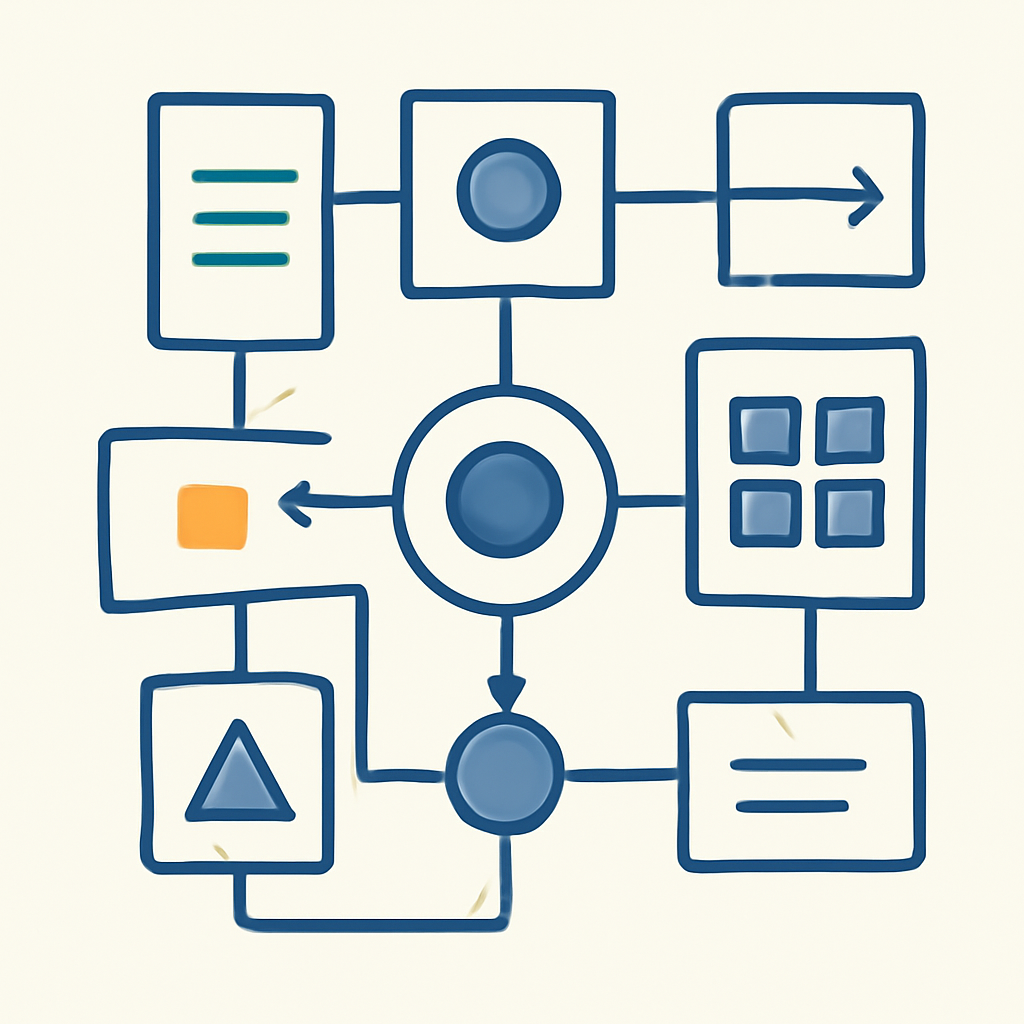
Building individual account configurations manually works when an agency manages only a handful of accounts. However, as client counts expand into dozens or hundreds, manual provisioning creates severe operational bottlenecks. Rebuilding pipelines, custom fields, calendars, forms, and automation workflows for every onboarding cycle wastes technical resources and introduces configuration errors.
HighLevel snapshots resolve this inefficiency by allowing operators to capture proven sub-account configurations and deploy them across multiple sub-accounts. Treated as controlled system blueprints, snapshots standardize service delivery, reduce onboarding timelines, and create consistent architecture across vertical-specific client rosters. Successfully leveraging snapshots requires deliberate asset organization, careful versioning, and disciplined update workflows.
Defining the Core Architecture of a Master Snapshot
A snapshot is an asset framework extracted from an existing sub-account. Rather than copying historical communication or contact records, it packages structural components that can be instantiated in new sub-accounts.
When building a master snapshot, the goal is to standardize assets that form the foundation of your core service offering. Well-structured snapshots typically include:
- Standardized opportunity pipelines and stage definitions aligned with specific sales processes
- Custom fields and custom values organized for consistent reporting and dynamic messaging
- Form, survey, and calendar configurations for standardized lead intake
- Core automation workflows, including lead distribution, follow-up sequences, and appointment reminders
- Email and SMS templates designed for standard customer communication
- Funnels and landing page templates configured with dynamic custom values
Live client data—such as contacts, conversation histories, appointment records, payment processor connections, and integration keys—is never saved within a snapshot package. Snapshots transport system design, not runtime data.
Building and Structuring Clean Source Accounts
Capturing a master snapshot directly from an active client sub-account is a frequent operational error. Active accounts often accumulate experimental workflows, localized custom fields, unused forms, and client-specific tweaks that contaminate the master blueprint when exported.
Instead, establish a dedicated staging sub-account that functions strictly as your snapshot development source. No live lead generation or client management should take place inside this environment.
- Map out the exact user journey and system requirements for your target industry or offer.
- Build the necessary fields, pipelines, forms, calendars, and workflows inside the dedicated source account.
- Apply clean, uniform naming conventions to every asset to ensure clarity across team operations.
- End-to-end test all automation paths, triggers, and condition branches within the staging setup.
- Generate the snapshot from the source account and assign explicit semantic version tags.
Consistent naming conventions are critical when managing multiple snapshots across different verticals. Naming a snapshot based on its specific function and version number—such as 'Dental Intake Framework v2.1'—prevents team members from deploying outdated configurations.
Managing Updates and Deploying Push Changes Safely
Updating a master source sub-account does not automatically push adjustments to live client environments that were built from previous versions of that snapshot. Controlled maintenance requires a deliberate, multi-step update procedure.
When an automation workflow or template is refined in the master account, the operator must first refresh the snapshot in the agency management layer to capture the changes. Once refreshed, the updated assets can be selectively pushed to connected child sub-accounts.
- Maintain a detailed internal change log detailing structural changes made in each snapshot release.
- Test snapshot updates on a staging sub-account before pushing changes to active accounts.
- Use selective update functionality to deploy specific assets rather than overwriting complete sub-account configurations.
- Verify asset dependencies to ensure that updated workflows find required custom fields and tags in target accounts.
Selective deployment is essential when client accounts have undergone local customization. Overwriting an entire sub-account can erase client-specific modifications, broken links, or custom integrations tailored to a single client location.
Operational Mistakes to Avoid in Snapshot Governance
Without centralized rules for snapshot management, configuration drift occurs, resulting in fragmented system architecture across your client base.
A common operational oversight is skipping post-deployment verification. While loading a snapshot configures standard assets automatically, location-specific settings—such as business contact details, domain configurations, phone numbers, and integration credentials—must still be verified manually.
Another frequent issue is failing to document asset dependencies. Automation workflows often rely on specific custom values, pipelines, or tags to run correctly. If dependent assets are excluded during snapshot creation or asset updates, workflows can fail silently when triggered.
Establishing a standard operating procedure for snapshot creation, testing, deployment, and auditing ensures that system quality remains consistent as client volume increases.
Need help applying this to your account?
Ask inside Nexus Hub — Charles is live Mon, Wed and Fri.
Building a Standardized Client Onboarding System in HighLevel
Evaluating HighLevel Technical Talent: A Framework for Agencies
The AI Agency Shift: Moving from Lead Generation to Core Business Operations
Nexus Hub editorial
How this was researched, tested, and corrected: Nexus Hub editorial standards. Spotted an error? Report it and we will check it.
Nexus Hub is an independent community and educational resource. It is not affiliated with, endorsed by, or sponsored by HighLevel.