
 Book/Ebook
AI & Chatbots
Sales Automation Chatbots
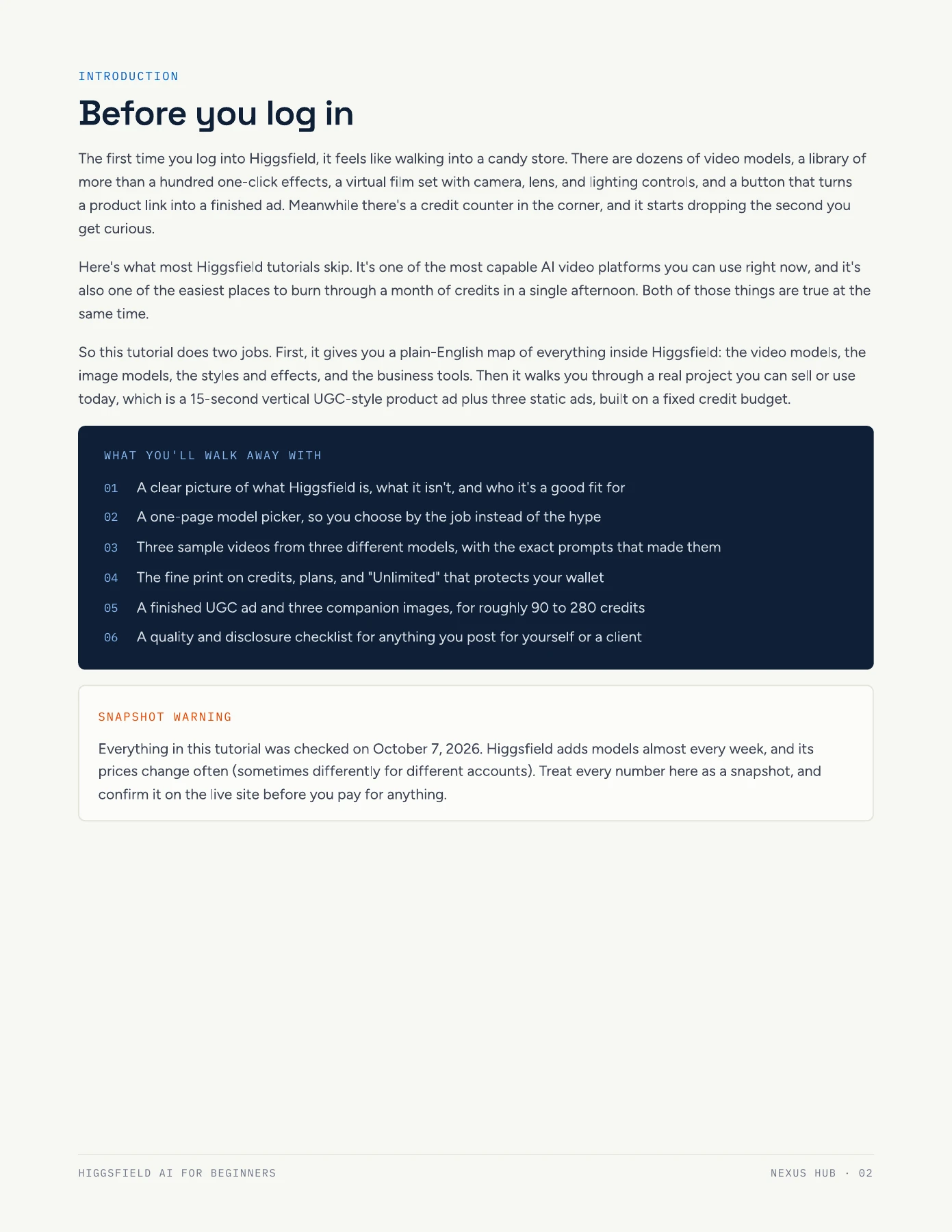
Ebook designed to help customers build automated sales systems with chatbots that respond instantly, capture leads, and turn conversations into sales.
Guide · AI & Chatbots
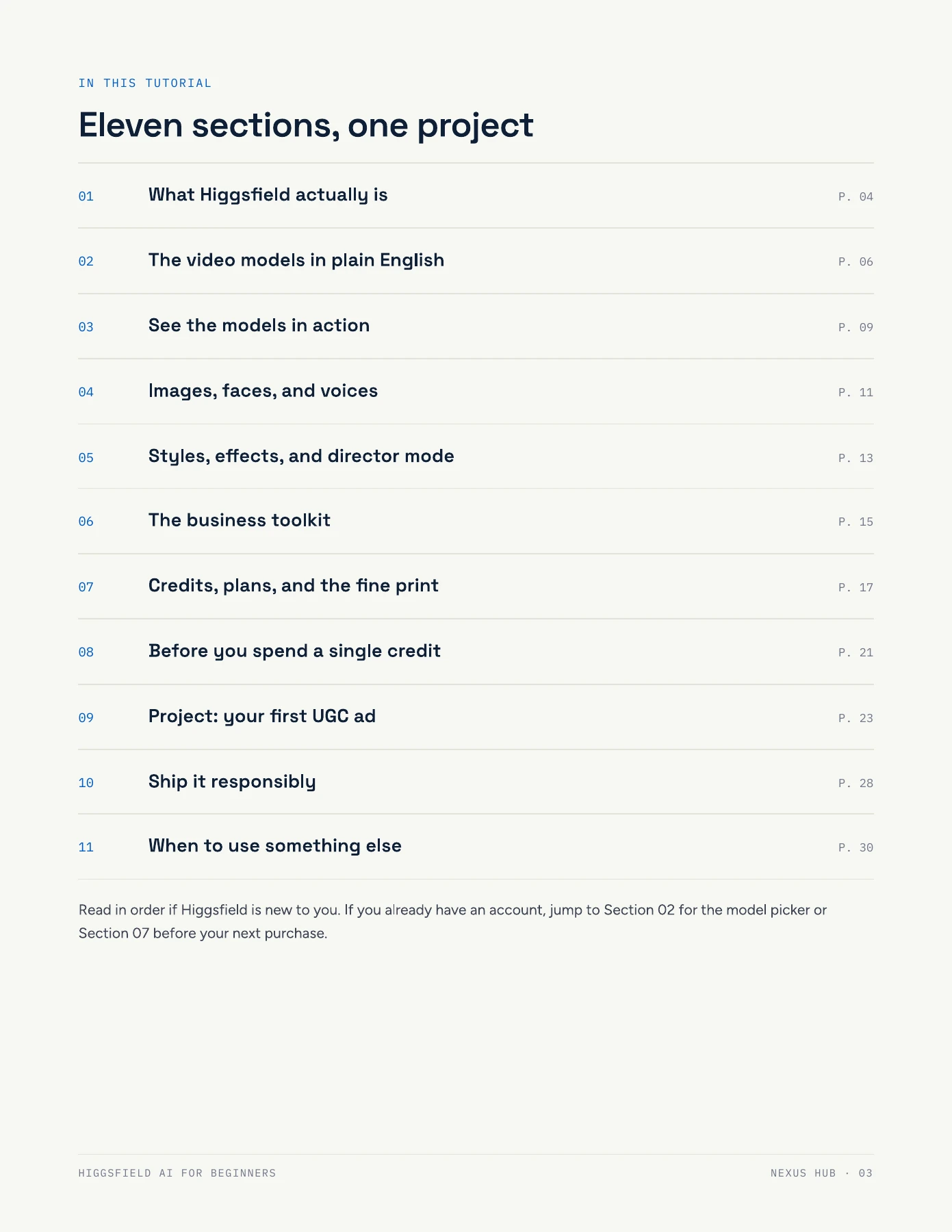
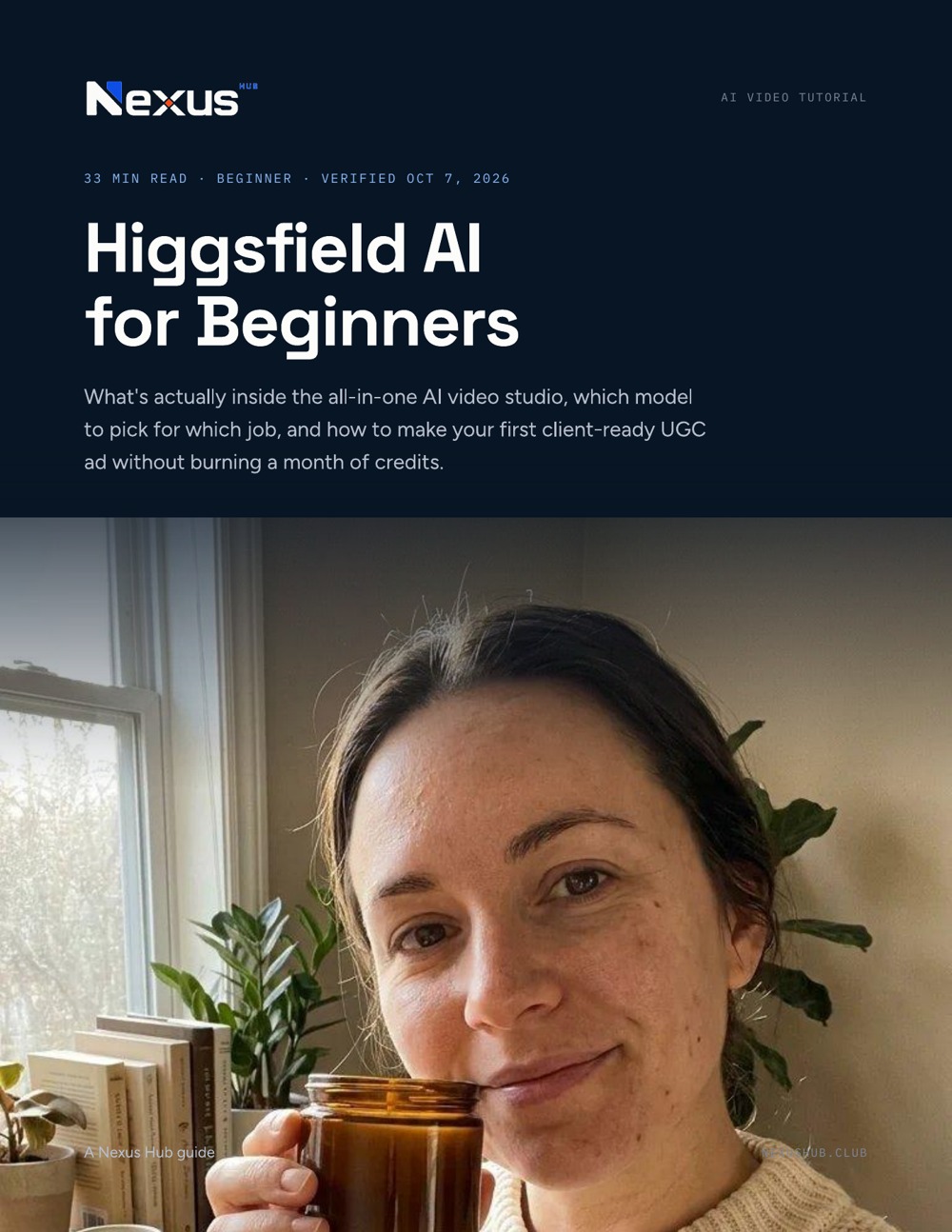
A beginner-friendly tour of Higgsfield's all-in-one AI video studio, followed by a hands-on project: a 15-second UGC-style product ad and three companion images. Learn how to choose video and image models, use effects and Cinema Studio, plan your credit budget, write better prompts, and check your work before sharing it with a client. A 33-minute read across 31 pages; model and pricing information reflects the guide's October 7, 2026 snapshot, so confirm current details before purchasing.
What's inside
How to use it. Read in order if Higgsfield is new to you. If you already have an account, start with the model picker or the credits section, then work through the product-ad project using one product and a fixed budget. Check the live platform for current models, plans, and credit costs.
Higgsfield AI for Beginners
Drag a page corner to curl it over, or use the arrow keys and buttons to turn pages.
Nexus Hub members get the full resource library plus live sessions and a community of HighLevel agency owners to work through it with.
Book/EbookEbook designed to help customers build automated sales systems with chatbots that respond instantly, capture leads, and turn conversations into sales.
 Book/Ebook
Ebook designed to help customers use AI to increase profits, make smarter decisions, and run a small business with greater confidence.
 Guide
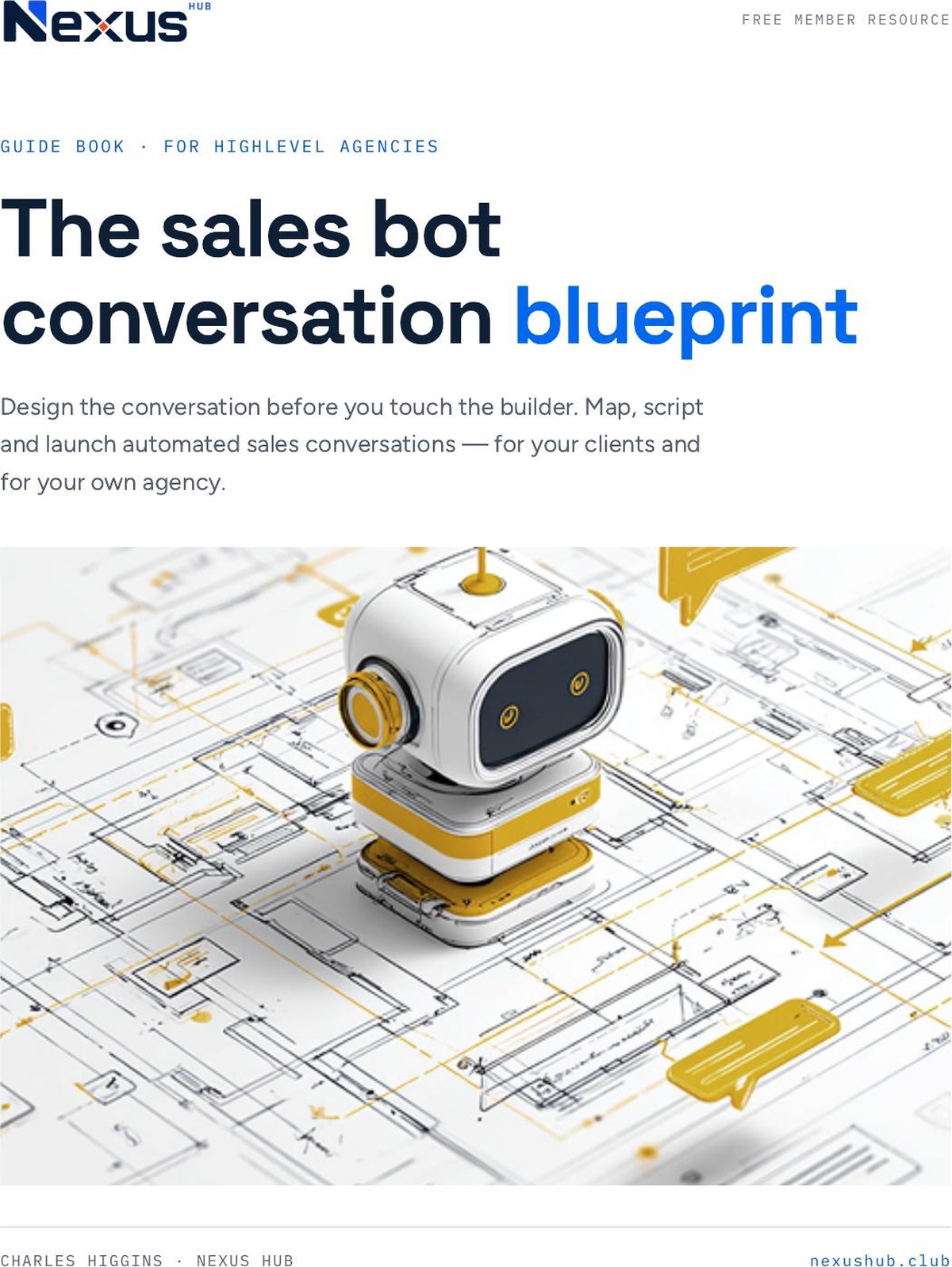
GuideGuide to help customers design chatbot conversations that capture leads, qualify prospects, and turn messages into sales.