
Guide · Marketing & Growth
50 Top Brands’ Design Systems — a beginner’s guide
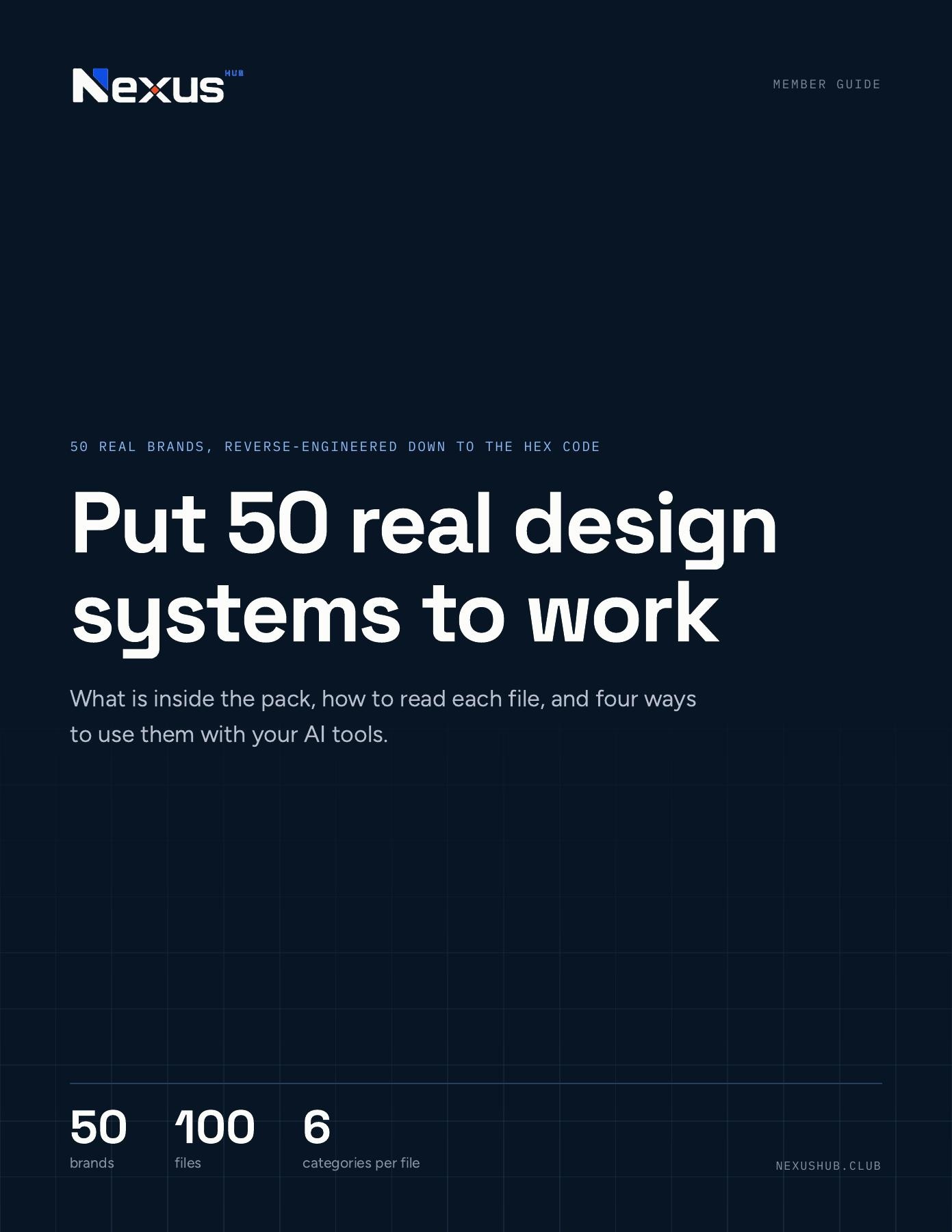
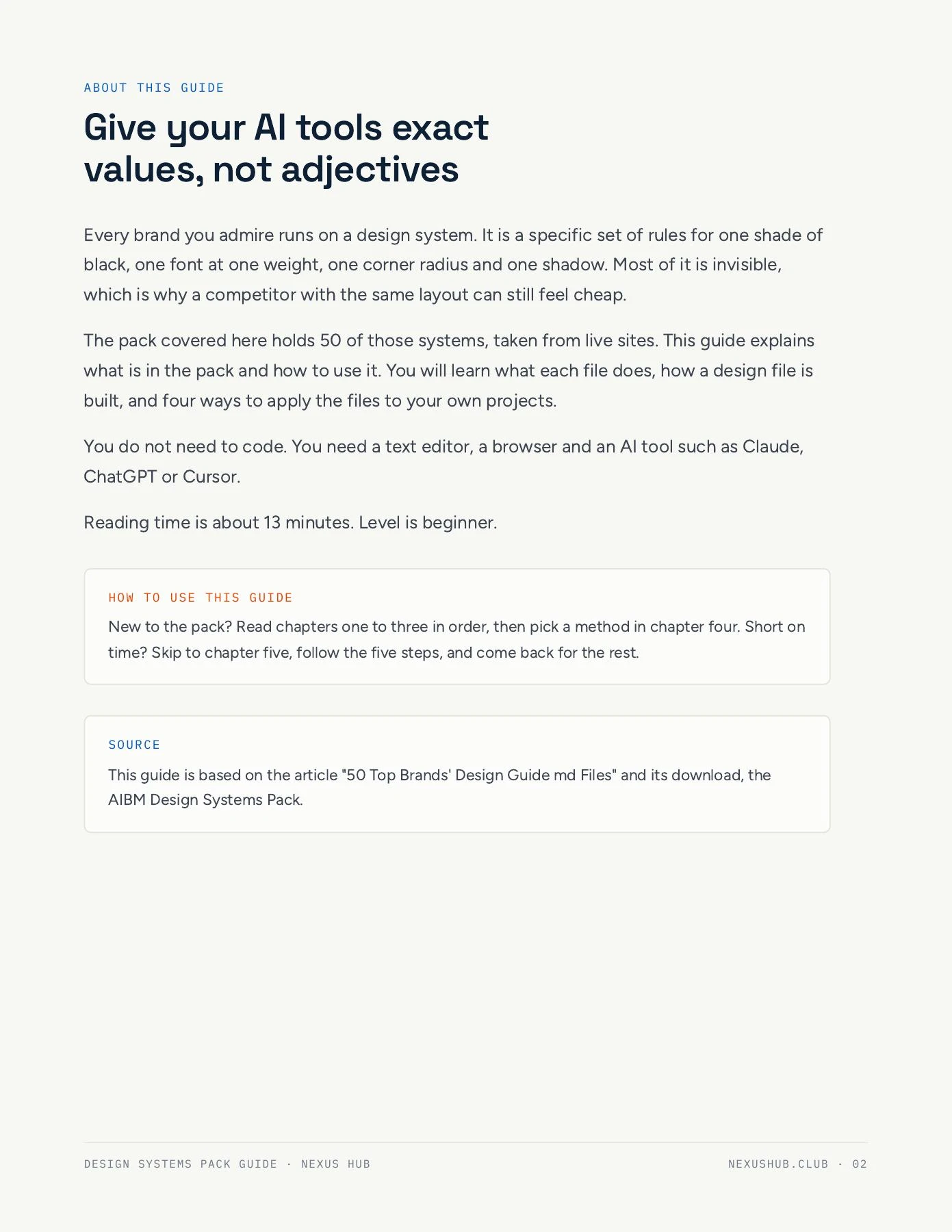
Put 50 real design systems to work with your AI tools. This beginner-friendly guide explains how to read structured design files, understand colors, typography, spacing and components, compare browser-based showcase pages, and apply exact values to your own projects with Claude, ChatGPT or Cursor. Includes four practical methods, a five-step starting checklist, and an overview of all 50 brands. A 13-minute read across 22 pages; this is the guide to the pack, not the separate Markdown and HTML files.
- Guide
- 22 pages
- 9 sections
- Read free on Nexus Hub
What's inside
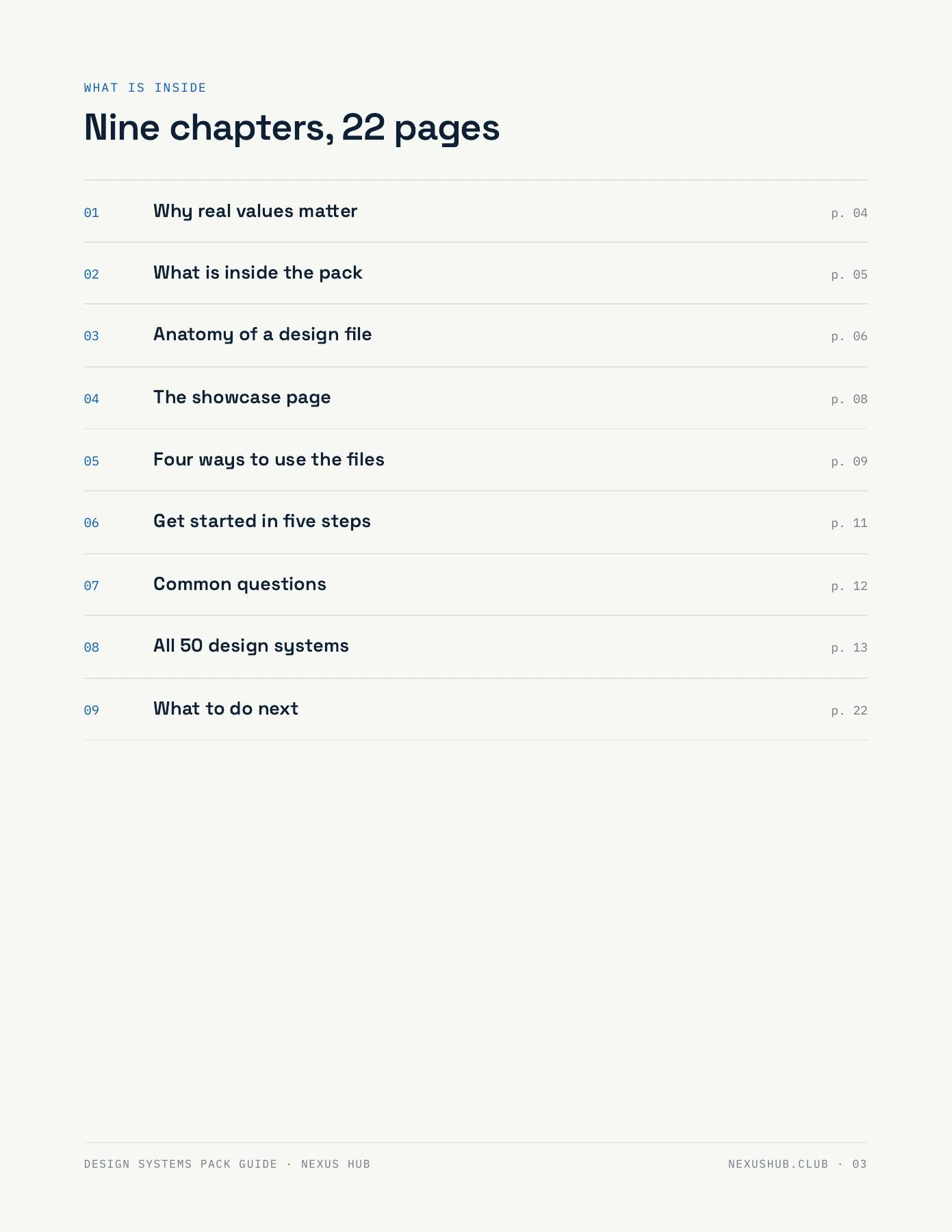
9 sections, start to finish
- 01Why real values matter
- 02What is inside the pack
- 03Anatomy of a design file
- 04The showcase page
- 05Four ways to use the files
- 06Get started in five steps
- 07Common questions
- 08All 50 design systems
- 09What to do next
How to use it. Read the opening chapters to understand the files, then choose one of the four practical methods. For a quick start, follow the five-step checklist and compare three brands before picking a system. The separate design-system pack referenced in the guide is not included in this resource.
50 Top Brands’ Design Systems — a beginner’s guide
Drag a page corner to curl it over, or use the arrow keys and buttons to turn pages.
Want help putting this to work?
Nexus Hub members get the full resource library plus live sessions and a community of HighLevel agency owners to work through it with.