
Configuring inbound email automated responses and governance in AI agents
Learn how to set up inbound email handling for AI bots, manage CC and BCC default recipients, and choose the right template structure for automated replies.
By Charles Higgins · 5 min read
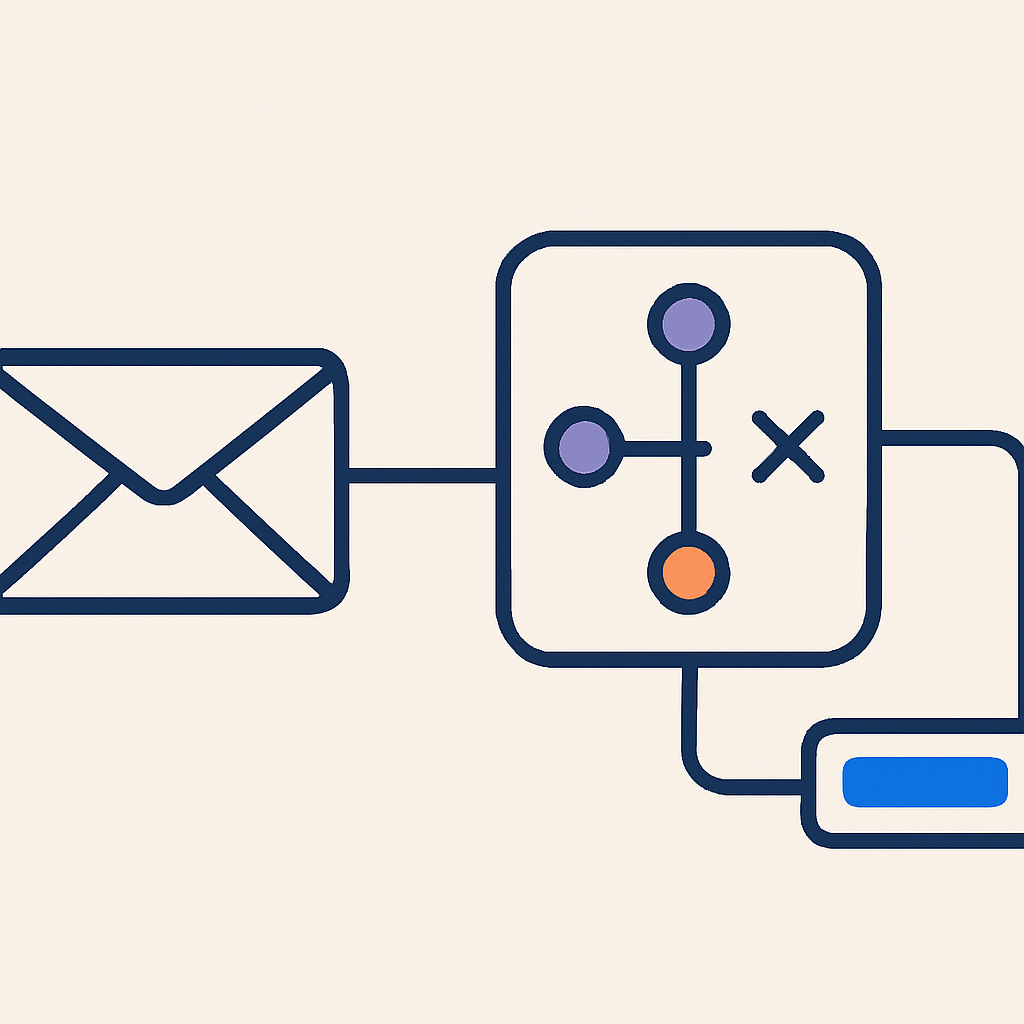
Automated chat bots have traditionally operated within website widgets or direct messaging channels. Expanding AI agent capabilities to handle inbound email allows operations teams to maintain consistent response standards across multiple communication touchpoints.
Bringing AI automation to email requires deliberate control over message formatting, sender parameters, and routing rules. Configuring these elements ensures that automated outbound emails remain professional, traceable, and aligned with operational procedures.
Enabling Inbound Email Channels
To allow an AI agent to process and reply to incoming email messages, the email channel must first be activated within the bot settings interface.
- Navigate to the AI agent management interface and select the target bot configuration.
- Locate the channel settings section and enable email as a supported delivery mechanism.
- Open the email configuration view to define specific routing and behavior parameters.
Activating the channel establishes the underlying message pipeline. However, full deployment requires defining how responses are structured and who receives notifications during automated interactions.
Managing Sender Details and Recipient Governance
Maintaining operational oversight over automated email correspondence requires clear governance structures. Two key settings control how emails appear to end users and internal team members: sender details and CC or BCC routing.
Configuring Sender Identity
Sender details dictate the visible display name, sending address, and reply-to behavior associated with the bot. Setting explicit sender rules prevents spoofing flags and ensures customer replies route reliably back to the correct inbox monitoring queue.
Setting Up CC and BCC Rules
Configuring default CC and BCC recipients on AI-generated replies provides immediate transparency without requiring manual intervention from support representatives.
- Internal Visibility: Keep account managers or department leads informed by copying relevant internal email addresses on automated client communications.
- Audit Trail: Use blind carbon copies (BCC) to archive AI-generated correspondence into secondary databases or compliance platforms.
- Hand-Off Readiness: Ensure that human operators maintain full context if a ticket escalates and requires direct staff intervention.
Choosing and Designing Response Templates
Email structure plays a significant role in deliverability and customer comprehension. AI agents can output messages using either plain text or structured design templates.
Plain text templates work best for simple transactional updates, quick answers, or system notification workflows where visual design is unnecessary. Plain text emails often feel more direct and minimize the likelihood of triggering strict email security filters.
The design editor allows operators to construct formatted layouts with visual headers, brand styling, and structured content blocks. When using a design template, the AI populates dynamic response content within the pre-defined layout, ensuring brand alignment across all customer interactions.
Operational Best Practices for Email Rollouts
Before deploying automated email agents to live customer queues, thorough testing and procedural alignment are necessary to ensure response accuracy and avoid delivery issues.
- Standardize Context Rules: Ensure the underlying knowledge sources used by the agent contain clear instructions regarding email response length and tone.
- Test Edge Cases: Send sample inquiries covering various customer scenarios to verify that CC/BCC recipients receive the outputs and dynamic text renders accurately.
- Monitor Initial Hand-Offs: Audit automated email conversations during the first few weeks of implementation to refine prompt guidance and template layouts.
Always test recipient configurations and template layouts in a non-production staging environment prior to routing primary support addresses through automated AI channels.
Need help applying this to your account?
Ask inside Nexus Hub — Charles is live Mon, Wed and Fri.
Extendly Boss AI Bootcamp, how to build an AI team inside your agency
AI vs. Human Account Management: Defining the Operational Boundary
Voice AI Pre-Deployment QA: A 30-Point Testing Framework for Agencies
Charles Higgins · Founder & Host, Nexus Hub
Charles is the founder of Pinnacle AI and a SaaSpreneur Gold Award winner. More about Charles
How this was researched, tested, and corrected: Nexus Hub editorial standards. Spotted an error? Report it and we will check it.
Nexus Hub is an independent community and educational resource. It is not affiliated with, endorsed by, or sponsored by HighLevel.