
Automating inbound email workflows for lead capture and support triage
Learn how to configure inbound email triggers, filter incoming messages, and leverage thread settings to streamline communication workflows without manual effort.
By Charles Higgins · 5 min read
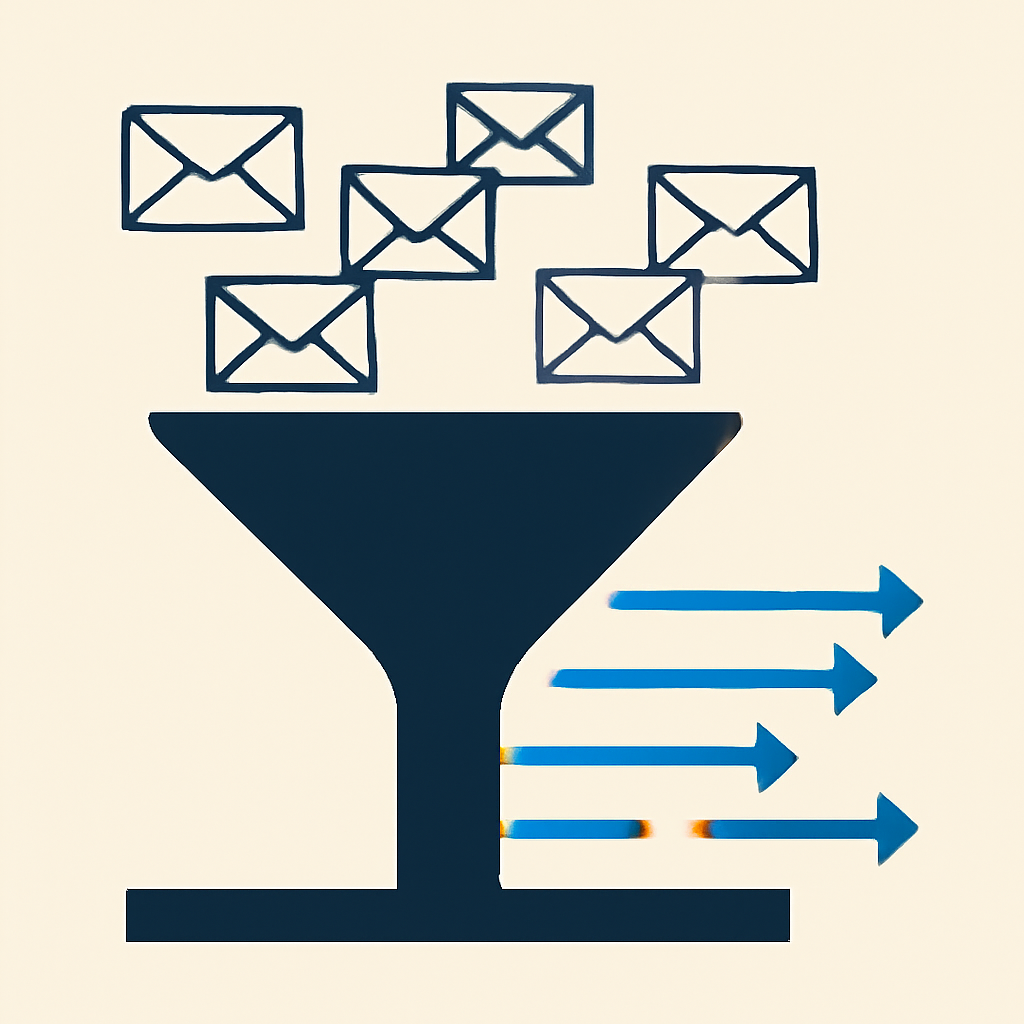
Inbound email remains a foundational communication channel for sales inquiries, client support requests, and daily operational updates. When incoming messages rely entirely on manual monitoring, response delays inevitably create bottlenecks, cold leads, and inconsistent service standards. Setting up automated handling directly at the inbox level resolves these operational friction points before they escalate.
By employing an inbound email trigger inside your automation system, you can immediately capture incoming messages, run them through granular conditional logic, and dispatch appropriate downstream actions. This guide outlines how to configure inbound email triggers, control conversation thread behavior, and leverage dynamic variables for seamless message processing.
Establishing the Inbound Email Trigger Architecture
Initiating an automated response sequence requires attaching a listening trigger to your system inbox. Once activated, the workflow continuously monitors for new email payloads and passes matching items down the execution path.
To prevent processing unneeded clutter—such as internal status reports, system notifications, or unwanted bulk mail—filtering logic must be applied at the trigger level. Precise filters ensure that only relevant communications launch the workflow.
- Sender address filtering to isolate external client inquiries from internal staff discussions.
- Subject line condition checks to identify explicit keywords like support, pricing, or urgent.
- Workflow association checks to verify if the sender is currently enrolled in active sequences.
Always apply sender or subject filters on initial workflow builds to prevent infinite auto-responder loops between external servers and your automated sequences.
Managing New Conversations Versus Ongoing Thread Replies
A critical architectural decision in email automation involves controlling how the workflow engine handles ongoing threads versus initial outreach. Modern automation builders offer dedicated toggles to specify whether follow-up replies should restart execution.
When you restrict execution strictly to new conversations, the workflow evaluates only the opening message of an email thread. Subsequent replies from the recipient store silently in the contact history without re-triggering the sequence. This mode is optimal for welcome sequences and first-touch lead capture, where sending redundant automated acknowledgments on every reply harms user experience.
Conversely, allowing thread replies to re-trigger the workflow keeps the automation listening continuously. This setup is ideal for support ticketing setups or notification routines that must alert account managers every time a client sends an update, regardless of thread length.
Utilizing Dynamic Custom Values for Contextual Automation
Automated replies lose effectiveness if they feel distant or generic. Inbound email triggers automatically extract message meta-data, giving downstream actions access to rich context from the original payload.
By inserting these variable fields into automated responses or internal task notifications, team members and contacts receive precise, context-aware communications.
- Message body contents to inject raw client questions directly into internal team tasks or CRM contact notes.
- Sender address details to dynamically create or update records without manual data entry.
- Thread history data to preserve full conversation context during automated team handoffs.
Strategic Implementation Patterns for Operations
Operational teams typically structure inbound email automation around three primary deployment patterns, depending on organizational priorities.
- Immediate lead acknowledgment: Send an instant, personalized confirmation email when an unmapped prospect sends an inquiry, assuring receipt and establishing clear expectations for personal follow-up.
- Departmental email routing: Evaluate subject line criteria to auto-route incoming messages to specialized teams, eliminating the manual inbox triage stage.
- Automated ticket creation: Capture incoming support emails, store the content within specific contact fields, and notify assigned account managers automatically.
Combining focused filters, intentional thread handling, and dynamic contextual variables eliminates manual email sorting while keeping response times fast and consistent across all channels.
Need help applying this to your account?
Ask inside Nexus Hub — Charles is live Mon, Wed and Fri.
Configuring Local Presence Dialing to Improve Outbound Answer Rates
How to Use Call Connect to Prevent Voicemail False Positives in HighLevel
How to Capture Individual Guest Data in Multi-Attendee Registrations
Charles Higgins · Founder & Host, Nexus Hub
Charles is the founder of Pinnacle AI and a SaaSpreneur Gold Award winner. More about Charles
How this was researched, tested, and corrected: Nexus Hub editorial standards. Spotted an error? Report it and we will check it.
Nexus Hub is an independent community and educational resource. It is not affiliated with, endorsed by, or sponsored by HighLevel.