
Workflow Builder Resize and Expand Sidebars: A Small HighLevel Update That Makes a Big Difference

Sometimes the simple stuff matters more than the flashy, advanced features.
That is especially true inside a platform like HighLevel, where so much daily work happens inside workflows, automations, CRM operations, and agency systems. A huge new feature can be exciting, sure. But the updates that improve how the app actually feels to use every day often make the biggest difference over time.
That is exactly what the new resize and expand sidebar update in the HighLevel Workflow Builder delivers.
It is not trying to reinvent automation. It is not a dramatic overhaul. It is a straightforward quality-of-life improvement that gives you more room, more flexibility, and a better working experience inside one of the most important parts of the platform.
And honestly, that matters a lot.
The Complete Operating System for Growth
Join over 60,000+ agencies and businesses using HighLevel to capture more leads and close more deals. Start your trial today and get instant access to the Nexus Hub resources.
Claim Your Free Trial & BonusesWhat changed in the Workflow Builder?
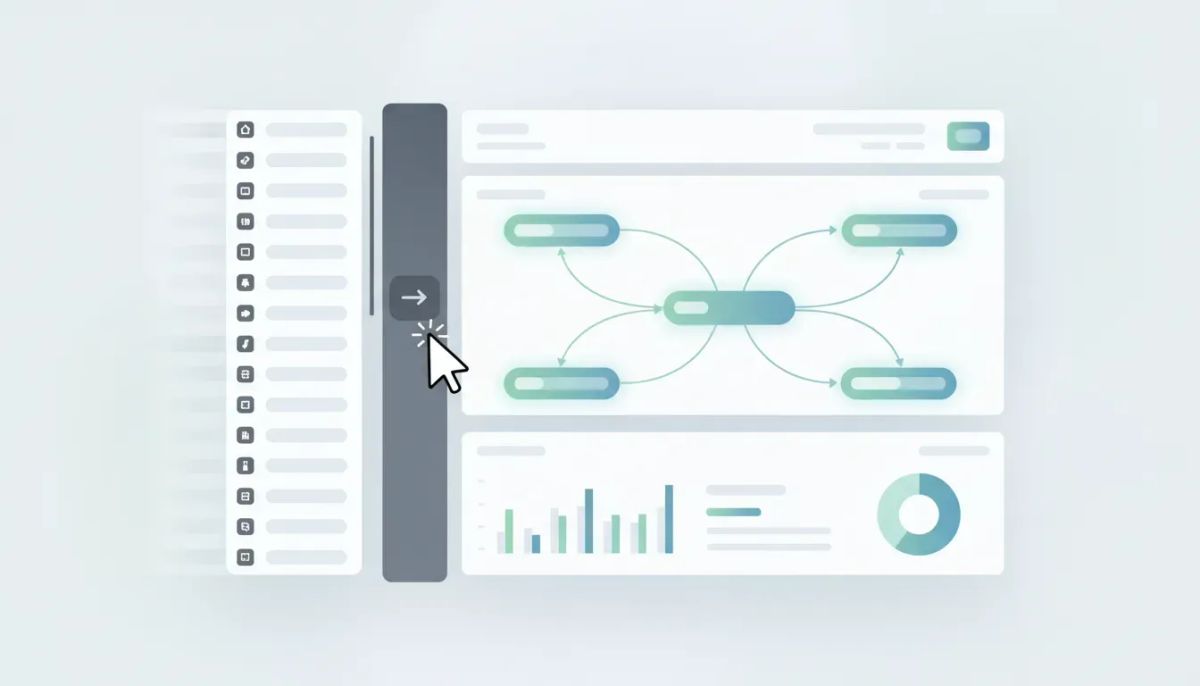
HighLevel added the ability to resize and expand the sidebar inside the Workflow Builder.
If you have ever used an app and thought, “I just want to make this panel bigger so I can actually work,” this is that kind of update. It is the kind of behavior people expect in modern software, and now it is available in workflows too.
The update gives you two useful options:
- Expand the sidebar so it opens out more prominently on the screen
- Drag to resize it and adjust the width to fit how you work
That means you are no longer stuck with a fixed panel size when building or editing automations in HighLevel.
Why this matters more than it sounds
On paper, sidebar resizing can sound minor. In practice, it changes the experience of using the Workflow Builder.
HighLevel workflows are where agencies and businesses build the systems that power follow-up, lead nurturing, appointment reminders, internal notifications, customer journeys, and all kinds of marketing automation. This is not a casual area of the app. It is one of the places where real operational work gets done.
When you are inside a workflow, you are often doing things like:
- Reviewing multiple steps in an automation
- Editing action settings
- Checking names, conditions, or logic
- Working through details in the sidebar while keeping the workflow canvas visible
- Trying to stay efficient without opening and closing things over and over
A cramped sidebar creates friction. A flexible one removes it.
That is the real value here. Less friction means faster setup, easier editing, and a more comfortable workspace for people managing HighLevel automations every day.
A quality-of-life improvement that supports real work
The best software updates are not always the loudest. Sometimes they are the ones that quietly make the platform easier to use every single day.
This sidebar update falls squarely into that category.
When the sidebar can expand into the center of the screen, you get a more focused editing space. When you can drag it wider, you get more control over how much information you want to see at once. That flexibility helps you adapt the Workflow Builder to the task in front of you instead of forcing your task into a rigid layout.
That is useful whether you are:
- Building a new workflow from scratch
- Updating an existing automation
- Troubleshooting workflow steps
- Managing complex agency setups across multiple clients
- Refining internal systems for CRM and SaaS operations
Even if the feature is simple, the impact stacks up quickly when you spend a lot of time in workflows.
How the new resize and expand behavior works
The update is straightforward, which is part of what makes it good.
Inside the Workflow Builder, there is now an option to expand the sidebar. Once selected, the sidebar opens more fully, giving it a more central presence on the screen.
From there, you can also grab the edge and drag it wider to resize the panel.
That gives you a much more adjustable workspace compared to a fixed-width editing experience.
The result is simple:
- You can see more
- You can fit the interface to your screen
- You can work in a way that feels more natural
It is the kind of usability upgrade that feels immediately familiar because it matches what people already expect from the apps they use every day.
Why flexible workspace design matters in HighLevel
HighLevel is often used by agencies, service businesses, marketers, and operators who are building repeatable systems at scale. In that kind of environment, interface flexibility is not just a nice bonus. It supports execution.
When you are handling a single workflow once in a while, a fixed layout may not seem like a big deal. But when your team is regularly inside GHL building automations, adjusting CRM processes, or implementing systems across multiple accounts, small inefficiencies become real costs.
This is why quality-of-life improvements deserve attention. They help with:
- Speed, because less time is wasted fighting the interface
- Clarity, because more content can be visible at once
- Comfort, because the workspace can match personal preferences and screen size
- Consistency, because modern UI behavior reduces the learning curve
For agencies building HighLevel systems as part of their service delivery, these improvements also support smoother implementation and cleaner operations.
Small updates are often the most used updates
There is a tendency in software conversations to focus on major launches. New modules, advanced AI, deep integrations, big automation capabilities. Those things matter. But they are not the only updates that improve the platform.
Sometimes the most valuable enhancement is the one you touch dozens of times a day without even thinking about it.
That is the case with resizable sidebars in the Workflow Builder.
If workflows are central to how you use HighLevel, then anything that improves the editing experience has outsized value. It may not make headlines for weeks, but it will likely get used constantly.
That is a strong sign of a meaningful product improvement.
What this means for agencies using HighLevel workflows
For agencies, workflows are not just features. They are part of the delivery engine.
They support onboarding, follow-up, appointment flows, missed-call text back, lead routing, internal team alerts, and all the operational logic that keeps accounts running smoothly. In many cases, they are also part of the productized service an agency sells.
Because of that, even small enhancements to the Workflow Builder can help improve:
- Agency setup efficiency
- Client account implementation
- Team productivity
- Workflow maintenance
- Scalability across multiple sub-accounts
If your team spends significant time in GoHighLevel workflows, this update is worth using right away. It is one of those changes that can feel minor until you try it, and then you do not want to go back.
The Complete Operating System for Growth
Join over 60,000+ agencies and businesses using HighLevel to capture more leads and close more deals. Start your trial today and get instant access to the Nexus Hub resources.
Claim Your Free Trial & BonusesA better editing experience supports better automation
The Workflow Builder is where ideas become systems.
That is where a lead follow-up strategy becomes an actual automation. It is where a client communication sequence gets implemented. It is where CRM logic moves from concept to execution.
When the interface is easier to work in, it becomes easier to build with confidence.
No, a wider sidebar does not write the automation for you. But it can reduce visual friction and make it easier to focus on what you are building. And when you are creating or editing workflows regularly, that focus matters.
This is especially relevant in marketing automation, where details matter. Naming conventions, timing settings, action configurations, and logic all need attention. More usable screen space helps with that process.
Where to find the update
The feature is available directly inside the Workflow Builder in HighLevel.
If you are already building workflows in GHL, you can look for the sidebar expansion option and test the resizing behavior from there. Once you open the sidebar and start adjusting it, the value becomes pretty obvious.
It is one of those “right there in front of you” improvements that makes the builder feel more polished and more usable.
Why this is a good sign for the platform
Updates like this show attention to the everyday product experience.
That matters because HighLevel is not just a set of disconnected tools. It is a platform used for CRM management, automation, communication, agency operations, and SaaS delivery. The more deeply a platform is used, the more interface details matter.
Improving those details is a sign that the product is evolving not only in capability, but also in usability.
And for teams that live inside HighLevel every day, that is great news.
Best way to get value from simple improvements like this
A lot of users overlook smaller updates because they are waiting for the next major release. That is understandable, but it can lead to missed gains.
The better approach is to actively adopt these small upgrades as they appear.
Here are a few practical ways to do that:
- Check the Workflow Builder regularly for interface updates and usability improvements
- Adjust your workspace intentionally instead of sticking with the default view
- Encourage your team to use new UI enhancements if they improve speed or comfort
- Look for cumulative efficiency gains rather than judging each update in isolation
In agency systems and implementation work, a few seconds saved here and there can add up quickly across dozens of workflows and multiple client accounts.
The bigger takeaway
The bigger takeaway is not just that HighLevel added a resizable sidebar.
It is that practical improvements to the way you work matter. A lot.
Good automation software is not only about what it can do. It is also about how smoothly you can use it to do that work. The Workflow Builder resize and expand sidebar feature improves that experience in a simple, direct way.
It gives you more control over your screen space, helps the builder feel more natural, and makes one of the most important parts of HighLevel better to use.
That is a win.
Final thoughts
If you are building automations in HighLevel, this is absolutely worth trying.
It is a small feature with real practical value, especially for anyone working heavily in workflows, CRM automation, or agency implementation. These are the kinds of product improvements that make a platform feel better over time.
And if you are still exploring HighLevel or setting up your systems, this is a good reminder that the platform keeps improving in both major features and daily usability.
If you have not started yet, a HighLevel free trial is the easiest way to get hands-on with features like the Workflow Builder and see how the platform fits your agency, business, or SaaS operations.
If you want templates, implementation help, and a stronger support ecosystem while building out your systems, the Nexus Hub community can also be a natural next step.
Sometimes the advanced stuff is exciting. But sometimes the simple stuff is exactly what makes the biggest difference.
FAQ
What is the new HighLevel Workflow Builder update?
The update adds the ability to expand and resize the sidebar inside the Workflow Builder. You can open the sidebar more fully and drag it wider to better fit your screen and workflow editing needs.
Why is a resizable sidebar useful in GoHighLevel?
It improves usability. A larger, adjustable sidebar gives you more room to work with workflow settings and details, which helps reduce friction when building or editing automations.
Where can I find the resize and expand sidebar feature?
You can find it directly inside the HighLevel Workflow Builder. The sidebar includes an option to expand, and you can drag it to resize once it is open.
Does this update change how HighLevel workflows function?
No. The core workflow functionality stays the same. This is a user interface improvement designed to make the builder easier and more comfortable to use.
Is this update helpful for agencies managing multiple client accounts?
Yes. Agencies that spend a lot of time building and maintaining automations can benefit from the added flexibility. Small efficiency improvements matter even more when workflows are part of daily service delivery and scaling operations.
Can new users benefit from this feature too?
Absolutely. New users often benefit from interface clarity and flexibility even more than experienced users. A resizable sidebar can make the Workflow Builder feel easier to navigate and use.
The Complete Operating System for Growth
Join over 60,000+ agencies and businesses using HighLevel to capture more leads and close more deals. Start your trial today and get instant access to the Nexus Hub resources.
Claim Your Free Trial & Bonuses


