New Billing Dashboard Live: A Cleaner Way to Track Agency Spend in HighLevel

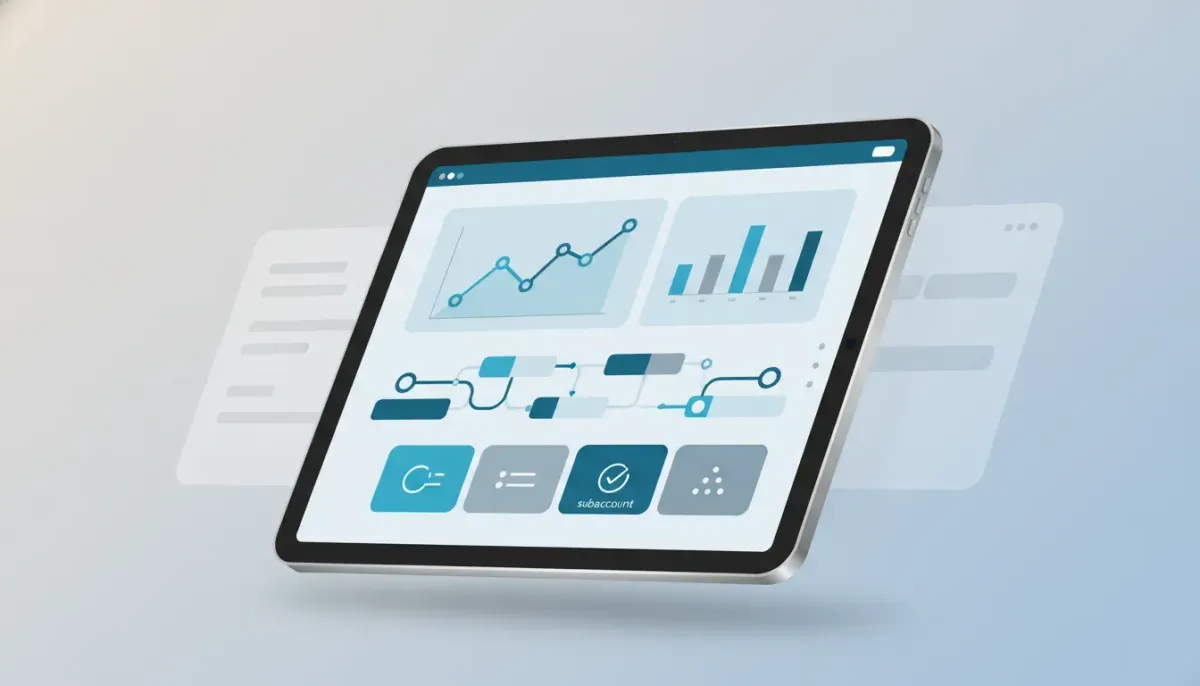
If you manage agency billing inside HighLevel, the new Billing Dashboard is the kind of update that makes everyday operations a lot easier. It is cleaner, more intuitive, and much better organized than the previous version. More importantly, it gives you deeper visibility into what is happening across your wallet, your transactions, and your subaccounts without forcing you to dig around for answers.
This is not just a cosmetic refresh. It is a strong foundational upgrade for anyone running client accounts, monitoring usage, handling wallet recharges, or trying to understand where costs are coming from across an agency setup.
For agencies using GoHighLevel as the hub for CRM, marketing automation, and SaaS operations, billing clarity matters. The more accounts you manage, the more important it becomes to have a dashboard that helps you move quickly from a broad financial snapshot to the exact line item you need.
What Changed in the New HighLevel Billing Dashboard
The biggest improvement is the overall structure. The new dashboard gives you a more natural way to move through billing data, with a user interface that feels cleaner and easier to understand from the moment you open it.
Instead of feeling like a collection of scattered billing details, the dashboard now works more like a centralized financial command center for your HighLevel account. You can review overall spend, drill into subaccount activity, inspect wallet transactions, and pull invoices without unnecessary friction.
That makes a real difference for agencies that need to:
- Track spending across multiple client subaccounts
- Understand wallet activity quickly
- Audit usage with more confidence
- Download invoices when bookkeeping or reconciliation requires it
- Spot unusual cost patterns before they become larger issues
A Better Foundation, Not Just a New Look
One of the most important things about this release is that it is more than a visual polish. The dashboard has been reworked in a way that supports better billing management over time.
That distinction matters.
A simple redesign might make a page prettier, but it does not necessarily make it more useful. What makes this update valuable is that it improves the structure behind the experience. You get a dashboard designed to help you understand agency spend at both the big-picture level and the detailed operational level.
For anyone scaling a HighLevel agency setup, that kind of structure is essential. As your number of accounts grows, manual billing reviews become slower, more error-prone, and harder to delegate. A more organized billing dashboard supports cleaner processes and better implementation strategies across finance and operations.
Visibility From the Top Level Down to the Subaccount
The standout feature here is visibility.
You are no longer limited to a broad overview without context. The new Billing Dashboard gives you access to information all the way down to the subaccount level, which is exactly where agencies often need to investigate spend.
This is especially useful when you are asking questions like:
- Which client account is driving the most usage?
- Why did spend increase this billing cycle?
- Are wallet charges aligned with account activity?
- Which transactions map to which areas of usage?
Instead of trying to piece together billing data from multiple places, you can move from summary to detail inside one dashboard.
For operational teams, this reduces the time spent chasing answers. For agency owners, it creates more confidence in the numbers. And for anyone responsible for client profitability, it becomes much easier to identify where margins may be getting squeezed.
Usage Overview Makes Agency Spend Easier to Understand
A strong billing dashboard starts with a clear usage overview, and that is one of the major benefits of this release.
When you can quickly see how usage is accumulating, you are better equipped to make practical decisions around pricing, packaging, and account management. This matters whether you run a handful of client accounts or a large SaaS-enabled agency model inside GoHighLevel.
A useful usage overview can help you:
- Understand spending trends at a glance
- Compare activity across accounts
- Catch billing surprises early
- Support cleaner monthly financial reviews
- Improve internal reporting for operations teams
For agencies building repeatable systems, this kind of visibility is not just convenient. It is part of running a scalable back end.
The Complete Operating System for Growth
Join over 60,000+ agencies and businesses using HighLevel to capture more leads and close more deals. Start your trial today and get instant access to the Nexus Hub resources.
Claim Your Free Trial & BonusesSubaccount Breakdowns Add Real Operational Value
Subaccount-level billing data is where things get practical.
Many agencies do not just need to know total spend. They need to know where that spend is coming from. A breakdown by subaccount makes it easier to tie costs back to specific clients, service packages, or account behaviors.
That can support better decisions in areas such as:
- Client pricing: If a specific account consistently generates more usage, you can adjust pricing or package limits accordingly.
- Internal auditing: Operations teams can review whether account behavior matches expectations.
- Support troubleshooting: If costs suddenly rise, you have a clearer path to identifying the source.
- SaaS scaling: Agencies reselling software or offering usage-based services can monitor profitability more accurately.
In a mature HighLevel agency setup, subaccount reporting is not optional. It is part of keeping systems clean as the business grows.
Activity Breakdowns Help Connect Spend to Action
Another useful layer in the new dashboard is activity breakdowns. This makes the billing data more meaningful because it gives context to what is driving wallet usage and transactions.
Numbers by themselves are only half the story. Agencies need to understand the actions behind those numbers. A more granular activity view helps turn raw billing data into something operationally useful.
That is a major advantage when refining agency systems, especially if you are building automations, standard operating procedures, or monthly account review workflows inside HighLevel.
With clearer activity breakdowns, it becomes easier to:
- Review billing behavior with less guesswork
- Spot spikes or anomalies faster
- Connect account activity to platform spend
- Improve communication between finance and fulfillment teams
Wallet Recharges and Transactions Are Easier to Manage
One of the strongest practical improvements is how much easier it is to review wallet recharges and transactions from one central location.
If your agency uses the HighLevel wallet regularly, then transaction visibility is critical. You need to know what has been charged, when recharges happened, and how that activity relates to your broader billing picture.
By making this information easier to navigate, the dashboard reduces friction in day-to-day financial management. That is helpful for solo operators, finance admins, and agencies with dedicated operations teams alike.
Centralizing these details also supports better process discipline. When your billing environment is easier to read, your team is more likely to check it consistently, document issues properly, and build repeatable habits around monthly review.
Downloading Invoices Is Simpler
Sometimes the biggest wins are the most straightforward ones.
The ability to download invoices easily may sound small, but it can save real time. Whether you are doing bookkeeping, reconciling expenses, sharing records with an accountant, or organizing agency financials, quicker invoice access makes the workflow smoother.
When billing documents are simple to retrieve, a few good things happen:
- Month-end close becomes less annoying
- Financial recordkeeping improves
- Administrative work takes less time
- Teams spend less energy hunting for documentation
That kind of usability matters more than people often realize. In growing agencies, tiny inefficiencies pile up fast.
Where to Find the New Dashboard
The updated experience is located under Billing Dashboard in the Wallet and Transactions area.
If you have not explored it yet, it is worth spending a few minutes clicking through the sections and getting familiar with the new structure. There is more available inside the dashboard than can be covered in a quick overview, and the best way to understand its value is to see how the pieces connect in your own account.
Why This Matters for HighLevel Agency Setup and Scaling
Billing tools are easy to overlook when people talk about growth. Most of the attention goes to lead generation, CRM pipelines, automations, and sales systems. Those are important, of course. But billing visibility is part of the operating system too.
If you are serious about HighLevel agency scaling, your back-end systems need to keep up with your front-end growth. That means:
- Knowing how spend is distributed across accounts
- Understanding usage patterns without manual detective work
- Maintaining clean financial records
- Supporting pricing decisions with real platform data
- Reducing operational drag as account volume grows
The new Billing Dashboard supports all of that. It gives agencies a more usable foundation for monitoring costs and managing the financial side of SaaS operations inside GoHighLevel.
For teams building standardized implementation strategies, this can also become part of a larger operational rhythm. For example:
- Review wallet activity weekly.
- Check subaccount usage trends monthly.
- Compare billing behavior against client packages and margins.
- Download invoices as part of recurring accounting processes.
- Use the data to refine pricing and account management policies.
That is how platform features become business systems.
A Smart Upgrade for Agencies That Need More Clarity
The real value of this release is clarity.
Agencies need clear reporting, clear navigation, and clear access to the financial details behind their HighLevel account. This dashboard moves in that direction in a strong way. It gives you more information, organizes it better, and makes common billing tasks less cumbersome.
That means less confusion, faster review cycles, and a better operational experience overall.
It also signals something important about the platform itself. Improvements like this show a focus on making HighLevel more usable not just for marketing execution, but for the full business infrastructure around it. CRM, automation, fulfillment, and billing all need to work together if agencies are going to scale cleanly.
Best Practices for Using the New Billing Dashboard
To get the most from the update, it helps to build a few simple habits around it.
1. Review billing on a set schedule
Do not wait until there is a surprise charge. Put recurring billing reviews into your weekly or monthly ops rhythm.
2. Monitor subaccounts proactively
If a client account starts generating unexpected usage, early visibility gives you more options than a delayed discovery.
3. Align billing data with pricing decisions
Use actual usage patterns to evaluate whether your offers, retainers, or SaaS packages still make sense.
4. Keep invoice retrieval organized
If invoice downloads are now easier, use that to tighten bookkeeping and reporting workflows.
5. Treat billing as part of your agency system
Financial visibility should sit alongside your HighLevel workflows and automations as part of your core operations, not as an afterthought.
FAQ
What is new in the HighLevel Billing Dashboard?
The updated dashboard introduces a cleaner interface, improved navigation, and better visibility into agency spending. It includes usage overviews, subaccount breakdowns, activity details, wallet recharges, transactions, and simpler invoice downloads.
Where can I find the new billing tools in GoHighLevel?
The new experience is available in the Billing Dashboard under the Wallet and Transactions section.
Can I see billing details by subaccount?
Yes. One of the biggest improvements is deeper visibility at the subaccount level, which makes it easier to understand which client accounts are contributing to overall spend.
Does the new dashboard help with wallet management?
Yes. It gives you a more organized view of wallet recharges and transactions, making it easier to track billing activity in one place.
Can I download invoices from the new Billing Dashboard?
Yes. Invoice downloads are easier to access, which is helpful for bookkeeping, accounting, and financial reconciliation.
Why is this update important for agencies using HighLevel?
Agencies need strong operational visibility as they grow. The new Billing Dashboard supports better financial oversight, cleaner reporting, and more scalable agency systems inside HighLevel.
The new Billing Dashboard is a practical upgrade that improves how agencies understand and manage spend inside HighLevel. It is cleaner, more centralized, and much more useful for anyone handling multiple subaccounts, wallet activity, or recurring billing reviews.
If billing visibility has ever felt harder than it should be, this update is worth exploring right away. For agencies focused on smarter systems, cleaner operations, and better control over their GoHighLevel environment, this is a meaningful step forward.