Social Planner Alt Text Support for Images in HighLevel

HighLevel just made Social Planner better with a small feature that solves a very real problem. You can now add alt text to images directly inside the social post creation flow.
It is a simple update, but it matters. A lot. If you manage content inside GoHighLevel, this gives you an easier way to improve accessibility, add context to images, and make your social publishing process more complete without relying on extra tools or workarounds.
For agencies, marketers, and businesses using HighLevel workflows and automations to streamline operations, this is exactly the kind of quality of life improvement that makes a platform stronger over time. It is not flashy. It is useful. And useful features are the ones that stick.
What changed in HighLevel Social Planner
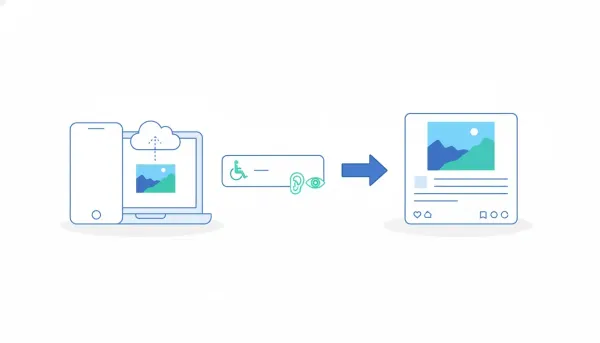
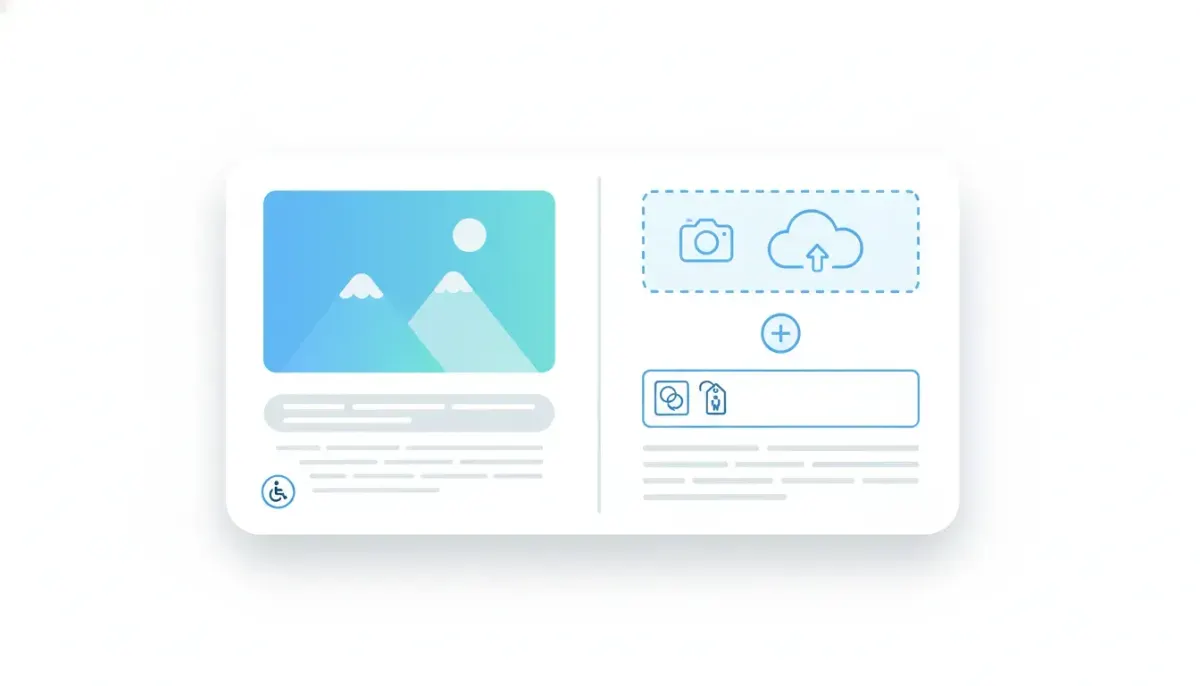
When creating a social post in Social Planner, you can now attach an image and add a written description for that image. That description becomes the image alt text.
The process is straightforward:
- Add an image to your social post
- Enter a description for the image
- Review that description during post creation
- Publish with the alt text included
That is the entire update, and honestly, that is what makes it so good. There is no complicated setup, no separate accessibility tool, and no extra layer of friction in your content workflow.
Why alt text matters
Alt text is often treated like a small detail, but it plays an important role in digital communication.
At its core, alt text is a written description of an image. It helps explain what the image contains, especially when the image cannot be seen or loaded properly. It also supports accessibility by helping screen readers communicate image content to people who use assistive technology.
In practical terms, adding alt text does a few important things:
- Improves accessibility by making visual content more understandable
- Adds context when an image supports the message of the post
- Creates a better user experience across more situations and devices
- Builds better content habits inside your marketing process
If you are running an agency or managing multiple brands, this kind of feature helps standardize better publishing practices across your whole team.
Why this matters for agencies and marketing teams
HighLevel is often used as the operating system behind agency delivery, CRM management, client communication, marketing automation, and SaaS operations. So even a feature like alt text support is bigger than it looks.
Here is why.
When your team handles a high volume of social content, little tasks tend to get skipped unless they are built directly into the workflow. Accessibility is one of those things that people agree is important, but it can fall through the cracks when the posting process is rushed.
By placing alt text entry right inside Social Planner, HighLevel removes that excuse. Now the team can do the right thing at the moment the content is being created.
That means:
- Less reliance on memory or separate checklists
- More consistency across client accounts
- Cleaner internal processes for social publishing
- Better implementation of agency best practices
For HighLevel agency setup and scaling, this matters because repeatable systems always win. The more your platform supports good behavior natively, the easier it becomes to maintain quality as you grow.
A simple feature that supports a bigger strategy
There is a larger lesson here for anyone building systems inside GoHighLevel.
The best agency systems are not always made up of massive breakthrough features. Often they are built on small improvements that tighten execution. A new field here, a clearer workflow there, a better publishing experience somewhere else. Over time, those changes create smoother operations and better client outcomes.
Alt text support fits that pattern perfectly.
It strengthens social content creation without adding complexity. It improves the output while staying aligned with how people already use the platform. And it reinforces the idea that HighLevel is not just a CRM or automation engine, but a system where practical day to day marketing tasks are getting better too.
How to use alt text well in social posts
Having the feature is one thing. Using it well is another.
If you want your social posts to benefit from alt text, keep the descriptions clear and useful. The goal is not to stuff keywords or write overly technical descriptions. The goal is to describe the image in a natural way that communicates its purpose.
Good alt text usually does a few things well:
- Describes the main subject of the image
- Includes important context if the image supports the post message
- Stays concise and relevant
- Avoids unnecessary filler
For example, if your post includes a product photo, the alt text should identify the product and possibly the setting or action if that is relevant. If the image is a branded graphic announcing an event or promotion, the description should explain the main visual and intent.
The best question to ask is simple: if someone could not see the image, what would they need to know?
Where this fits in your HighLevel content workflow
If you already use HighLevel workflows and automations for lead nurturing, pipeline updates, appointment booking, and follow-up sequences, Social Planner is likely part of a larger client delivery system. That means this update should not be treated as an isolated feature. It should become part of your standard operating procedure.
Here is a simple way to integrate it into your team process:
- Create a posting checklist that includes image alt text for every social post with visuals.
- Train content managers to write brief, accurate image descriptions during post creation.
- Use review steps to confirm alt text is included before scheduling posts.
- Apply the same standard across all client accounts so your agency delivery stays consistent.
This is exactly how better operations are built. You take a new platform capability, plug it into your team process, and make it part of your implementation strategy.
The Complete Operating System for Growth
Join over 60,000+ agencies and businesses using HighLevel to capture more leads and close more deals. Start your trial today and get instant access to the Nexus Hub resources.
Claim Your Free Trial & BonusesWhy built in features matter more than workarounds
One reason this update is worth paying attention to is that built in features get used more often than external solutions.
If adding alt text required switching tools, uploading somewhere else, or documenting notes outside the platform, adoption would drop. That is just how real teams work. People move fast. If a feature creates friction, it gets ignored.
But when the option appears right where the image is added, usage becomes natural.
This is one of the strongest parts of the HighLevel approach in general. The platform keeps pulling more of the marketing and operations stack into one place. CRM, automations, communications, funnels, websites, calendars, and social planning all work better when the right functionality exists directly in the system.
That matters for agencies because fragmented tools create fragmented teams. Centralized tools create cleaner execution.
A better experience for your audience
The update was framed around three outcomes, and they are all important: improved accessibility, clearer image context, and a better overall experience.
Those are not abstract benefits. They affect how your brand is perceived.
When content is easier to understand, easier to navigate, and more thoughtful in how it communicates, people notice even if they do not consciously identify every detail. Strong brands usually feel polished because they pay attention to the little things.
Adding alt text is one of those little things.
It shows care. It shows intention. And for agencies serving clients, it shows professionalism in execution.
What this says about the direction of HighLevel
This feature also reflects something broader about the platform. HighLevel continues to evolve not only through major releases, but through practical enhancements that improve everyday use.
That is good news for anyone building on GoHighLevel long term.
Scalable systems are not only about powerful automations and advanced CRM logic. They are also about usability. If your team enjoys using the platform and can complete tasks more effectively inside it, the whole system becomes more valuable.
So while alt text support for images might seem small at first glance, it fits a pattern of making the product more complete for real world agency and business operations.
Best practices for teams managing social content in GHL
If you want to get the most out of Social Planner inside HighLevel, features like this should be supported by process. A few best practices go a long way:
- Standardize content creation so every post follows the same quality checks
- Document your publishing workflow inside your agency SOPs
- Assign ownership for accessibility and quality control during post reviews
- Use HighLevel as the central system instead of splitting social tasks across disconnected platforms
- Review platform updates regularly so your team keeps improving its implementation
This is especially useful for agencies offering social media management as part of a broader retainer that includes CRM management, marketing automation, lead generation, and nurture campaigns. The more unified your operational stack is, the easier it is to scale without chaos.
The real value of this update
The real value here is not just that alt text can now be added. It is that adding it is finally easy enough to become routine.
That is the sweet spot for product design. Good features do not just exist. They fit naturally into the flow of work.
For users inside HighLevel Social Planner, that means better posts with almost no extra effort. For agencies, it means one more opportunity to tighten delivery standards. And for brands, it means content that communicates more clearly and inclusively.
Sometimes the best updates are the ones that solve a common request with a clean, practical implementation. This is one of those updates.
FAQ
What is the new alt text feature in HighLevel Social Planner?
It allows you to add a description to an image while creating a social post in HighLevel. That description is used as the image alt text.
Why should I add alt text to social images?
Alt text helps improve accessibility, gives useful context about the image, and contributes to a better overall content experience.
Is this useful for agencies managing client content in GoHighLevel?
Yes. It helps agencies standardize better publishing practices, improve consistency across accounts, and build stronger social media workflows inside their existing HighLevel systems.
Where do I add alt text in Social Planner?
When you upload or attach an image during social post creation, there is now an option to enter an image description. That description becomes the alt text.
Does this change anything about my existing HighLevel workflow?
It does not require a major change, but it is worth updating your content SOPs so your team consistently adds alt text whenever images are included in scheduled posts.
How should alt text be written?
Keep it clear, relevant, and descriptive. Focus on explaining the important content of the image in a natural way instead of overloading it with unnecessary words.
Small feature, big win. If your team uses HighLevel for social publishing, this is worth adopting right away.