
HighLevel SOC 2 Compliance: What Marketing Agencies Need to Know
HighLevel is now SOC 2 compliant, opening doors for agencies to land enterprise-level clients. This guide explains what SOC 2 means for your agency, how to navigate security questionnaires, and the essential steps to keep your client data secure and compliant.

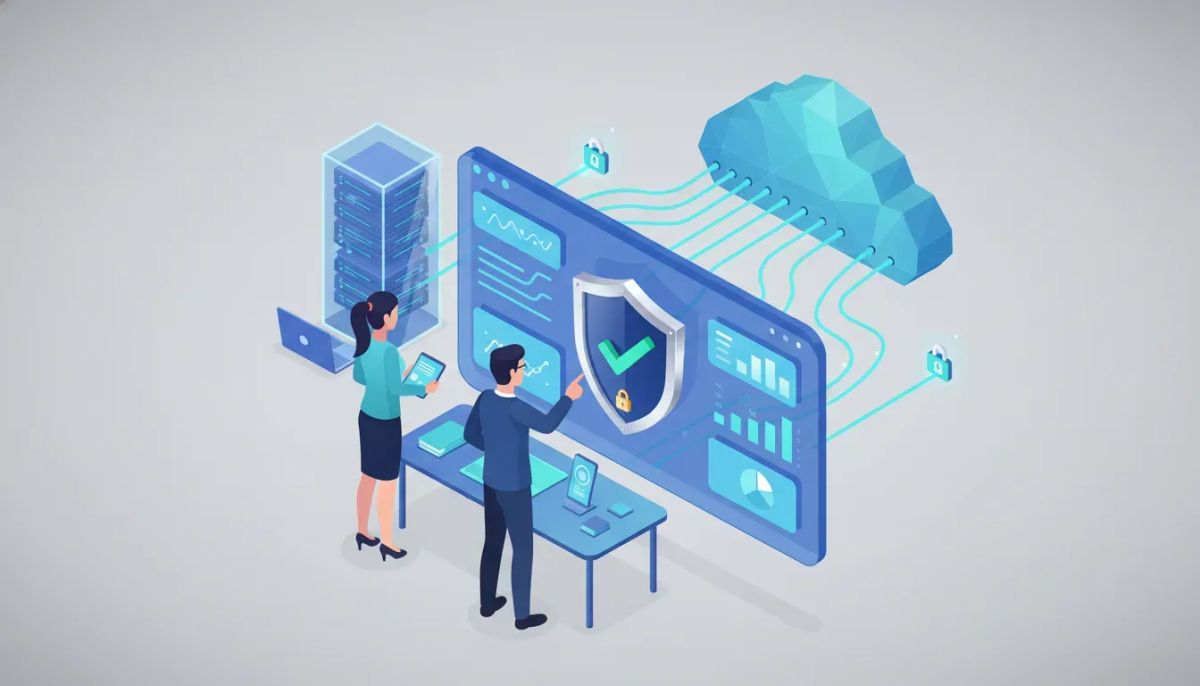
HighLevel (GoHighLevel) is now SOC 2 compliant. For agencies that run clients, manage marketing automations, and store customer data inside a SaaS CRM platform, SOC 2 status changes how procurement conversations, security questionnaires, and enterprise deals progress. This guide explains what SOC 2 actually means, how it affects agencies using HighLevel, concrete steps agencies must take to stay secure and compliant, and how to present SOC 2 proof to prospective clients.
What is SOC 2 and why it matters
SOC 2 is an independent audit framework focused on a service provider’s controls around customer data. It evaluates how a vendor protects customer information across specific Trust Services Criteria. Organizations running on a SOC 2 audited platform gain a documented, external assurance of controls—useful when selling to mid-market and enterprise clients that require third-party validation.
SOC 2 reports are issued by independent auditors and typically come in two main flavors:
- Type I: A snapshot of controls at a specific point in time.
- Type II: An assessment of controls over a sustained period (commonly 3–12 months). Type II is the stronger, more-requested report for procurement teams.
Trust Services Criteria: what auditors look at
SOC 2 audits are built around up to five Trust Services Criteria. Not every report covers all five, but these are the common categories:
- Security — protection against unauthorized access and breaches (required for most SOC 2 reports).
- Availability — is the system available for operation and use as agreed?
- Confidentiality — how confidential information is identified and protected.
- Processing integrity — accuracy, completeness, and timeliness of system processing.
- Privacy — collection, use, retention, and disposal of personal information.
How SOC 2 for HighLevel helps agencies win bigger clients
HighLevel’s SOC 2 compliance provides agencies with a credible, third-party validation of the platform’s security controls. That validation can unlock these benefits:
- Smoother procurement. Many RFPs require a vendor SOC 2 report before data access or contracts are finalized.
- Faster security reviews. Security teams often accept vendor SOC 2 reports in place of long questionnaires when the report scope matches the customer’s needs.
- Stronger positioning. Agencies can lead with the platform’s compliance status during proposals and sales conversations.
- Reduced buyer friction. Enterprise buyers less frequently require expensive on-site audits or multi-step vendor assessments when the vendor holds SOC 2.
What a SOC 2 report covers — and what it does not
A SOC 2 report details a service provider’s controls, testing results, and the auditor’s opinion. However, it is important to understand the limits:
- Included: Platform architecture safeguards, access controls, encryption practices, incident response processes, vulnerability management, and monitoring for the in-scope systems.
- Not included: Customer-specific configurations, client-side usage mistakes, or third-party tools you add to your account unless those third parties are part of the scope.
- Not equivalent to HIPAA: SOC 2 is not a substitute for HIPAA or sector-specific laws. A SOC 2 report may help show controls are in place, but additional administrative, contractual, and technical steps are often required for regulated data such as protected health information.
Typical scope for a platform-level SOC 2
When a vendor states the “entire platform” is SOC 2 compliant, auditors generally examine the vendor-managed infrastructure and services that are under vendor control. That usually includes:
- Core application servers and databases
- Authentication and authorization systems
- Data encryption in transit and at rest
- Network and system monitoring
- Change management and deployment controls
However, agencies must still manage their own account-level controls: user roles, password policies, multi-factor authentication (MFA), and secure workflow design inside the SaaS. Platform SOC 2 does not automatically make every implementation compliant without following best practices.
How to use SOC 2 when responding to RFPs and security questionnaires
Agencies frequently face security questionnaires from prospects. Here’s a practical checklist for using a vendor SOC 2 report to accelerate responses:
- Identify the scope for the prospect’s request. Confirm which parts of your service rely on the platform and whether the prospect needs platform-level assurances.
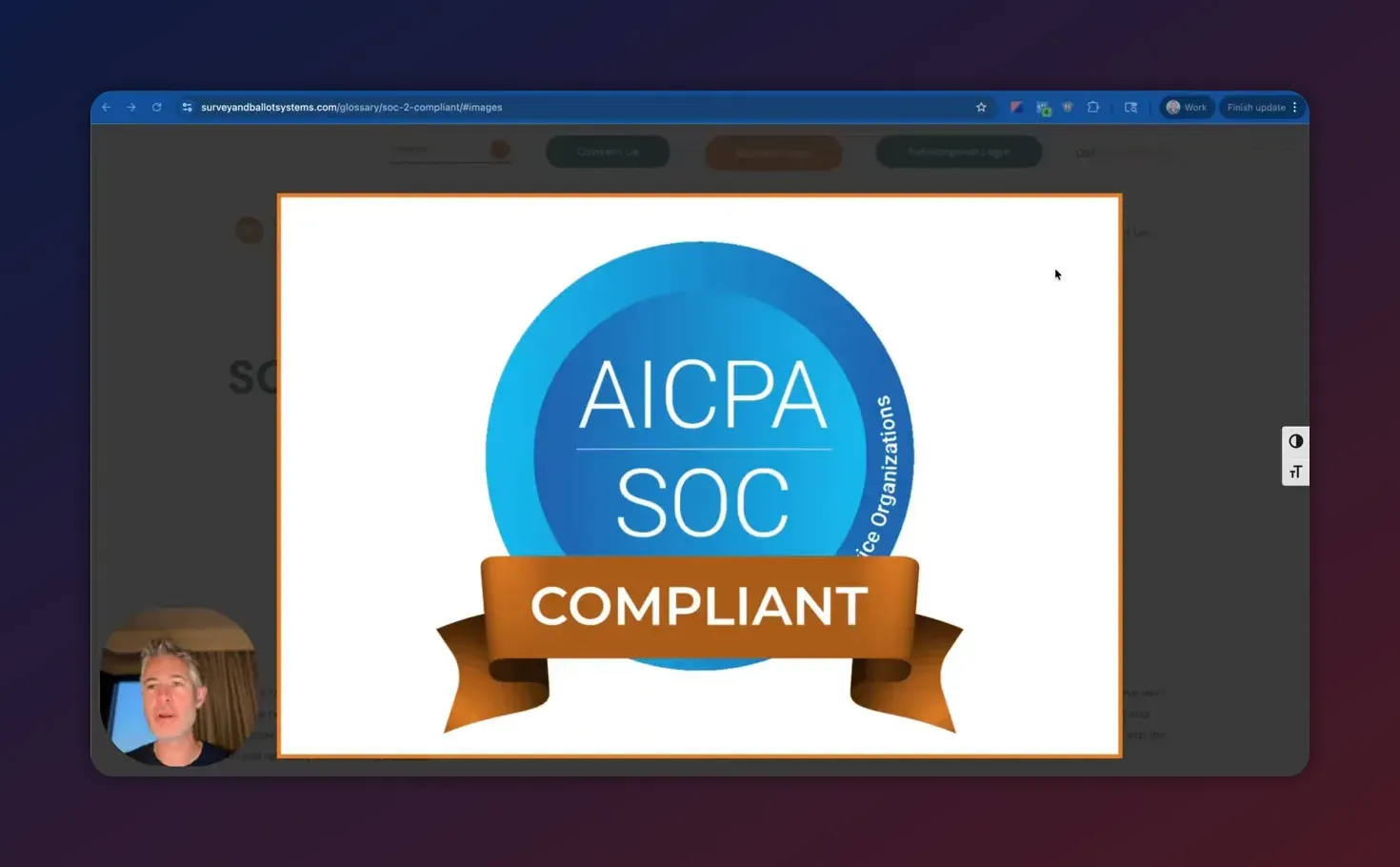
- Provide the SOC 2 report. When asked, share the vendor’s SOC 2 report or a redacted version if allowed. If the vendor provides a public summary or a compliance badge, include that too.
- Explain responsibility split. Clearly state which controls the platform handles and which your agency must manage (e.g., account admin settings, data retention choices, client-side integrations).
- Attach supporting documents. Add your internal policies: access control, incident response, data encryption (if used), and background checks for staff who have access to client data.
- Offer demos of controls. Some buyers want to see MFA, role setup, and audit logs. Prepare short screenshots or a live demo to show these controls in your HighLevel agency account.
Sample wording for proposals and contracts
Including precise language about the vendor’s SOC 2 status and responsibility allocation helps legal and security teams move forward. Use clear, non-technical language. Example wording:
Sample clause: "The Services are provided on a platform that has completed an independent SOC 2 audit covering security and confidentiality. The vendor’s SOC 2 report will be provided to the Customer upon request under a mutual NDA. The Service Provider (agency) remains responsible for account-level security configurations and any third-party integrations."
Security checklist agencies must follow inside HighLevel
Even on a SOC 2 compliant platform, improperly configured accounts are the most common attack surface. Use this checklist to keep client data secure and to demonstrate good operational hygiene:
- Enable MFA for all accounts. Require MFA for agency admins and client users with elevated privileges.
- Use role-based access control. Limit permissions to what each team member needs.
- Audit log review. Regularly review account activity and export logs when required.
- Secure integrations. Only connect verified third-party apps; review the data each integration can access.
- Data retention policy. Define retention and deletion timelines for clients, and document them in contracts.
- Backup and export procedures. Keep secure backups of critical configuration templates, funnel configurations, and automation workflows.
- Incident response plan. Create a short runbook: detection, containment, notification, and remediation steps.
- Employee training. Run periodic security awareness training, especially for staff who manage client accounts.
How SOC 2 affects integrations and workflows
Many agencies stitch together multiple tools inside client workflows. When evaluating integrations, consider these points:
Start Your HighLevel Trial + Get Instant Nexus Hub Access
Build, scale, and optimize your business with HighLevel. Start a free trial using this link to get automatic access to the Nexus Hub community, templates, and implementation resources.
Start Free Trial- Third-party risk. Each integration adds risk and may require its own security review. Check whether the integration vendor has SOC 2 or an equivalent audit.
- Data flow mapping. Document which systems handle PII or confidential client data and map how it moves across systems.
- Minimize data copies. Avoid storing sensitive data in multiple tools when unnecessary.
- Endpoint security. Ensure any endpoints that connect to HighLevel are secured, including developer environments and local machines.
Common misconceptions and pitfalls
Misunderstanding the boundaries of SOC 2 leads to real problems. Watch out for:
- Assuming platform compliance equals client compliance. Platform SOC 2 supports vendor security but does not automatically satisfy client-specific regulatory obligations. Agencies must pair platform assurances with internal policies and contractual terms to meet sector requirements such as HIPAA.
- Overlooking custom code. If your agency deploys custom scripts or server-side code that touches client data, those components may be out of scope for the platform SOC 2 and require separate controls or audits.
- Ignoring user management. Weak account credentials, shared logins, or lack of MFA can undermine the best platform-level controls.
- Assuming all integrations are safe. Each connected third party could be a weak link. Confirm their security posture before enabling integrations.
Maintaining compliance and continuous improvement
SOC 2 is not a one-time checkbox. For both the platform vendor and agencies, staying secure requires ongoing work:
- Periodic audits. Vendors typically undergo annual SOC 2 audits or maintain continuous monitoring for Type II coverage.
- Vendor management. Maintain an inventory of all third-party services and review their compliance reports annually.
- Security testing. Regular vulnerability scans and periodic penetration tests reduce risk and demonstrate proactivity to clients.
- Policy updates. Update incident response, retention, and access policies to reflect changes in the platform or business operations.
Is SOC 2 enough for HIPAA compliance?
SOC 2 can help demonstrate controls relevant to HIPAA, but it is not a HIPAA certification. HIPAA requires specific administrative, physical, and technical safeguards and legal agreements such as Business Associate Agreements. Agencies handling protected health information should combine vendor SOC 2 reports with HIPAA-specific policies, technical safeguards, and signed agreements.
Does using a SOC 2 compliant platform make my agency compliant?
No. Platform SOC 2 reduces vendor risk but does not automatically make your agency compliant with regulations or security standards. Your agency must implement account-level controls, secure integrations, employee training, and contractual safeguards to meet compliance requirements.
What should I ask the vendor when they provide a SOC 2 report?
Key questions: is the report Type I or Type II, what period does it cover, which Trust Services Criteria were included, what systems are in scope, can you provide a redacted report under NDA, and who can we contact for clarification. Also ask for any complementary attestations or penetration test summaries.
How do I present SOC 2 status on proposals and sales pages?
Use a clear statement that the platform is SOC 2 audited and indicate the scope (security, confidentiality, etc.). Offer to share the report under NDA and include a short paragraph describing which responsibilities remain with the agency. Attach screenshots of relevant configuration pages like MFA and role settings when needed.
Will enterprise buyers still ask for more after SOC 2?
Sometimes. SOC 2 often clears many procurement blockers, but large enterprises may request additional documentation, proof of insurance, penetration test results, or a tailored vendor security questionnaire. Be prepared to combine the SOC 2 report with your agency’s security policies and operational evidence.
Quick checklist to prepare for enterprise sales using HighLevel
- Request and store a copy of the vendor SOC 2 report (Type II preferred).
- Create a one-page security summary (what the vendor provides vs. agency responsibilities).
- Enable MFA and enforce strong password policies across accounts.
- Document data flows for each prospect that handles sensitive data.
- Prepare screenshots or a short demo of role-based access and audit logs.
- Draft contract language that references the SOC 2 report and defines shared responsibilities.
- Join community resources for templates and implementation help if available (for example, Nexus Hub for HighLevel templates and best practices).
How agencies can get implementation help and templates
Agencies scaling into enterprise work should consider reusable templates and community support. Resources like platform-specific template hubs, implementation guides, and peer communities speed up onboarding and improve security posture. For those using HighLevel:
- Leverage pre-built CRM and automation templates that follow secure design practices.
- Use agency playbooks for onboarding, including how to configure roles, MFA, and backups.
- Consider community support channels or paid implementation bundles for compliance-sensitive clients.
Final takeaways
A vendor SOC 2 report is a practical, high-value asset for agencies that sell to larger clients. It reduces friction with procurement teams, accelerates security reviews, and strengthens sales proposals. However, SOC 2 is not a complete compliance solution by itself. Agencies must pair platform assurances with sound internal controls: strict account management, careful integration choices, documented policies, and regular monitoring. When combined, those elements position agencies to win and retain enterprise customers while protecting client data.
If your agency is evaluating HighLevel for enterprise work, start by requesting the SOC 2 report, following the checklist above, and preparing a short security summary for prospects. For hands-on help, consider templates and community resources tailored to HighLevel agency setups and scaling needs.
Ready to try the platform or access implementation templates? Consider starting a HighLevel free trial and exploring Nexus Hub resources to accelerate compliant agency deployments.
Start Your HighLevel Trial + Get Instant Nexus Hub Access
Build, scale, and optimize your business with HighLevel. Start a free trial using this link to get automatic access to the Nexus Hub community, templates, and implementation resources.
Start Free Trial


