SMS Module Widgets for Dashboards and Custom Reports

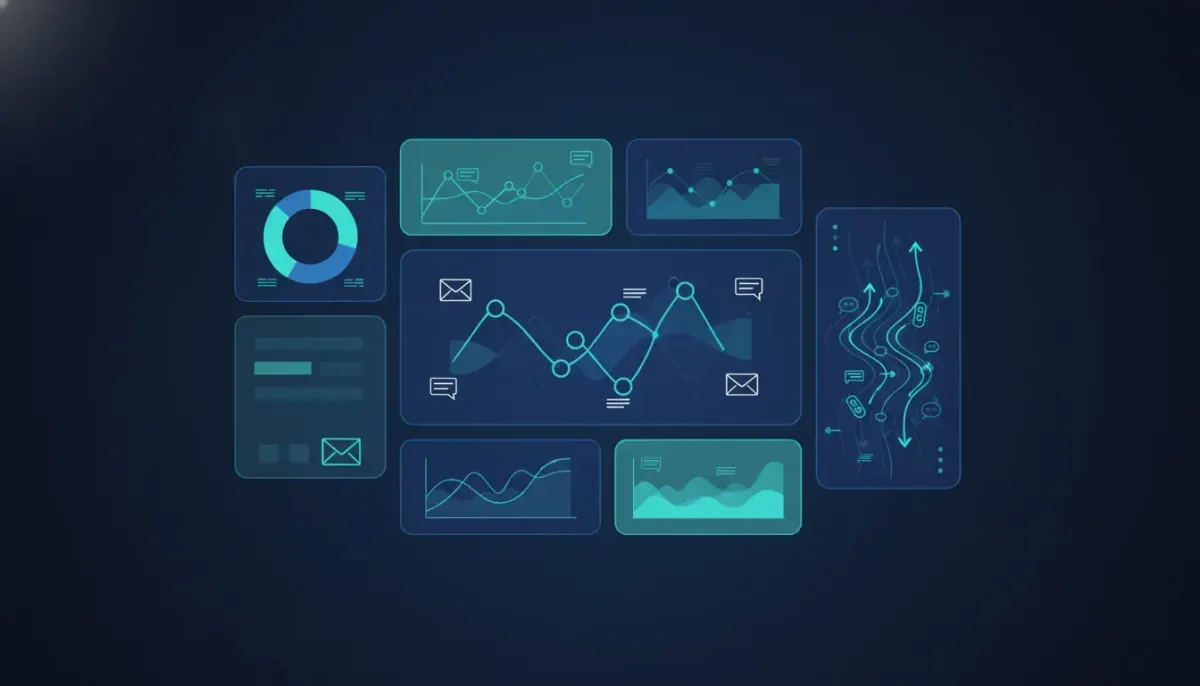
HighLevel just made dashboard reporting a lot more useful for teams that rely on text messaging. If SMS plays a big role in lead nurturing, appointment reminders, sales conversations, or customer support, you can now bring that activity directly into dashboards and custom reports with dedicated SMS module widgets.
That means less guessing, less digging through message threads, and a much clearer picture of what is actually happening inside your CRM and marketing automation system.
For agencies, this is especially valuable. When you are managing multiple client accounts, reporting is not just about showing numbers. It is about showing the right numbers in a way that makes sense. The new SMS widgets give you more control over how you present communication data, making HighLevel dashboards more actionable and easier to tailor to each client’s needs.
What the new SMS widgets add to HighLevel
The update introduces SMS-specific widgets that can be added to both dashboards and custom reports inside HighLevel. These widgets are designed to help you visualize messaging performance and activity from different angles.
Instead of relying on broad reporting alone, you can now break out SMS data into focused views such as:
- SMS by status
- Incoming SMS
- SMS count
- Source type
- Sender
- Volume over time
That may sound simple on the surface, but it opens up a lot of flexibility. Once SMS reporting becomes a modular part of your dashboard setup, you can start building much more meaningful reporting experiences for your team or your clients.
Why SMS reporting matters more than most teams realize
Text messaging often sits at the center of conversion activity. Leads reply to missed call text back campaigns. Prospects confirm appointments by text. Sales teams follow up through two way messaging. Automations trigger reminders and reactivation campaigns. In many businesses, SMS is where the conversation actually happens.
But if that activity is not clearly reflected in reporting, it becomes harder to answer basic questions:
- Are messages being delivered and replied to consistently?
- Which campaigns are generating inbound conversations?
- Are specific users or senders handling most of the volume?
- Is SMS usage increasing over time or flattening out?
- Are client accounts getting real engagement from messaging efforts?
With these widgets, HighLevel gives agencies and businesses a better way to surface that data without building everything from scratch outside the platform.
Where you can use SMS widgets
One of the best parts of this update is consistency. The SMS widgets are available in both custom dashboards and custom reports, and they are added in the same way in each place.
That matters because it reduces friction. You do not need to learn one process for dashboards and another for reports. If you already know how to add a widget in HighLevel, the workflow feels familiar.
The setup is straightforward:
- Open the dashboard or custom report you want to edit.
- Select the option to add a widget.
- Scroll through the available widget types.
- Choose the SMS widget you want.
- Customize it with filters, dates, metrics, and grouping options.
That shared experience is useful for agencies building repeatable systems. Once you create a process for adding and configuring these widgets, it becomes easy to replicate across subaccounts and client reporting templates.
What each SMS widget can help you understand
SMS by status
This widget helps you break down messages based on their current state. Depending on your reporting goals, this can help identify whether messaging campaigns are completing as expected or whether there are issues affecting communication outcomes.
For example, if a client is sending a large volume of automated reminders but engagement feels low, status-based reporting can help reveal whether the issue is campaign performance, delivery patterns, or something operational that needs attention.
Incoming SMS
Inbound texts are one of the clearest signals of engagement. When someone replies, asks a question, confirms an appointment, or starts a conversation, that activity often represents real intent.
Tracking incoming SMS in a dashboard makes it easier to show that your campaigns are not just sending messages, they are generating responses.
For sales teams and service businesses, this can become a practical KPI. If outbound message volume is high but incoming replies are weak, the next step might be to refine the offer, timing, or automation logic.
SMS count
Sometimes the most useful metric is the simplest one. Total SMS count gives you a quick overview of message activity across a chosen period.
This is helpful for:
- Spotting spikes in campaign activity
- Comparing usage between accounts or time periods
- Monitoring adoption of SMS as part of a broader CRM workflow
- Giving clients a quick snapshot of communication volume
Source type
Source type reporting adds context. Instead of only knowing that messages were sent or received, you can begin to understand where they are coming from within your system.
That can help you connect SMS activity back to automations, campaigns, or operational processes inside HighLevel. If your agency uses multiple workflows and touchpoints, source-based reporting can be a strong tool for diagnosing what is driving results.
Sender
When multiple users, numbers, or sending paths are involved, sender-level reporting helps break things down further. This can be especially helpful for teams with shared inboxes, assigned sales reps, or location-based communication setups.
It also gives agencies a cleaner way to analyze accountability. If one sender is handling most conversations or generating stronger response patterns, that can inform coaching, staffing, or automation decisions.
Volume over time
This is where reporting becomes much more strategic. Looking at SMS volume across time periods helps you identify trends rather than isolated numbers.
You can start to answer questions like:
- Did message activity increase after a workflow update?
- Are follow up campaigns causing consistent weekly engagement?
- Is seasonality affecting communication patterns?
- Are clients using the platform more actively month over month?
For agencies focused on HighLevel implementation and scaling, trend visibility is crucial. It helps tie platform usage back to business performance.
Customization is where these widgets become powerful
Adding an SMS widget is only the starting point. The real value comes from how customizable these reporting elements are.
You can refine widgets using options such as:
- Date filters to isolate recent activity or compare specific periods
- Metric filters to focus on the exact data that matters
- Grouping to organize information in a more meaningful way
- Conditions to narrow the widget to a particular use case or audience
This level of flexibility makes a big difference in real-world use. A local service business, a med spa, a real estate team, and a multi location franchise may all use SMS heavily, but they do not need the same report layout. The same underlying HighLevel feature can be adapted to fit each business model.
That is also what makes this update so useful for HighLevel agency setup and scaling. Agencies can build specialized reporting views that align with each client’s KPIs rather than offering generic dashboards that only look impressive on the surface.
The Complete Operating System for Growth
Join over 60,000+ agencies and businesses using HighLevel to capture more leads and close more deals. Start your trial today and get instant access to the Nexus Hub resources.
Claim Your Free Trial & BonusesPractical ways agencies can use SMS widgets
If you run an agency using GoHighLevel, these widgets can improve both internal operations and client reporting.
1. Show proof of engagement
Clients often understand leads and appointments, but they may not fully appreciate the communication layer that supports those outcomes. SMS widgets help visualize the work happening between form submission and closed deal.
When a dashboard clearly shows inbound messages, message counts, and conversation trends, it becomes easier to demonstrate value.
2. Diagnose weak automation performance
If a workflow is sending texts but conversations are not happening, reporting can help identify whether the issue is timing, volume, source, or follow up quality.
This is where HighLevel workflows and automations connect directly to analytics. Better reporting leads to better optimization.
3. Standardize reporting templates
For agency systems, repeatability matters. You can create a baseline dashboard structure with SMS widgets included, then adjust filters and conditions for each subaccount. That saves time and creates a more polished reporting experience across your client base.
4. Support account reviews and retention
Clear reporting helps client conversations stay grounded in data. Instead of speaking in broad terms about follow up performance, you can point to concrete message trends and engagement activity inside the CRM.
That kind of transparency strengthens trust and can make monthly reviews more productive.
How this fits into a broader HighLevel reporting strategy
SMS widgets are not meant to live in isolation. They work best when combined with the rest of your reporting stack inside HighLevel.
For example, an effective client dashboard might combine:
- Lead source data
- Pipeline performance
- Appointment metrics
- Opportunity values
- Call activity
- SMS engagement
When these pieces sit together, you get a more complete picture of how leads move through the system. A lead does not become a deal because a form was submitted. There is usually a sequence of touchpoints involved, and SMS is often one of the most important ones.
That is why this update matters for CRM, marketing automation, and SaaS operations. It helps connect communication activity to the rest of the customer journey inside one platform.
Best practices for setting up SMS widgets effectively
To get the most value from these new widgets, keep the setup focused and intentional.
Start with the question you want the dashboard to answer
Do not add widgets just because they are available. Decide what the user of the dashboard actually needs to understand. Is the goal to show campaign responsiveness, team communication activity, or overall SMS usage trends?
When the question is clear, the right widget configuration becomes much easier.
Use date ranges carefully
A seven day window may be useful for active optimization, while a monthly view may be better for client reporting. Match the reporting period to the business decision being made.
Group data in a way that reveals patterns
Grouping can turn cluttered data into insight. If volume over time looks noisy, try changing the grouping interval. If sender activity is too broad, narrow it to the reps or numbers that matter most.
Avoid overcrowding dashboards
Custom dashboards are most effective when each widget earns its place. Focus on the metrics that support action. A clean dashboard is usually more useful than one packed with every possible chart.
Align reports with client expectations
Some clients care deeply about conversation volume. Others only care whether messaging is leading to booked appointments and revenue. Build around what matters to them, while still preserving the operational insight your team needs.
Why this update matters for agencies scaling with HighLevel
As agencies grow, the challenge is rarely access to more data. The challenge is organizing data into systems that are easy to deliver, understand, and improve.
That is why features like SMS widgets matter. They turn a previously scattered communication layer into something reportable, filterable, and presentable inside the same environment where your workflows and CRM records already live.
For agencies building recurring services around GoHighLevel, this supports a few important goals:
- Better implementation of reporting systems
- Stronger proof of campaign activity
- Easier optimization of follow up automations
- More professional dashboard delivery for clients
- Improved consistency across subaccounts
In short, it is one more step toward a more complete operating system for agency growth and client fulfillment.
Where to find the feature
The feature is built directly into the existing dashboard and custom report workflow in HighLevel. If you are already creating dashboards, the path will feel familiar. Open the report or dashboard, choose to add a widget, and look for the SMS options.
There is also platform documentation available through the HighLevel help center if you want step by step guidance while configuring the widgets.
FAQ
Can SMS widgets be added to both dashboards and custom reports in HighLevel?
Yes. The same SMS widget options are available in both places, and the process for adding them is consistent. You can open a dashboard or custom report, choose to add a widget, and then select from the available SMS reporting options.
What kinds of SMS data can I report on?
You can report on items like SMS status, incoming messages, total SMS count, source type, sender, and message volume over time. These options help you analyze both communication activity and engagement trends.
Can I filter and customize SMS widgets?
Yes. SMS widgets can be customized with filters for metrics and dates, and they can also be grouped or adjusted with additional conditions. This makes it possible to tailor reports to specific clients, campaigns, time periods, or internal use cases.
Why are SMS widgets useful for agencies using GoHighLevel?
They help agencies build clearer client dashboards, demonstrate messaging engagement, monitor automation performance, and standardize reporting across accounts. They are especially useful when SMS is a major part of lead follow up and conversion strategy.
Do these widgets support HighLevel workflow optimization?
Yes. By showing message volume, inbound activity, and other SMS patterns, these widgets can help identify whether workflows are creating real conversations. That makes them useful for refining automation timing, follow up sequences, and communication strategy.
Small reporting upgrades can have a big impact when they make key business activity easier to understand. That is exactly what these SMS module widgets do. They take one of the most important communication channels in HighLevel and make it easier to measure, visualize, and explain.
If you are building dashboards for internal teams, setting up client reports, or refining your agency systems inside GHL, this is a feature worth using right away.