
Create SaaS V2 Plans Directly from the SaaS Configurator

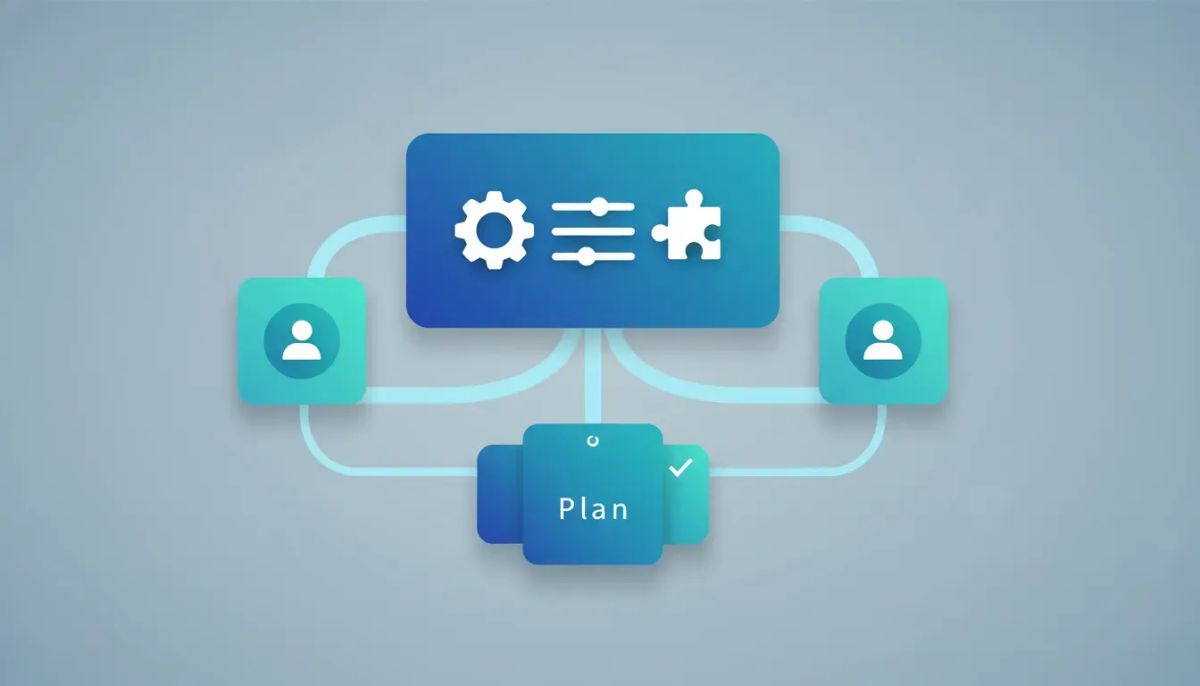
If you run an agency inside HighLevel, small workflow improvements can have a huge impact. One of the biggest friction points in SaaS mode has been the setup process for SaaS V2 plans. It worked, but it was split across multiple places. That meant extra clicks, extra context switching, and a more fragmented way to manage something that should feel centralized.
That has now changed.
You can now create SaaS V2 plans directly from the SaaS configurator, which brings a much cleaner experience to HighLevel agency setup and scaling. Instead of leaving your agency settings and jumping into sub-accounts to build these plans, you can now create and configure them from one place.
It is a simple update on the surface, but it improves the day-to-day flow in a meaningful way. If you are managing CRM offers, marketing automation packages, SaaS operations, or productized services in GoHighLevel, this is exactly the kind of change that makes setup faster and more intuitive.
What changed in HighLevel SaaS V2 plan creation?
HighLevel streamlined the SaaS V2 plan creation experience by moving plan creation directly into the SaaS configurator.
Previously, agencies had to go into their sub-accounts to create V2 plans. That meant the process was spread across different areas of the platform. If you were building out pricing, packaging, and account-level SaaS offerings, you had to move back and forth instead of handling everything in a single configuration flow.
Now that work has been brought together inside agency settings.
The value of this update is straightforward:
- Fewer steps to create SaaS V2 plans
- Less jumping between accounts and settings areas
- A more centralized agency workflow for SaaS setup
- A smoother configuration experience for teams managing multiple offers
That centralization matters, especially for agencies using HighLevel as the operating system for client delivery, billing structure, CRM packaging, and automated service fulfillment.
Why this matters for agency workflow
When a platform feature requires you to keep switching context, it introduces friction. That friction does not always look dramatic, but it slows down implementation.
In practice, a fragmented workflow can create all kinds of tiny inefficiencies:
- You lose time navigating between account layers
- You interrupt your setup momentum
- You increase the chance of missing a step
- You make onboarding and internal training harder for your team
By letting agencies configure SaaS V2 plans directly from the configurator, HighLevel reduces that operational drag.
This is especially helpful for agencies focused on scaling. When your agency systems are clean, centralized, and repeatable, it becomes easier to standardize how you launch offers, build pricing structures, and support account creation across your client base.
That is one of the core strengths of HighLevel agency setup when it is done right. The less fragmented your process is, the easier it becomes to grow without adding unnecessary complexity.
The old way versus the new way
Before
Agencies needed to switch into sub-accounts to create SaaS V2 plans. Even if the plan strategy lived at the agency level, the actual creation process pushed users into a separate environment.
That made the setup feel disconnected. You were effectively managing a core agency function from a location that did not feel native to the rest of the configurator experience.
Now
Agencies can create and configure those SaaS V2 plans directly from the SaaS configurator inside agency settings.
The process is more unified, and the user experience makes more sense. Instead of spreading related tasks across the platform, HighLevel has brought them together in one place.
This kind of refinement is exactly what strong SaaS operations need. Not every update has to be flashy. Sometimes the most valuable improvements are the ones that eliminate friction from work you do all the time.
What this improves for day-to-day SaaS operations
If your agency uses GoHighLevel to package software access, CRM functionality, marketing automation tools, and service bundles into SaaS offers, this update helps on a practical level.
Here are a few ways it improves the day-to-day experience.
1. Cleaner configuration flow
When plan creation lives where plan configuration already happens, the process becomes easier to follow. You spend less time remembering where each piece of the setup belongs.
That leads to more consistency, especially when multiple team members are involved in building or maintaining offers.
2. Better operational focus
Switching into sub-accounts just to create plans breaks concentration. Centralizing that work helps your team stay focused inside one administrative environment.
That may sound minor, but operational focus is one of the most underrated parts of scaling effectively.
3. Simpler internal training
If you are training account managers, implementation specialists, or operations staff, fewer moving parts always help. A single setup path is easier to document, easier to teach, and easier to maintain.
4. More confidence in the setup process
When agency systems are consolidated, people feel more confident using them. That confidence leads to faster execution and fewer errors.
For teams building repeatable onboarding systems in HighLevel, that is a real win.
Why centralization matters in HighLevel agency setup
One of the biggest advantages of HighLevel is the ability to run a large portion of your business from a single platform. CRM, lead capture, automations, communications, pipelines, and SaaS delivery can all sit inside one ecosystem.
That only works at its best when setup and administration are also centralized.
Every time a feature gets moved closer to the natural place where it belongs, the platform becomes more usable for serious agency operations. That is what this update does.
For agencies building around:
- Recurring revenue offers
- Software-enabled services
- Productized marketing systems
- White-label CRM experiences
- Automated client onboarding
Having a smoother SaaS configurator matters because it supports the bigger goal: building a business that is easier to operate and easier to scale.
The Complete Operating System for Growth
Join over 60,000+ agencies and businesses using HighLevel to capture more leads and close more deals. Start your trial today and get instant access to the Nexus Hub resources.
Claim Your Free Trial & BonusesHow this fits into broader HighLevel best practices
If you are using HighLevel or GoHighLevel as the backbone of your agency, the best results usually come from keeping your systems as simple and centralized as possible.
This update aligns well with a few smart implementation principles:
- Build from the agency level first. When possible, structure your offers and setup from the top down rather than spreading logic across disconnected account areas.
- Reduce context switching. Every extra environment you have to enter creates friction and increases the chance of mistakes.
- Standardize repeatable tasks. If your team creates plans often, centralizing the process creates a more trainable and repeatable workflow.
- Keep systems intuitive. The easier it is to understand where things happen, the easier it is to maintain operational quality over time.
These are not just software preferences. They are scaling principles.
As agencies grow, complexity compounds. A cleaner setup experience today can save a surprising amount of time and confusion later.
A better experience without changing the goal
The purpose of SaaS V2 plans has not changed. What changed is the experience of creating them.
That distinction matters.
Sometimes platform updates introduce entirely new capabilities. Other times, the platform already does what you need, but the path to using that capability gets improved. This is one of those improvements.
Agencies already using SaaS Mode in HighLevel are not being asked to rethink the whole strategy. Instead, they are getting a more streamlined way to execute that strategy inside the platform.
And honestly, those quality-of-life improvements are often the ones teams appreciate most because they remove friction from real work.
What agencies should do next
If your business uses HighLevel for SaaS offers, it is worth opening the SaaS configurator and reviewing the updated flow for creating V2 plans.
Pay attention to how much cleaner the experience feels when everything is handled from agency settings. If your previous process involved switching into sub-accounts, this will likely feel noticeably more efficient right away.
A few practical next steps:
- Open your agency settings in HighLevel.
- Go to the SaaS configurator.
- Review how SaaS V2 plan creation now fits directly into that flow.
- Update any internal SOPs or team documentation that referenced the older process.
- Check the HighLevel changelog for the full details on the release.
If your agency relies on documented systems, that fourth step is especially important. Small product changes can create meaningful improvements only if your team knows the new best path.
Why updates like this are worth paying attention to
It is easy to overlook a release that sounds simple. But in platforms built for operations, simple changes can have outsized effects.
When you are managing client accounts, onboarding flows, automations, pricing plans, and recurring software offers, your team uses the platform every day. Improvements to workflow design ripple through everything else.
This update is a good example of product refinement done well:
- It removes unnecessary steps
- It consolidates related work
- It makes the setup process feel more natural
- It supports agencies trying to operate more efficiently inside GHL
For agencies serious about implementation quality, details like this matter.
HighLevel continues to strengthen the agency operating experience
At its best, HighLevel is more than a CRM. It is a platform for managing marketing automation, client communications, lead generation systems, and SaaS operations in one environment.
That is why updates to agency workflow are important. They are not just interface changes. They shape how efficiently teams can build, manage, and scale their offers.
Creating SaaS V2 plans directly from the SaaS configurator is a clear step in that direction. It keeps important work inside the place where it belongs, simplifies setup, and helps agencies spend less time navigating the platform and more time building the business.
If you are already running your operation inside GoHighLevel, this is a welcome improvement. If you are still refining your systems, it is another reminder that agency efficiency often comes from removing unnecessary complexity one step at a time.
FAQ
What is the main update to SaaS V2 plans in HighLevel?
The main update is that agencies can now create SaaS V2 plans directly from the SaaS configurator. This removes the need to switch into sub-accounts for plan creation.
Where can SaaS V2 plans now be created?
SaaS V2 plans can now be created inside the SaaS configurator within agency settings, giving agencies a more centralized setup experience.
How were SaaS V2 plans created before this change?
Previously, agencies had to switch into their sub-accounts to create SaaS V2 plans, which made the workflow more fragmented and less efficient.
Why is this update important for agencies using GoHighLevel?
This update simplifies SaaS operations, reduces context switching, and makes plan creation more intuitive. For agencies managing multiple offers or scaling their systems, that means a cleaner operational workflow.
Does this change affect HighLevel agency setup best practices?
It supports best practices by centralizing work at the agency level, reducing unnecessary navigation, and making internal processes easier to document and train.
Should teams update their documentation after this release?
Yes. If your team has SOPs, onboarding instructions, or internal process docs that reference creating plans through sub-accounts, those materials should be updated to reflect the new workflow.
Where can agencies find more details about this feature update?
Agencies should check the HighLevel changelog for the full release details and any additional notes related to the updated SaaS configurator experience.



