
Facebook Lead Ads Now Support Contact Merge by Name for Lead Form Submissions

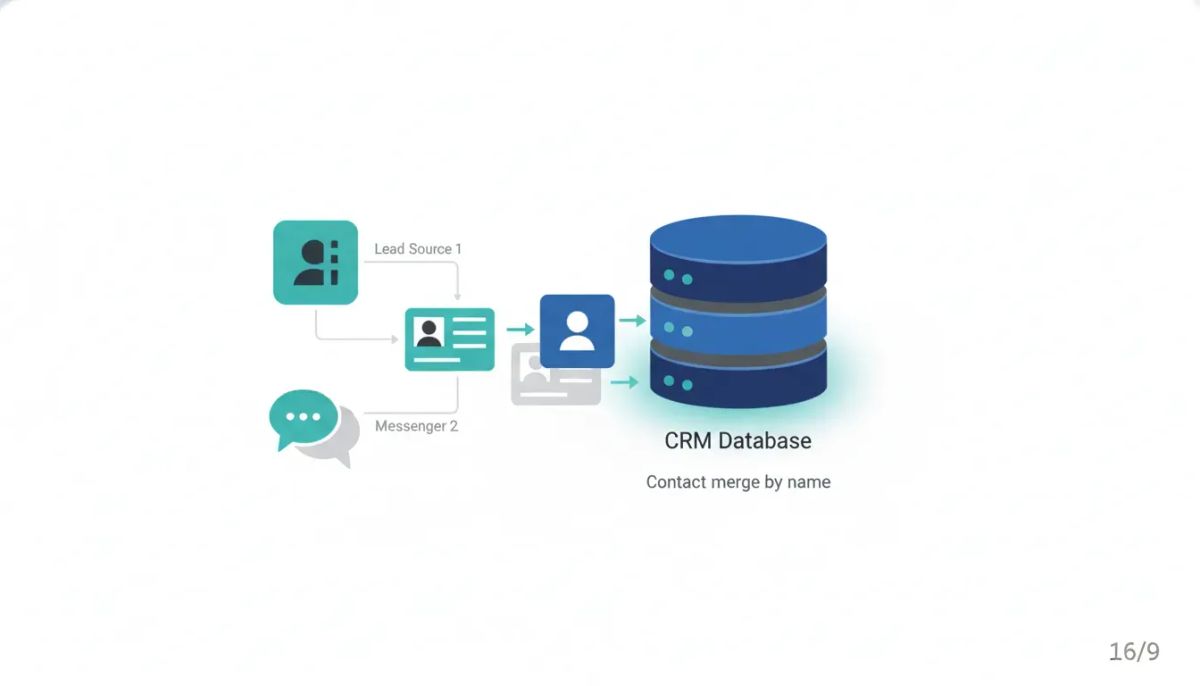
HighLevel just added a small but genuinely useful upgrade to contact management, especially for businesses that rely on Facebook lead ads and Messenger to bring in new leads.
You can now extend Facebook contact merge logic by name to Facebook lead form submissions, not just Messenger conversations. That means if someone comes into your CRM through a Facebook lead form and the only thing tying them to an existing record is their name, you now have more control over what happens next.
For a lot of businesses, that flexibility matters. It can reduce duplicate contacts, keep records cleaner, and make sure your follow-up workflows and automations are working off the right person. And for others, it is something to use carefully, because matching by name alone is not always a safe bet.
That balance is really what this update is about: more control, not forced behavior.
What changed in HighLevel contact merging
Before this update, the Facebook contact merge behavior was tied to Messenger conversations. If someone messaged your business on Facebook and there was already a matching contact in HighLevel by name, you could choose how to handle that.
Now that same concept has been expanded to include Facebook lead form submissions.
So instead of only applying merge logic to incoming Messenger leads, HighLevel now supports that flexibility across two Facebook lead sources:
- Facebook Messenger conversations
- Facebook Lead Ads form submissions
That might sound like a tiny tweak on paper, but operationally it solves a real problem. Not every incoming Facebook lead includes the exact pieces of data your CRM normally uses to identify a unique contact.
Most CRM systems, including HighLevel, prefer solid identifiers like:
- Email address
- Phone number
Those are clean, reliable matching points. If a lead comes in with one of those and it already exists on a contact record, the system can act with confidence.
But what happens when the lead does not line up that neatly?
Why this matters for Facebook lead ads
Facebook lead forms are convenient, but they are not always consistent from a CRM standpoint.
Sometimes a lead form gives you an email address but no phone number. Sometimes your existing contact record has a phone number but not that email. Sometimes a Messenger lead starts with little more than a display name. And sometimes all you really have to work with is a name like Bob Smith or Jenny Jones.
That creates a gray area.
If your HighLevel account already has a Bob Smith in the CRM and a new Facebook lead form submission arrives from Bob Smith, should the system assume it is the same person and merge the records?
There is no universal right answer.
For some businesses, the answer is absolutely yes. For others, that would be far too risky.
This update gives you the option to define that behavior based on what actually makes sense for your business model, your lead volume, and how specific your customer base is.
The real issue: duplicate contacts versus bad merges
Every CRM has to walk a line between two problems:
- Creating too many duplicates
- Merging records that should stay separate
If the system is too strict, you end up with duplicate contacts all over the place. That creates clutter, inaccurate reporting, fragmented conversation history, and automations that may fire on the wrong record.
If the system is too aggressive, you risk combining two different people into one contact. That can be even worse, especially if your follow-up, notes, opportunities, or communication history get mixed together.
HighLevel’s default posture has been understandably careful. On the platform side, exact matching is preferred because it avoids accidental merges. That is the safest approach at scale.
But safety is not always the same thing as practicality.
Many local businesses, niche service providers, and smaller databases operate in environments where name-only matching may actually be reasonable. If there is only likely to be one Jenny Jones in the system, a duplicate record is more annoying than helpful.
That is where this feature becomes powerful.
How the new merge logic works
At a high level, the idea is simple.
When a Facebook lead comes into HighLevel, the platform normally looks for strong identifying information to determine whether that lead matches an existing contact. If there is an exact match through email or phone, the logic is straightforward.
When those exact identifiers are missing or incomplete, this update gives you another option: matching by name.
That means if a lead form submission comes in and the name matches an existing contact, you can choose whether HighLevel should attempt to merge that lead with the existing record.
The key point is this: it is optional.
HighLevel is not forcing name-based merges on every account. Instead, it is giving businesses the ability to decide how duplicate handling should work in situations where name may be the best available signal.
That flexibility is especially relevant when:
- Your existing CRM data is incomplete
- Your lead source collects different fields than your current contact record contains
- Facebook Messenger or Lead Ads provide limited identifying information
- Your business works in a smaller market or narrower customer pool
A practical example
Say your business already has a contact in HighLevel named Bob Smith.
That original record may have been created from a phone inquiry, so the CRM contains Bob’s phone number but not his email address.
Later, Bob submits a Facebook lead form. This time, maybe the form captures his email but not the same phone number field you had before, or maybe there is still not enough exact overlap for the system to confidently say it is the same person.
Without a name-based merge option, you might end up with:
- One Bob Smith contact tied to a phone number
- Another Bob Smith contact tied to a Facebook lead form submission
Now your CRM has duplicate records for the same person.
That can create all kinds of downstream issues:
- Split conversation history
- Multiple opportunities for the same lead
- Confusing pipeline reporting
- Duplicate automations or follow-up messages
- Team members not realizing they are dealing with the same person
With the new setting, if your business is comfortable using name as the match trigger, HighLevel can merge those records instead of creating a duplicate.
When merging by name makes sense
This feature is not for every business, but it is a great fit for some.
Merging by name can make sense when:
- Your customer base is relatively small or geographically tight
- Duplicate names are uncommon in your database
- You know your lead sources often provide incomplete identifiers
- You want cleaner CRM records across Messenger and Facebook lead ads
- Your team already understands the risks and wants more automation flexibility
A local business is the easiest example. If you run a small service area business and only have one likely customer named Jenny Jones in your records, then matching by name may be perfectly reasonable.
In those cases, avoiding duplicate contacts can improve how your HighLevel CRM behaves day to day. Your workflows, pipeline stages, notes, tasks, and conversations stay tied to one unified record instead of being scattered across multiple entries.
When you should be careful
Name-only matching can also go wrong fast if your database is broad, your market is large, or your customer names are common.
If you serve a major metro area, run high-volume lead generation, or regularly encounter common names, automatically merging by name could create inaccurate records.
You should be cautious if:
- Your CRM contains lots of common names
- You operate nationally or in multiple large markets
- Your lead volume is high enough that false matches are likely
- Accurate identity separation is critical to your operations
- Your team depends on exact reporting and attribution
Using Bob Smith as the example again, there may be several Bob Smiths in your database. In that case, merging by name alone would be a bad idea.
That is why this feature should be seen as a configurable option, not a universal best practice.
The right choice depends on your data quality and your operating reality.
The Complete Operating System for Growth
Join over 60,000+ agencies and businesses using HighLevel to capture more leads and close more deals. Start your trial today and get instant access to the Nexus Hub resources.
Claim Your Free Trial & BonusesWhy this is especially helpful for local businesses and agencies
There is a reason this update stands out for local business use cases.
Local businesses often work with:
- Smaller databases
- More familiar customer pools
- Repeat inquiries from the same people across channels
- Lead sources that do not always capture the same exact data fields
In that environment, duplicate records are common and frustrating. A person may message through Facebook Messenger one week, submit a lead form the next week, and call directly after that. If every interaction creates a new contact because the system cannot confidently connect them, your CRM starts becoming less useful.
For agencies managing client accounts in HighLevel, this matters even more.
Agency teams are often responsible for keeping client CRMs clean while also building workflows and automations that depend on reliable contact records. Duplicate contacts can break follow-up sequences, confuse pipeline reporting, and create a poor experience for the client.
Giving agencies and businesses more control over Facebook duplicate handling is a practical win. It fits the broader goal of building cleaner systems inside HighLevel without forcing every account into the same rigid rule set.
What this means for HighLevel workflows and automations
Even though this update is about contact merging, the impact reaches far beyond contact records.
In HighLevel, your CRM is the foundation for:
- Workflows
- Marketing automation
- Opportunity management
- Conversations
- Reporting
- Lead nurture sequences
When duplicate contacts pile up, all of those systems can become less reliable.
For example:
- A workflow may trigger for a duplicate lead even though the original contact is already in an active nurture sequence
- A sales rep may open one record and miss the conversation history stored on another
- Reporting may show inflated lead counts because one person appears multiple times
- Opportunity tracking may get fragmented across separate contact profiles
Better merge handling helps reduce those issues. It supports cleaner CRM operations, which in turn supports more reliable automation and smoother agency or business workflows.
That does not mean everyone should immediately turn on name-based merging. It means the option now exists for teams that know it will improve how their systems function.
Best practices before enabling name-based merges
If you are considering this setting inside HighLevel or GoHighLevel, it is worth thinking through a few operational questions first.
1. How common are duplicate names in your customer base?
If your database is full of repeated names, be careful. If duplicate names are rare, the feature may be very useful.
2. Which Facebook channels are most important to you?
This update covers both Messenger and lead form submissions. If your lead flow regularly crosses both channels, consolidating records may provide immediate value.
3. How complete is your CRM data already?
If many contacts are missing either email addresses or phone numbers, matching by name can help bridge gaps. If your CRM is already very clean and complete, you may not need the extra flexibility.
4. What is the cost of a bad merge versus a duplicate?
For some businesses, an occasional duplicate is no big deal. For others, it causes serious operational headaches. On the flip side, some businesses cannot afford even one incorrect merge. You need to know which problem is worse for your team.
5. Are your automations sensitive to contact accuracy?
If your workflows trigger messages, task assignments, or opportunity changes automatically, contact integrity matters a lot. Make sure your duplicate strategy aligns with how your automation is built.
The bigger takeaway: flexibility beats one-size-fits-all logic
What makes this update valuable is not just the feature itself. It is the philosophy behind it.
Businesses do not all operate the same way. Agencies do not all manage the same kind of clients. Some need strict exact-match rules. Others need practical flexibility because their lead sources, markets, and sales processes are less standardized.
HighLevel is acknowledging that reality here.
Instead of assuming every account should treat duplicate handling the same way, the platform gives you the ability to choose. For some teams, the safest path is still exact matching only. For others, name-based merge logic can make the CRM far more usable.
That kind of configurable behavior is what makes a platform useful across different business types. It supports better implementation strategy, cleaner SaaS operations, and more tailored agency setups.
Check the change log and configure intentionally
If this sounds relevant to your setup, it is worth reviewing the related HighLevel change log and then deciding whether the feature fits your process.
The important thing is to approach it intentionally.
Do not enable name-based merging just because it sounds convenient. Enable it because you understand your data, your lead sources, and your tolerance for matching uncertainty.
For the right business, this is a genuinely helpful upgrade. It can reduce duplicate contacts across Facebook lead ads and Messenger, improve CRM cleanliness, and support more consistent follow-up inside HighLevel workflows and automations.
For the wrong business, it may be better left off.
Either way, having the option is the win.
FAQ
What is the new Facebook contact merge update in HighLevel?
HighLevel has expanded Facebook contact merge functionality so it now supports Facebook lead form submissions in addition to Messenger conversations. This gives businesses more control over how duplicate contacts are handled when matching by name is appropriate.
Does HighLevel now merge Facebook leads by name automatically?
No. The key point is that this behavior is optional. HighLevel is not forcing automatic name-based merges on every account. Businesses can choose whether they want to use that logic based on how safe and useful it is for their CRM.
Why would a business want to merge contacts by name only?
Some businesses frequently get leads from Facebook where exact identifiers like email or phone do not line up cleanly with existing CRM records. In those cases, matching by name can help reduce duplicate contacts and keep conversations, opportunities, and automations tied to one record.
Is merging by name a good idea for every business?
No. It can be useful for local businesses or smaller databases where duplicate names are unlikely. It can be risky for larger operations, broad markets, or databases with lots of common names. The right choice depends on your data and your business model.
How does this help with HighLevel workflows and automations?
Cleaner contact records lead to cleaner operations. When duplicate contacts are reduced, your workflows, follow-up sequences, pipeline reporting, and conversation history are more likely to stay accurate and attached to the right person.
Who benefits most from this update?
Businesses and agencies using HighLevel for Facebook lead ads, Messenger lead capture, CRM management, and marketing automation are the biggest beneficiaries. It is especially helpful for local businesses and agency setups where the same lead may come in through multiple Facebook channels.



