
Dashboards on the Mobile App Now Live in HighLevel v4.14.1

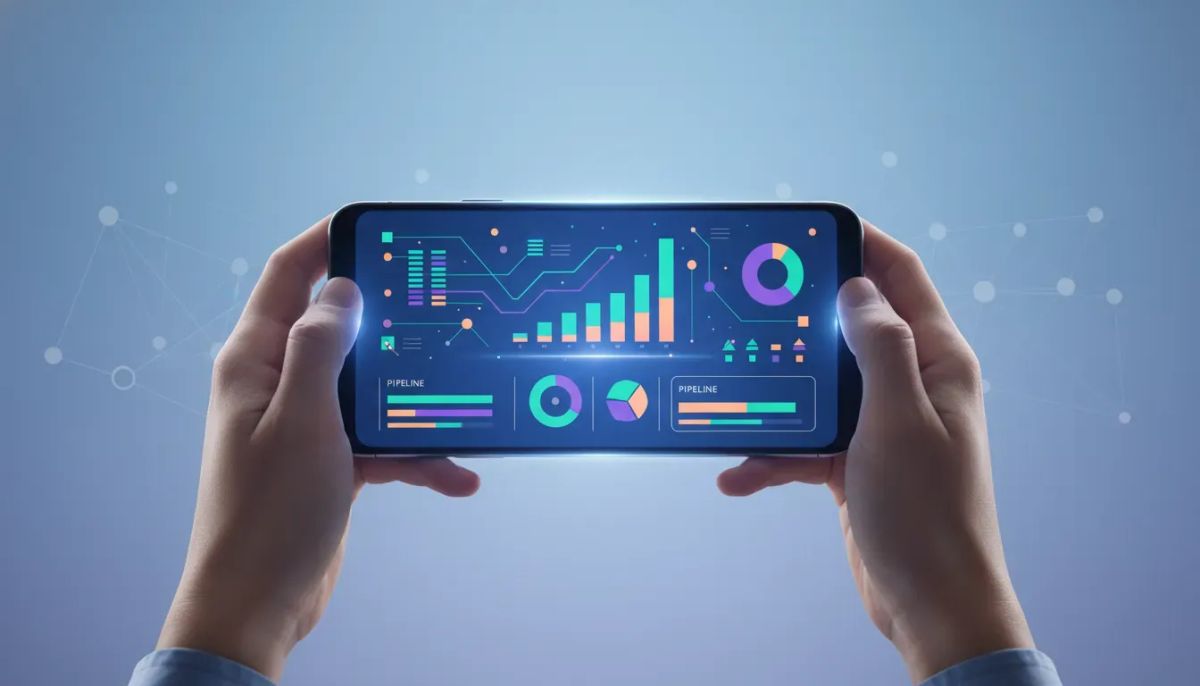
HighLevel just made mobile a whole lot more useful.
With version 4.14.1, Insights dashboards are now live inside the HighLevel mobile app. That means the dashboards you already built on desktop are no longer stuck on desktop. They now travel with you, right in your pocket, with reporting across pipelines, deals, conversions, campaigns, team activity, and more.
This is one of those updates that sounds simple at first, but once you think about the day-to-day impact, it is a major upgrade. If you run an agency, manage client accounts, oversee sales teams, or keep a close eye on CRM and marketing automation performance, getting instant access to reporting on mobile changes how quickly you can make decisions.
Instead of waiting until you are back at a laptop, you can open the app and check the exact numbers you care about. Not a lightweight summary. Not a watered-down version. The full dashboard experience you already use on the web.
The Complete Operating System for Growth
Join over 60,000+ agencies and businesses using HighLevel to capture more leads and close more deals. Start your trial today and get instant access to the Nexus Hub resources.
Claim Your Free Trial & BonusesWhat’s New in the HighLevel Mobile App
The headline is straightforward: your full Insights dashboards from desktop are now available on mobile.
If you have already built dashboards in HighLevel on the web, those same dashboards can now be accessed inside the mobile app. This includes reporting across the core areas most agencies and businesses actually care about:
- Pipelines
- Deals
- Conversions
- Campaigns
- Team activity
- Calls and AI-related insights
That broad coverage is what makes this update stand out. HighLevel is not just adding a single stats screen or a mobile summary widget. It is extending the reporting layer across multiple products and functions in one place.
For anyone using GHL as the center of operations, that matters. HighLevel is already where many agencies manage CRM activity, lead flow, automation, client communication, and reporting. Bringing dashboards into the mobile experience tightens that loop even further.
Why This Update Actually Matters
Reporting is only useful if it is easy to access when you need it.
That is the real story here. Most teams do not need more data. They need faster access to the right data, without friction. A dashboard that requires logging in later from a desktop often means the moment passes. Questions pile up. Follow-up gets delayed. Opportunities get missed.
With mobile dashboards, that changes.
If you are between meetings, on the road, checking in on a client account, or reviewing performance first thing in the morning, the numbers are already there. You can quickly verify whether campaigns are moving, whether pipeline activity looks healthy, whether calls are happening, and whether your team is executing the way it should.
For agencies in particular, this fits the reality of how owners and operators work. Agency systems are rarely monitored from one desk all day long. You are bouncing between sales, fulfillment, client communication, automation troubleshooting, and internal management. Having the reporting suite available on mobile gives you another layer of control without slowing you down.
Not a Slimmed-Down Mobile Version
One of the best parts of this release is that it is not just a stripped-down dashboard view.
The mobile app now reflects the dashboards you built in the web app, which means this is much closer to real continuity between desktop and mobile. That is important because too many mobile reporting experiences feel like an afterthought. You get a few top-line numbers, maybe a chart or two, and then you still have to go back to desktop for the real detail.
Here, the promise is much stronger: the reporting you are already using on desktop can be made available on the go, inside the app.
That continuity does two things:
- It protects the work you already put into building dashboards. You are not starting over for mobile.
- It creates consistency across your operating environment. The same metrics, same visual logic, and same reporting framework can now travel with you.
If your HighLevel agency setup depends on dashboards to track client performance or internal KPIs, this is exactly the kind of update that improves adoption. The easier it is to access reporting, the more likely it is to become part of your daily operating rhythm.
The Big Advantage: Real-Time Reporting on the Go
Mobile dashboards are not just about convenience. They are about speed.
Real-time access to reporting means you can respond faster when something changes. That might be:
- A drop in conversions
- A spike in campaign activity
- A shift in deal movement inside a pipeline
- Questions around team performance
- A need to verify call data and related AI rundowns
The mention of total calls and AI rundowns is especially interesting because it points to how HighLevel continues to bring more intelligence into the operating layer of the platform. If that information is visible directly in the mobile app, teams can review not just raw activity, but meaningful context around it.
For businesses using HighLevel workflows and automations, this is a natural extension of how the platform is meant to work. Automations handle the repetitive processes. The CRM captures activity. Dashboards surface performance. Mobile access closes the gap between what is happening in the system and what you can do about it in real time.
What You Can Track from Mobile
Based on the release details, the mobile dashboard experience spans a full range of reporting categories. Here is what that can mean in practical terms.
Pipelines and Deals
If sales performance is a major focus, you can keep an eye on pipeline health and deal flow without returning to your desktop. This is useful for sales managers, agency owners, and account leaders who want quick visibility into movement and momentum.
Conversions
Conversion reporting is where strategy meets outcomes. If you are running campaigns, building funnels, or managing lead handling processes inside GoHighLevel, having conversion metrics accessible from your phone helps you stay close to results.
Campaigns
Campaign performance is often one of the first things clients ask about. Being able to pull up campaign-related reporting on mobile makes it easier to stay prepared, whether you are in a scheduled check-in or handling an unexpected message.
Team Activity
Team activity reporting helps connect execution to outcomes. This matters if you are scaling a HighLevel agency and need visibility into what your team is doing across accounts, opportunities, and follow-up.
Calls and AI Insights
The ability to see total calls and related AI rundowns inside the app adds another layer of practical value. Calls are often one of the most important parts of the customer journey, and having quick access to that information on mobile can help with both oversight and follow-up.
The Complete Operating System for Growth
Join over 60,000+ agencies and businesses using HighLevel to capture more leads and close more deals. Start your trial today and get instant access to the Nexus Hub resources.
Claim Your Free Trial & BonusesWhy Agency Owners Should Pay Attention
If you are running an agency on HighLevel, this update is bigger than just a quality-of-life improvement.
Agency growth depends on operational clarity. You need to know what is happening across accounts, campaigns, and teams without constantly hunting for information. The more centralized and accessible your reporting becomes, the easier it is to scale with confidence.
Mobile dashboards support that in a few important ways:
- Faster client oversight when you need to check performance quickly
- Better internal accountability through easier access to activity metrics
- Improved responsiveness when sales or campaign numbers shift
- More operational flexibility for owners and team leads working across multiple priorities
This also aligns with broader HighLevel best practices. Strong agency systems rely on centralized CRM data, well-built automations, and reporting that can actually be used consistently. A dashboard nobody checks does not help. A dashboard available everywhere has a much better chance of becoming part of the routine.
How to Access Dashboards in the Mobile App
If you want to use this feature, there are a few details to know.
- Update to version 4.14.1
- Check Labs, since the feature is rolling out there
- Look for availability across HighLevel, LeadConnector, and white label apps
For white label apps, the update needs to be requested as usual, and this feature will be included in that update as well.
The rollout is being made available broadly, but if you do not see it immediately, that does not necessarily mean anything is wrong. It may simply still be in the rollout process.
What This Says About the Direction of HighLevel
There is also a bigger takeaway here.
HighLevel keeps moving toward a more complete operational platform, not just a collection of tools. CRM, marketing automation, calls, campaigns, reporting, team activity, and AI-supported insights are all becoming more tightly connected. That matters because businesses do not operate in separate tabs. They operate through systems.
When reporting spans across products inside one mobile experience, it reinforces the idea that HighLevel is not just where you build automations or store contacts. It is where you run the business.
For agencies, this is especially compelling. A strong GHL setup is not only about deploying workflows and snapshots. It is about building a manageable operating environment where data, execution, and decision-making all stay close together.
Mobile dashboards help make that vision more practical.
How to Make the Most of Mobile Dashboards
Since the app is now bringing over your web dashboards, the value you get from the feature depends in part on the quality of the dashboards you have already built.
A few simple principles can help:
- Focus on decision-making metrics rather than vanity numbers
- Keep dashboards organized by outcome, such as sales, fulfillment, campaigns, or team performance
- Review what needs fast access most often and make sure it is represented clearly
- Use mobile as a monitoring tool and desktop for deeper analysis when needed
The big idea is not to turn mobile into a replacement for every kind of reporting work. It is to make sure the most important business signals are always within reach.
That is what makes this update so useful. It reduces the distance between insight and action.
A Strong Upgrade for HighLevel Users
Sometimes feature releases are incremental. This one feels more meaningful.
Bringing full dashboards into the mobile app gives HighLevel users a more complete way to manage performance on the go. Pipelines, deals, conversions, campaigns, team activity, calls, and AI-related reporting are no longer tied to the desktop experience.
If your business already runs on HighLevel, this is the kind of update that makes the platform more usable in everyday operations. If you are still building out your systems, it is another reminder that strong implementation is worth it. The more intentionally you structure your CRM, workflows, and reporting, the more valuable these cross-platform upgrades become.
And if you are still exploring the platform, this is a good time to start a HighLevel free trial and see how your reporting, automation, and agency operations can come together in one place. If you want help with templates, implementation support, and proven ways to set up your system, the Nexus Hub community can also be a strong next step.
FAQ
What is new in HighLevel mobile app version 4.14.1?
Version 4.14.1 brings Insights dashboards to the HighLevel mobile app. Dashboards built on desktop can now be accessed on mobile, including reporting for pipelines, deals, conversions, campaigns, team activity, and more.
Are the mobile dashboards different from the desktop dashboards?
The update is designed to bring the dashboards you already built on the web into the mobile app, rather than offering a basic or heavily reduced version. The goal is full reporting access on the go.
What can I track inside the HighLevel mobile dashboards?
You can track key reporting areas such as pipelines, deals, conversions, campaigns, team activity, and call-related information, including AI rundowns referenced in the release.
How do I get access to dashboards on mobile?
Update your app to version 4.14.1, check the Labs area since the feature is rolling out there, and make sure your app is updated if you are using HighLevel, LeadConnector, or a white label version.
Is this available for LeadConnector and white label apps too?
Yes. The feature is available in both the HighLevel and LeadConnector apps. It is also available for white label apps, with the usual update request process applying there.
Why is mobile dashboard access important for agencies?
Agencies often need quick visibility into client performance, sales movement, campaign results, and team activity. Mobile dashboards make that information easier to access in real time, which supports faster decisions and stronger operational control.
The Complete Operating System for Growth
Join over 60,000+ agencies and businesses using HighLevel to capture more leads and close more deals. Start your trial today and get instant access to the Nexus Hub resources.
Claim Your Free Trial & Bonuses


