
Mobile App Updates v.4.10.0: Service V2 Enhancements, Time Zone Controls, and Smarter Booking Locations

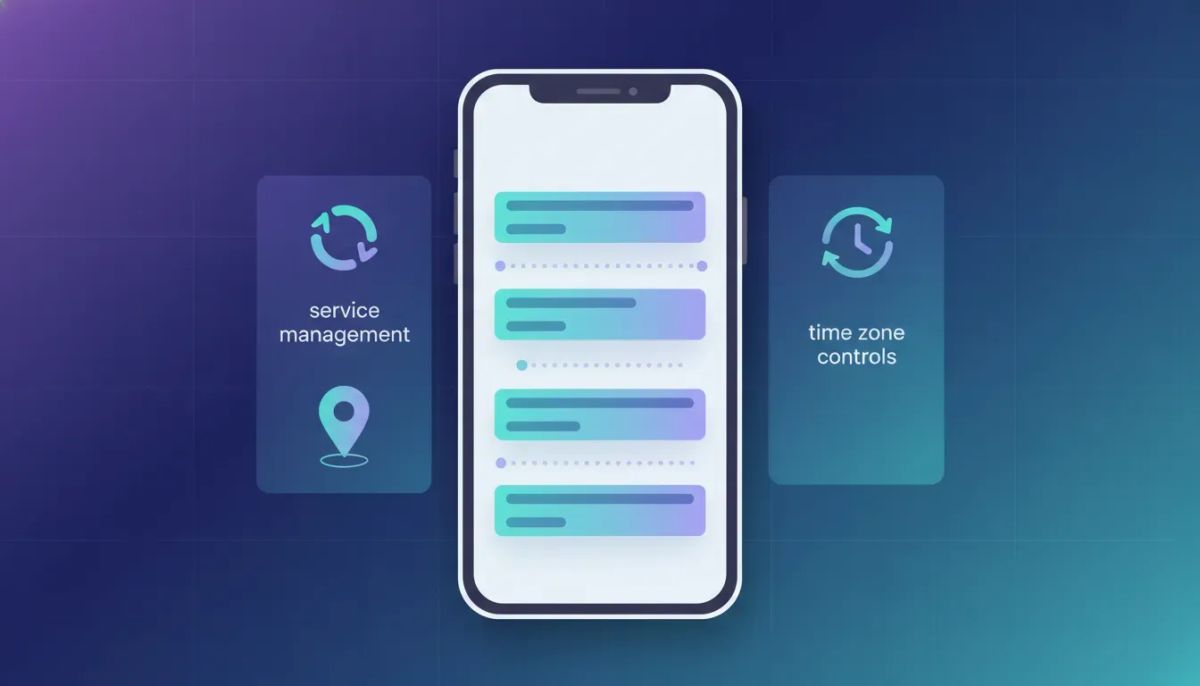
Happy Tuesday. If you are running a service business on HighLevel (GoHighLevel or GHL) and you rely on your mobile app for daily scheduling, dispatch, and client communication, this round of mobile updates is a big deal. Version 4.10.0 focuses heavily on Service V2 functionality and on making scheduling feel more “real world” for both you and your clients.
The Complete Operating System for Growth
Join over 60,000+ agencies and businesses using HighLevel to capture more leads and close more deals. Start your trial today and get instant access to the Nexus Hub resources.
Claim Your Free Trial & BonusesWhat I like most about these updates is that they address the stuff teams actually trip over day to day: rescheduling chaos, time zone confusion, and the “where exactly do I go?” problem for on-site work. Here is what changed and how to think about using it effectively in a HighLevel workflow and agency setup.
1) Services Version Two: Appointment CRUD is now supported
The biggest headline improvement is that Service v2 now supports appointment management operations directly in the mobile app. That means you can create and manage appointments with the full set of actions you would expect:
- Edit appointments
- Reschedule appointments
- Duplicate appointments
- Delete appointments
If you run field services, you know how often schedules change. A job runs long, the weather shifts, a part gets delayed, or a client needs an earlier slot. Until now, mobile scheduling experiences for many teams could feel incomplete because the edits were either limited or required jumping back into a desktop workflow.
With CRUD operations supported, your dispatch and field teams can handle appointment adjustments without losing time. And from an operations standpoint, that means fewer “handoff gaps” between your CRM/automation layer (HighLevel workflows and systems) and the real-time movement of your calendar.
2) View appointments in any time zone (so scheduling stays accurate)
Next up: view appointments in your configured time zone.
This update is simple on the surface but huge in practice. In service businesses, time zone confusion is one of those silent killers of customer trust. One client says “3 pm” and someone else interprets it differently. Or you are managing appointments for multiple regions, and the mobile calendar shows times in the wrong zone.
Now you can choose the time zone to view appointments, whether that is:
- Your time zone
- Your clients’ time zone
- Your business’ time zone
The goal is to let you view appointments “your way” across the mobile app settings, so the times you make decisions on match how you actually think and operate.
How this fits into HighLevel workflows
When you have HighLevel workflows and automations running notifications, reminders, and follow-ups, you want your scheduling source of truth to line up with the time context your team and clients experience.
Even if you already handle time zones in your booking logic, giving the mobile app an adjustable time zone view reduces operational friction. It also improves internal coordination, because the person making the move (rescheduling, confirming, dispatching) is looking at a time view that makes sense.
3) Ask the Booker: collect client address during booking
This is one of those “why didn’t we have this sooner?” features for service businesses that go to customers. The update is called Ask the Booker feature support in booking locations.
Here is the concept:
- You are a service business that performs on-site work (examples: mobile groomers, repair technicians, on-site consultants).
- You configure a booking location that prompts the client.
- When clients book, the mobile app asks for their address.
- The system then collects, validates, and stores that address.
- That address appears in the booking details so your team knows where the heck they are headed.
Instead of guessing based on a general area, you get the exact destination information inside the service booking flow and mobile app experience.
Why “Ask the Booker” matters for real operations
Address collection is not just a convenience. It affects:
- Dispatch accuracy (less back-and-forth)
- Arrival confidence (fewer “I’m lost” calls)
- Better client experience (clients provide info once, at booking)
- Reduced admin work (less manual data cleanup)
It is especially relevant for teams scaling through an agency setup, where you might manage multiple sub-brands, locations, or service categories. Standardizing the way addresses are collected keeps the data consistent and the follow-ups smoother.
4) Booking location address display: full addresses with copy and navigation
Collecting an address is helpful. But getting it in a usable form on mobile is what truly changes the experience. That is why the next enhancement is so practical: booking location display address with copy and navigation support.
Service appointment location details now show full addresses, not just location names. Plus you get:
The Complete Operating System for Growth
Join over 60,000+ agencies and businesses using HighLevel to capture more leads and close more deals. Start your trial today and get instant access to the Nexus Hub resources.
Claim Your Free Trial & Bonuses- One-tap copy so your team can quickly paste into maps or messages
- Smart navigation action so physical locations open in maps the way you expect
Think of it as removing friction between “we know where to go” and “we are actually going.” When teams rely on mobile to move fast, every extra tap and every ambiguous location label adds time and introduces errors.
5) Meeting links: launch in-app without leaving
Finally, there is the communications experience. Meeting links now launch in-app, meaning your team and clients can join without leaving the mobile app context.
This matters because it supports smoother transitions. Instead of bouncing between tabs, apps, or devices, meeting workflows stay contained, which reduces confusion and missed connections.
In practical terms, if you are running HighLevel scheduling with service appointments that include virtual components (consultations, onboarding calls, check-ins), having meeting links available directly inside the mobile app keeps the flow clean and consistent.
A small detail that improves the whole customer journey
Customer experience is often won or lost in the “last mile.” In-app joining supports that last mile by making the next step obvious and immediate.
Putting it all together: what these updates mean for a HighLevel agency setup
If you are building or scaling using HighLevel, you are probably juggling multiple moving parts: CRM data integrity, scheduling, notifications, marketing automation, and the reality that different teams operate differently.
These mobile updates collectively strengthen the chain:
- Service v2 appointment CRUD makes calendar updates faster and more reliable.
- Time zone controls reduce scheduling ambiguity and support distributed operations.
- Ask the Booker address collection improves on-site service logistics.
- Full address display with copy and navigation improves dispatch execution.
- In-app meeting links keeps communication smooth and reduces friction.
From an implementation strategy perspective, this is exactly the kind of improvement that supports best practices for agency systems. When clients book, the mobile app should provide the information and controls your clients and team need to follow through with confidence.
Implementation ideas: where to start with these features
If you want to take action right away, here are a few practical ways to incorporate these updates into your setup.
- Audit your Service v2 appointment flow and confirm that your team’s daily tasks map to edit, reschedule, duplicate, and delete operations.
- Standardize time zone behavior in your mobile team workflows. Decide whether the mobile view should match the client experience or the internal dispatch context.
- Enable “Ask the Booker” for on-site service categories where destination accuracy matters. This is especially useful for mobile providers and location-based services.
- Confirm address display usability for staff on the ground. The copy and navigation tools are only helpful if the address data is consistently captured.
- Validate meeting link behavior for virtual appointments so clients can launch and join with minimal steps.
The big win is alignment. Your booking experience, your mobile operations, and your HighLevel automations should all support the same reality. That alignment is what scales cleanly when you grow from one team to multiple teams or multiple locations.
FAQ
What does “Services version two appointments” support in the mobile app?
Service v2 now supports appointment management actions including edit, reschedule, duplicate, and delete directly within the mobile app.
Can teams view appointments in different time zones?
Yes. The mobile app now includes an option to view appointments in a configured time zone, allowing you to choose the time zone for how appointments appear (including your clients’ or business’ time zone).
What is the “Ask the Booker” feature used for?
It supports service businesses by prompting the client during booking to provide their address. The mobile app then collects, validates, and stores the address so it is available in the service booking details.
Do booking locations show full addresses now?
Yes. Service appointment location details now display full addresses instead of only names, with one-tap copy and smart navigation support to open physical locations in maps.
How do meeting links work after the update?
Meeting links can launch in-app, enabling users to join without leaving the mobile application.
Next steps: try it with HighLevel and scale your systems
If you are serious about improving service scheduling and client experience, these mobile upgrades are the kind of practical enhancement that makes day-to-day operations smoother. They also complement the bigger picture of running clean HighLevel workflows, reliable CRM data, and scalable agency systems.
If you are not already exploring HighLevel, consider starting a free trial to set up or refine your Service v2 booking flow, time zone behavior, and location data. And if you want templates and implementation support as you build, the Nexus Hub community can be a great resource for accelerating your setup with proven systems and ready-to-use ideas.
The Complete Operating System for Growth
Join over 60,000+ agencies and businesses using HighLevel to capture more leads and close more deals. Start your trial today and get instant access to the Nexus Hub resources.
Claim Your Free Trial & Bonuses


