
Custom Date Reminders Now for Custom Objects, Opportunities, and Companies in HighLevel

HighLevel just made workflow automation a whole lot more flexible.
If you use custom date reminders inside HighLevel workflows, you already know how useful they can be for time-based automations. Until now, that power was mostly tied to contact date fields. That worked fine for contact-centric processes, but it also created a limitation: a lot of important dates in a business do not actually live on the contact record.
Now they can.
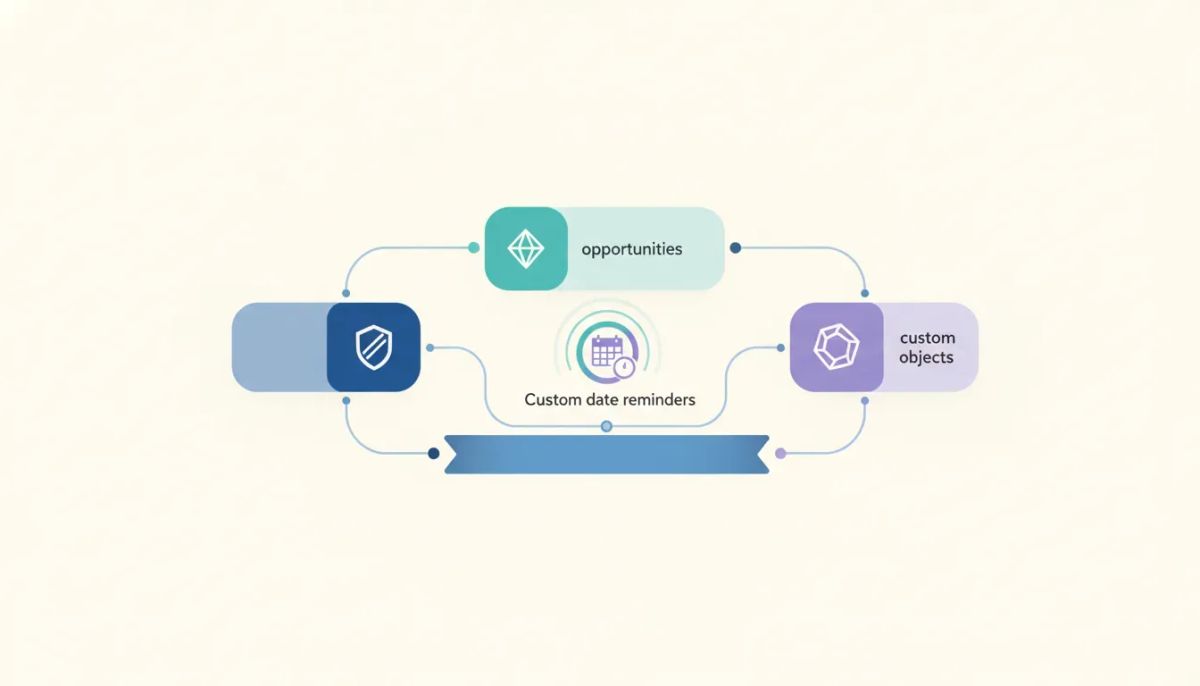
With this update, custom date reminders in HighLevel can work with date fields on opportunities, companies, and custom objects, not just contacts. That means your workflow automations can finally run based on the records that actually matter for the process you are building.
For agencies, SaaS businesses, and service teams using GoHighLevel as their CRM and marketing automation platform, this opens up a much bigger automation surface. It is one of those updates that sounds small at first, but in practice it expands what is possible across operations, fulfillment, reminders, and relationship management.
The Complete Operating System for Growth
Join over 60,000+ agencies and businesses using HighLevel to capture more leads and close more deals. Start your trial today and get instant access to the Nexus Hub resources.
Claim Your Free Trial & BonusesWhat changed with custom date reminders?
The core upgrade is simple:
- Before: custom date reminder triggers were primarily tied to contact date fields in contact-based workflows.
- Now: custom date reminder triggers can evaluate date fields on opportunities, companies, and custom objects as well.
In practical terms, this means a workflow can start when a date on one of those records matches the reminder timing you define.
So if a date field says today, tomorrow, or any reminder offset you configure, HighLevel can trigger the automation from there.
That matters because not every workflow should begin from a contact event. A deal milestone belongs on an opportunity. An organization-specific date belongs on a company record. A custom process object, like a pet, property, subscription, or asset, belongs on a custom object. HighLevel now allows your automation logic to follow that structure more naturally.
Why this is a bigger deal than it sounds
A lot of CRM and marketing automation systems become messy when teams are forced to store data in the wrong place just to make automation work.
Maybe a company anniversary gets copied onto a contact record. Maybe a deal-related date gets duplicated in a custom field just so a workflow can read it. Maybe a custom object exists, but the automation still has to rely on a workaround because the date trigger cannot originate there.
That is where this update becomes valuable.
Instead of bending your system around platform limits, you can keep your data where it belongs and build the automation around the correct object.
That leads to better:
- Data organization
- Workflow clarity
- Scalability for agencies and SaaS operations
- Record-specific automation logic
- Reduced need for manual duplication or workaround fields
If you are serious about HighLevel agency setup, automation architecture, or client account implementation, this is exactly the kind of feature that helps systems stay clean as they grow.
How custom date reminders work in HighLevel now
The workflow behavior is straightforward.
Custom date reminder triggers can now evaluate date fields based on supported objects in the workflow. In a workflow built around a company or custom object, the trigger reads date fields from that same object and starts the workflow when the reminder time matches.
The same idea applies to opportunities as well.
That means you are no longer limited to saying:
- Start this automation when a contact date field reaches a certain day
You can now also say things like:
- Start this automation when an opportunity date field matches the reminder condition
- Start this automation when a company date field matches the reminder condition
- Start this automation when a custom object date field matches the reminder condition
That is the real unlock.
Supported record types for date-based workflow triggers
Based on this update, HighLevel custom date reminders now support date fields from these record types:
- Contacts
- Opportunities
- Companies
- Custom Objects
This broadens how teams can design GHL workflows around real business data rather than trying to force everything into a contact-first model.
What this looks like in the real world
The easiest way to understand the value is through examples.
1. Opportunity-based reminders
Opportunities often represent a deal, a pipeline stage, or a revenue-related process. If a date field exists on that opportunity record, you can use it to drive automation directly.
Instead of attaching a reminder to a contact just because that was the only option, you can trigger based on the deal itself.
That creates cleaner CRM logic because the workflow is tied to the opportunity where the milestone actually lives.
2. Company-based reminders
Some dates belong to the business, not the individual.
That could be a company-specific event, an account-related timeline, or any organization-level date field stored on the company record. With this update, company-based workflows can read those date fields and trigger when the reminder timing hits.
This is especially useful for B2B CRM setups where the company is a major part of the relationship structure.
3. Custom object-based reminders
This is where things get especially interesting.
Custom objects let you model records that are specific to your business or your clients' businesses. And now those records can drive date-based workflows too.
One simple example is a custom object called Pet.
If the pet record has a birthday field, you can start a workflow when that birthday arrives, or the day before, or based on whatever reminder timing you want. From there, the automation can send a message, create an internal task, or kick off the next action in the process.
That example is fun, but the implication is serious: custom objects are no longer just places to store specialized data. They can become full automation triggers for time-based processes inside HighLevel.
Why custom objects matter so much here
Custom objects are one of the most powerful pieces of HighLevel because they allow businesses and agencies to create systems around real operational entities, not just leads and contacts.
Depending on the setup, a custom object might represent:
- A pet
- An asset
- A property
- A case
- A policy
- A service item
An enrollment
Whenever one of those record types has an important date, being able to trigger automation from that field makes your system much more accurate.
That is a big win for agencies building niche solutions in GoHighLevel. It gives you more ways to create tailored workflows without flattening everything into generic contact fields.
The Complete Operating System for Growth
Join over 60,000+ agencies and businesses using HighLevel to capture more leads and close more deals. Start your trial today and get instant access to the Nexus Hub resources.
Claim Your Free Trial & BonusesHow this improves workflow design
Good workflow design is not just about adding more triggers. It is about aligning automation with your data model.
This update helps with that in a few key ways.
Use the right object for the right job
If the date belongs to a company, keep it on the company.
If the date belongs to an opportunity, keep it there.
If the date belongs to a custom object, let that object drive the workflow.
This reduces clutter and makes your CRM easier to maintain.
Build more relevant automations
When a workflow starts from the correct record type, the automation is usually more relevant and easier to understand.
Instead of reverse-engineering your logic around contacts, you can build around the event itself.
Scale cleaner across accounts
For agencies managing multiple client accounts in HighLevel, standardization matters. The more your workflows reflect clean object-based logic, the easier it is to clone, template, and support those systems at scale.
That is especially true in industries where custom objects play a major role in implementation.
Simple way to think about it
Here is the easiest mental model:
Custom date reminders now follow the record where the date actually lives.
That is the whole story.
Before, your automation options were narrower because date-triggered workflows were mostly contact-driven. Now the trigger can reflect a wider range of business records inside HighLevel.
That gives you more flexibility without needing to redesign your data structure around a limitation.
Use cases this update makes easier
Even without stretching beyond the examples provided, it is clear this feature supports a lot of automation patterns that were previously awkward.
- Deal-related reminders using opportunity date fields
- Organization-specific reminders using company date fields
- Custom process reminders using dates on custom objects
- Specialized niche workflows where a custom record, like a pet, has an important recurring date
The common thread is this: your automation can now be built around the actual business entity involved.
What this means for agencies using GoHighLevel
If you run an agency and use HighLevel for client CRM, marketing automation, and SaaS operations, this feature can help you deliver smarter implementations with fewer workarounds.
That matters for both internal efficiency and client results.
When you can automate around company records, opportunities, and custom objects more naturally, you can:
- Create cleaner client account architecture
- Reduce custom field duplication
- Build better niche templates
- Support more advanced lifecycle automations
- Improve long-term maintainability of agency systems
In other words, this is the kind of platform improvement that helps agencies scale HighLevel implementations more intelligently.
Best practices for using the feature well
If you want to get the most out of this update, keep a few practical principles in mind.
Store dates on the correct record type
Do not keep forcing everything onto contact records if the real source of truth is somewhere else.
Now that HighLevel supports more date reminder sources, your CRM setup can become more structured.
Match workflow type to object type
In company-based and custom object-based workflows, the trigger reads date fields from that same object. So make sure the workflow is built around the correct record type from the beginning.
That will save you confusion later.
Use naming that makes logic obvious
If you are working with custom objects especially, clear field naming matters. A date field should be easy to identify so the workflow trigger logic is instantly understandable.
Think in terms of business events
Instead of asking, "How do I trigger this from a contact?" ask, "What record owns this date?"
That shift in thinking usually leads to better automation design.
A small feature with big workflow implications
Some updates add complexity. This one removes it.
By allowing custom date reminders to work across contacts, opportunities, companies, and custom objects, HighLevel gives users a more natural way to build automation around real data relationships.
That is useful whether you are managing internal operations, building client systems, or creating a repeatable SaaS workflow setup inside GHL.
And if you are already investing in custom objects or object-based workflow design, this update makes those systems even more valuable.
Where to go from here
If you are already using HighLevel workflows, this is a great time to review any automation that currently relies on contact-based workarounds for dates that really belong somewhere else.
You may be able to simplify your setup significantly.
If you are newer to the platform, this is another reminder that HighLevel continues to expand beyond basic CRM and messaging. It is increasingly a system for building structured automation around the way businesses actually operate.
If you want hands-on experience with features like this, starting a HighLevel free trial is the easiest way to test how these workflow upgrades fit into your business or agency stack.
And if you are looking for templates, implementation ideas, or support building smarter agency systems, the Nexus Hub community is a natural next step for resources and guidance.
FAQ
What is the main update to custom date reminders in HighLevel?
Custom date reminders in HighLevel can now trigger workflows using date fields from opportunities, companies, and custom objects, in addition to contacts.
Can I still use contact date fields for custom date reminders?
Yes. Contact-based date reminders still work. The update expands support to more record types rather than replacing contact-based behavior.
How do company-based and custom object-based workflows use date reminders?
In those workflows, the trigger reads the date field from the same object the workflow is built around and starts the automation when the reminder timing matches.
Does this update include opportunity date fields too?
Yes. Opportunity date fields are now supported for custom date reminder triggers as part of this feature expansion.
What is an example of a custom object date reminder?
A simple example is a custom object called Pet with a birthday date field. You can start a workflow when that birthday arrives or based on a reminder offset, then send a message or trigger another action.
Why is this helpful for agencies using GoHighLevel?
It helps agencies build cleaner CRM and automation systems by letting workflows start from the right record type. That reduces workarounds, improves scalability, and makes client implementations easier to maintain.
The Complete Operating System for Growth
Join over 60,000+ agencies and businesses using HighLevel to capture more leads and close more deals. Start your trial today and get instant access to the Nexus Hub resources.
Claim Your Free Trial & Bonuses


