
Exposing Insane AI Playbooks, Part 1: A Simple Workflow for Cinematic AI Visuals

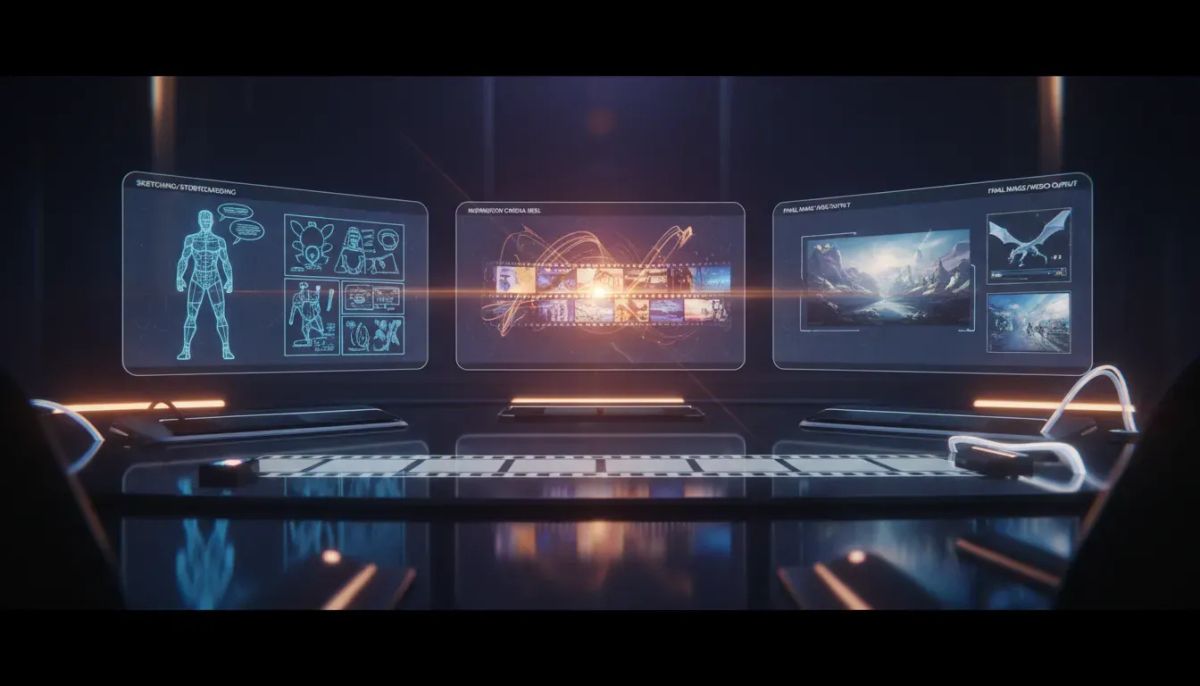
If you want to create AI visuals that actually look cinematic, not generic, the process is simpler than most people think.
The core playbook here is straightforward. Use Claude to map the concept and storyboard. Use Flim to gather cinematic inspiration. Then use Higgsfield to generate the final images and videos. The surprising part is not the tool stack. It is how simple the prompts can be when the process is clear.
For brands, creators, and agencies, that matters. A clean workflow saves time, gives your team a repeatable creative process, and helps you produce better-looking assets without turning every project into a guessing game.
Why this workflow matters
A lot of AI content looks like AI content. It may be technically impressive, but it lacks taste, direction, and consistency.
This playbook solves that by separating the work into three jobs:
- Claude handles concept development and story structure.
- Flim helps you find cinematic references and visual direction.
- Higgsfield turns that direction into images and videos.
That sequence is useful in real business settings because it mirrors how strong creative work usually happens. First, you define the idea. Then you gather visual references. Then you produce the asset.
If you skip straight to image generation, the output often feels random. If you structure the process first, you get stronger results with less back-and-forth.
The three-tool workflow
1. Use Claude for concept development and storyboarding
The first step is using Claude to shape the idea.
This is where you work out the concept, the flow, and the visual sequence before generating anything. Instead of jumping into prompts with half a concept, you use Claude to think through what the final piece should communicate.
For a business or agency, this is especially useful when you need content with a clear purpose, such as:
- Brand campaigns
- Product visuals
- Social content series
- Launch assets
- Creative direction for client work
Storyboarding with Claude gives you a planning layer. You can define scenes, moods, progression, and visual beats before moving into production.
That matters because better AI visuals usually come from better planning, not more complicated prompts.
2. Use Flim for cinematic inspiration
Once the concept is clear, the next step is Flim.
Flim is used here for cinematic inspiration. That means you are not creating from a blank page. You are looking at the kind of visual language you want to borrow from, including things like:
- Composition
- Lighting
- Color
- Framing
- Mood
- Scene references
This is one of the most practical parts of the process.
A lot of teams struggle with AI image generation because they ask for a result without first defining what “good” looks like. Flim gives you a reference point. It helps you ground your creative choices in actual cinematic inspiration instead of vague style requests.
For marketers and operators managing content production, this can also make approvals easier. It is much easier to align a team or a client around references than around abstract descriptions.
3. Use Higgsfield to generate the images and videos
After the concept and references are set, Higgsfield is where the assets get made.
This is the production step. The images and videos come from the earlier planning work, not from improvising on the spot.
That is the pattern worth paying attention to. The tool generating the visuals is not carrying the whole job. It is only doing its part in a larger process.
For business use, that means you can treat AI visual creation more like a system and less like a one-off experiment.
You can use this approach for:
- Short-form campaign visuals
- Creative tests for paid social
- Brand mood pieces
- Concept trailers
- Visual storytelling for product marketing
The real lesson: simple prompts can still produce strong work
The biggest surprise in this playbook is that the prompting is described as “shockingly simple.”
That is important because many teams assume better results require huge, complex prompt blocks. In practice, prompt quality often depends more on clarity than length.
If your concept is clear, your references are strong, and your generation tool is chosen with purpose, your prompts do not need to be overloaded.
This is good news if you are running content for a business and do not want your process to depend on one person who writes long, fragile prompts nobody else understands.
Simple prompting is easier to:
- Document
- Reuse
- Train a team on
- Hand off across client accounts
- Improve over time
In other words, the real advantage here is not just visual quality. It is repeatability.
How to apply this in a business or agency workflow
If you want to use this method in real work, keep the process tight.
- Start with the outcome. Decide what the visual needs to do. Is it for awareness, product storytelling, brand identity, or social engagement?
- Map the sequence in Claude. Outline the scenes or visual moments before generating anything.
- Collect references in Flim. Find the cinematic look and feel that matches the goal.
- Generate in Higgsfield. Create the images or videos once the direction is already clear.
- Keep prompts simple. Do not confuse complexity with quality.
This kind of structure is helpful whether you are a solo creator, an internal marketing lead, or an agency managing multiple brands.
Where this workflow works well
This process is especially useful when visual taste matters and speed matters too.
Good fits include:
- Brands that need cinematic social content
- Agencies building concept-driven creative for clients
- Creators producing polished AI visuals at higher volume
- Marketing teams testing visual directions before a full production
It works because it gives structure without making the process heavy.
Where this workflow may fall short
This process is strong for creative direction and visual generation, but it is still only one part of a broader content system.
If your team lacks a clear brand point of view, no tool stack fixes that. If the message is weak, cinematic visuals alone will not solve the problem.
It is also not a replacement for a full production workflow when you need live-action footage, detailed editing, or strict compliance controls.
The best use case is when you need fast, well-directed AI visuals, not when you need every part of a campaign handled inside one tool.
A practical takeaway
If your AI visuals feel inconsistent, the issue may not be your prompting. It may be your process.
A cleaner setup looks like this:
- Use Claude to think through the story.
- Use Flim to define the visual taste.
- Use Higgsfield to produce the final assets.
That gives you a usable creative system, not just another AI experiment.
If you run a team, document the sequence and test it on one campaign. Start small. Pick one offer, one product, or one content series. Build the storyboard, gather references, and generate a few visual directions. Then refine what works into a repeatable process.
If you want more practical AI workflows like this for content, marketing, and operations, the Nexus Hub community is a good place to keep building from there.
FAQ
What is the AI visual workflow being used here?
The process uses Claude for concept planning and storyboarding, Flim for cinematic inspiration, and Higgsfield for generating the final images and videos.
Why use three different tools instead of one?
Each tool handles a different part of the process. Claude helps shape the idea, Flim helps define the visual direction, and Higgsfield handles production. Splitting the work this way creates better consistency and clearer output.
Do you need advanced prompts to get cinematic AI visuals?
No. One of the main takeaways is that the prompting can be very simple when the concept and references are clear. Strong process often matters more than prompt length.
Who is this workflow useful for?
This approach is useful for brands, creators, agencies, and marketing teams that want better-looking AI visuals for campaigns, social content, and creative direction.
What is the biggest lesson from this playbook?
The biggest lesson is that taste comes from process. If you define the story first, gather strong visual references, and keep prompting clear, you can produce stronger cinematic visuals without overcomplicating the workflow.



