
AI Webinar Analytics and Automation Explained: How to Turn Viewer Data into Conversions

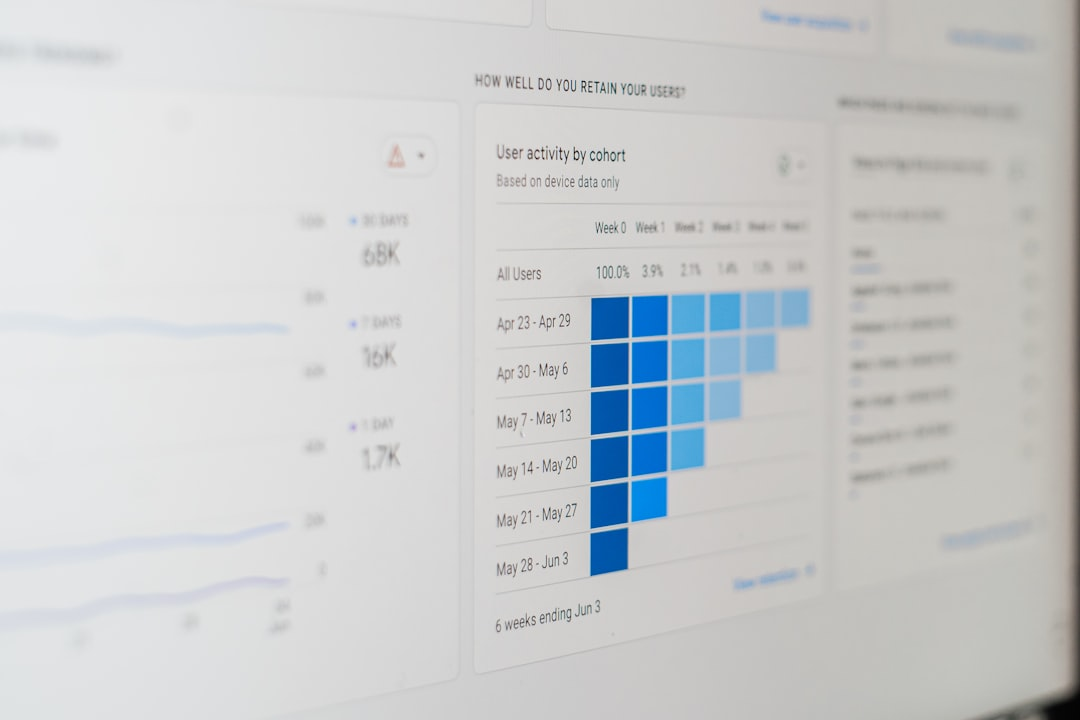
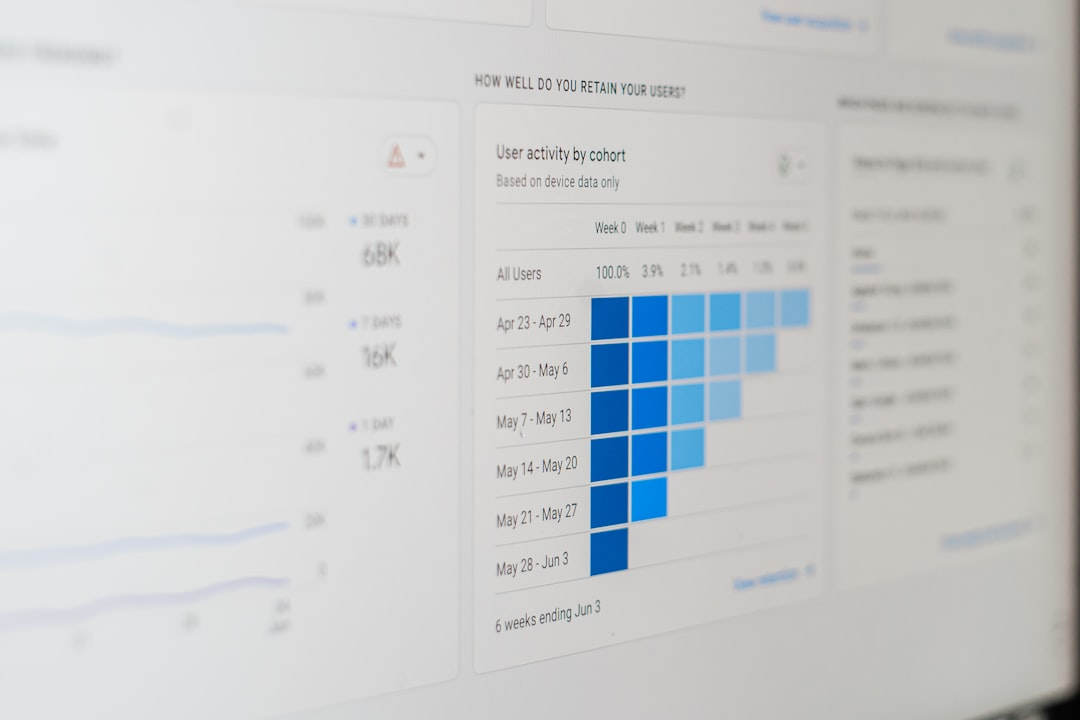
Photo by 1981 Digital on Unsplash
Webinars are one of the most powerful ways to educate prospects, demonstrate value, and convert leads into customers. But throwing a webinar online and hoping for the best is a strategy that wastes time. What separates good webinar programs from great ones is data—precise, time-based video analytics combined with automation that closes the loop.
What this solution does for us
We get a single place to track how people interact with our webinars—live, on-demand, and recurring—without adding extra tracking code or wrestling with separate tools. The platform automatically collects viewer behavior: how long people watch, where they drop off, who re-attends sessions, and where traffic comes from. That data powers automated reminders, tailored follow-ups, and smarter content decisions so we can increase attendee retention and boost conversions.
Types of webinars and why analytics matter for each
Different formats need different measurement and follow-up strategies. The same analytics framework works across all three, but we use the data differently depending on the format.
- On-demand webinars: These are pre-recorded sessions people can register for and watch at their convenience. Engagement data shows average watch percentage and exact drop-off points so we can edit content or change hooks.
- Live webinars: Live attendance, real-time viewer counts, and interaction moments are key. Live analytics help us adapt the presentation on the fly and improve reminder workflows to increase live attendance.
- Recurring webinars: When the same session runs repeatedly, aggregated session-by-session data identifies which times, titles, or promotional channels perform best. We can also spot repeat attendees and the average attendance rate across sessions.
Core metrics we track and why they matter
The most actionable analytics are time-based and behavior-driven. Here are the metrics that give clear direction.
- Page views vs registrations: Tells us how compelling the registration page is. A high page view with low registration rate means the page copy or offer needs improvement.
- Average watch percentage: A quick health check of our content. If most people watch only 30 to 40 percent, we need to shorten, restructure, or re-hook the early part of the webinar.
- Drop-off points: The exact moment where viewers leave. This reveals confusing segments, technical glitches, or weak transitions.
- Video plays, pauses, and completions: These engagement counters indicate active interest. Frequent pauses could mean viewers are taking notes or losing focus.
- Live viewers and total attendance: For live sessions, we compare registrations to actual attendees to evaluate reminders and the effectiveness of scheduled times.
- Repeat attendees and average attendance rate: For recurring sessions, this shows audience loyalty and helps select the best time slots and messaging.
- Traffic source, browser, and geo data: Helps identify where our audience originates and whether a specific channel or region performs better.
How analytics power better automation and follow-up
Analytics are useful only when they trigger action. We use viewing behavior to automate personalized follow-up paths. That means fewer manual touchpoints and more relevant nudges for our audience.
For example, we can set up triggers that fire when a viewer:
- Watches less than 25 percent of the webinar
- Watches between 25 and 75 percent
- Completes the entire webinar
- Pauses or skips to specific sections
Each of those behaviors launches a different workflow. Someone who drops off early gets a short reminder with a link to the most valuable part they missed. Someone who completes the session gets a follow-up with a clear next step like a consultation booking or an exclusive resource.
Step-by-step: Setting up behavior-based triggers
The setup is straightforward and practical for busy teams.
- Create or publish your webinar session in the platform; analytics will start collecting automatically once the webinar is live.
- Choose which webinar funnel and which specific video you want to monitor.
- Define the viewing thresholds that matter to you, for example 0 to 25 percent, 25 to 75 percent, and 75 to 100 percent.
- Map each threshold to an automation sequence: reminder emails, re-engagement SMS, resource delivery, or sales outreach.
- Test the triggers with a small audience or an internal team before scaling.
Use cases: Practical scenarios where analytics make a difference
Here are practical examples that show how simple changes driven by analytics can have a measurable impact.
- Fixing the intro: If analytics show heavy drop-off in the first five minutes, we shorten the intro, present the promise earlier, or start with a compelling outcome.
- Improving live attendance: If live registrations are high but actual attendance is low, we test different reminder cadences: immediate confirmation, 24-hour reminder, one-hour reminder, and a final SMS five minutes before.
- Retargeting near-completers: People who watch 70 to 95 percent are warm. We prioritize them for follow-up calls or time-limited offers.
- Optimizing recurring schedules: Over multiple sessions, analytics reveal which time slots attract the most repeat attendees so we can standardize on peak-performing sessions.
- Channel allocation: If a specific traffic source brings higher completion rates, we shift marketing spend and messaging toward that channel.
Filtering and segmenting audience data
Deep dives make targeting precise. We can filter attendee lists by:
- Country, state, or city
- Browser or device
- IP address patterns
- Traffic source or campaign
- View duration or completion rate
These filters help us send tailored messages—different follow-ups for mobile viewers versus desktop viewers, or region-specific offers that respect local time zones and language preferences.
Data reliability and timing
The platform handles the heavy lifting. Once a webinar is published, analytics begin recording automatically. We need to be aware that full data consolidation can take a brief period—usually around 10 to 15 minutes after the session ends—before all metrics appear in the dashboard.
That brief delay is normal. It lets the system aggregate session-level details into usable charts and counts so our follow-up automations trigger on accurate information.
Practical tips for better webinar content based on analytics
Data suggests the right tactical changes. Here are concrete adjustments we make based on common patterns.
- If a specific segment sees a consistent drop-off, re-record that segment with a clearer transition or stronger benefit language.
- If viewers pause at dense slides, break the content into shorter modules with explicit takeaways and prompts.
- If on-demand viewers watch at different speeds or skip sections, add chapter markers or a clickable agenda so they can jump to the parts they care about.
- If live engagement is low, add real-time polls or a short Q&A to increase participation and retention.
- If completion rates vary by traffic source, test landing page messaging specific to those audiences.
Measuring success beyond registration numbers
Registrations feel good, but conversions are the real goal. We monitor how engagement correlates with downstream actions: purchases, bookings, or qualified leads. That lets us calculate the ROI of each webinar and prioritize topics and formats that generate revenue.
Typical KPIs we track after a webinar include:
- Conversion rate of attendees to customers
- Lead qualification rate for attendees vs registrants
- Revenue per webinar
- Engagement-weighted lead scoring
Best practices for busy teams
Small teams need high-impact workflows that save time. These habits help us run better webinars without burning out.
- Use a repeatable template for webinar funnels so creating new sessions becomes copy-and-paste easy.
- Predefine automation sequences for common viewer behaviors to avoid building workflows from scratch each time.
- Schedule a short analytics review within 24 hours of each session to capture quick wins and prioritize edits.
- Centralize webinar assets—slides, recordings, and transcript snippets—in one place so follow-ups and repurposing are fast.
- Keep follow-up messages short and benefit-driven. People respond better to clear next steps than long explanations.
Example workflows we use
Here are two real-world workflows that save time and increase conversions.
- Low engagement workflow
- Trigger: Viewer watches less than 25 percent.
- Action: Send a 2-minute highlights replay and a one-question survey asking what stopped them from watching.
- Follow-up: If they respond, route to a sales rep with the survey answer and viewing data.
- High engagement workflow
- Trigger: Viewer completes at least 75 percent.
- Action: Deliver a case study or special offer and an invitation to schedule a short call.
- Follow-up: After a week without action, send a reminder with urgency and a limited-seat offer.
Privacy and minimal setup
One of the most practical benefits is simplicity. The platform collects analytics automatically when webinars are published, so we do not need extra tracking scripts or complex integrations just to get viewer behavior. That reduces technical overhead and privacy-related friction.
We still act responsibly with attendee data. Use filters to segment audiences without exporting unnecessary personal information, and only trigger personalized outreach based on consented interactions.
"Using analytics to drive our follow-ups transformed our webinar conversion rates. We moved from guessing to precise, personalized outreach and saw immediate improvements."
How to prioritize changes when data is overwhelming
When analytics produce a lot of signals, we prioritize changes that are fast to implement and high impact. Use this rule of thumb:
- Fix clear technical problems first, like audio or playback errors.
- Improve the first five minutes if drop-off is early.
- Optimize call-to-action timing if many people drop off before the offer.
- Split long sessions into shorter modules if overall completion rates are low.
Testimonials
"We cut our webinar production time in half and increased qualified leads by 40 percent after using behavior-driven follow-ups. The automation does the heavy lifting—our team focuses on high-value outreach."
FAQ
How quickly does analytics data appear after a webinar ends?
Basic engagement data appears immediately, but full consolidation of session-level metrics typically completes within 10 to 15 minutes after the webinar ends.
Do we need to add tracking code to our pages to get these analytics?
No. Analytics begin collecting automatically when you publish a webinar, so no additional tracking scripts are required for core viewer behavior data.
Can we trigger emails based on how much of the webinar someone watched?
Yes. You can define thresholds tied to viewing percentages and map each threshold to a specific automation sequence such as reminders, replays, or sales outreach.
Will this work for both live and pre-recorded sessions?
Yes. The analytics support live sessions, on-demand videos, and recurring webinars. Each format has tailored metrics such as live viewer counts, average watch percentage, and repeat attendee data for recurring series.
Can we filter attendees by location or traffic source?
Yes. Filters include country, state, city, browser, device, IP patterns, and traffic source so you can segment follow-ups by audience characteristics.
What are the easiest improvements to start with after reviewing analytics?
Start by fixing technical issues, tightening the first five minutes, and adjusting reminder cadences. Those changes typically yield quick lifts in attendance and completion.
Final thoughts
Analytics combined with automation removes guesswork from webinar marketing. When we pay attention to where people drop off, how long they stay, and where traffic comes from, we can make informed edits, send timely follow-ups, and allocate promotional budget more effectively.
For busy teams, the real value is saving time and focusing effort on the people most likely to convert. Set up simple triggers, prioritize quick wins, and measure the revenue impact of each webinar. Small changes driven by clear data compound quickly and turn webinars into repeatable revenue engines.



