
Circular QR Codes in HighLevel: A Simple Design Upgrade That Gets Noticed
Upgrade your marketing assets with circular QR codes in HighLevel. Learn how to use this modern design option alongside custom frames and borders to improve brand alignment, stand out on physical materials, and drive higher engagement for your lead capture workflows.

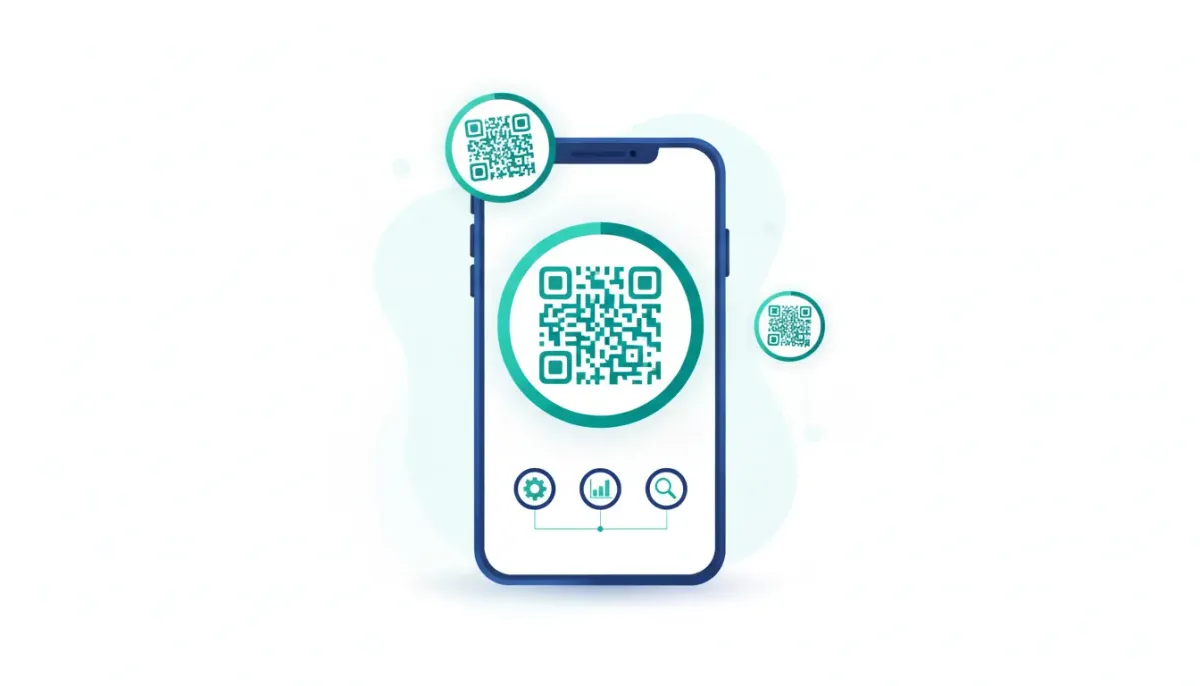
QR codes are everywhere, and most of them look exactly the same. They’re functional, sure. But if you’re running a campaign, building an agency system, or trying to drive action from real humans, you want more than “it scans.” You want “people actually feel like scanning.”
The Complete Operating System for Growth
Join over 60,000+ agencies and businesses using HighLevel to capture more leads and close more deals. Start your trial today and get instant access to the Nexus Hub resources.
Claim Your Free Trial & BonusesThat’s why the new circular QR code design option in HighLevel is such a nice improvement. It’s quick to enable, easy to demonstrate, and it gives your links a more modern, brand-friendly look while keeping the core benefit: seamless engagement via QR.
What changed: Circular QR codes are now available
HighLevel has added a new design option in the QR code section that lets you generate circular QR codes. Instead of the standard square/rectangular appearance, your QR code can take on a rounded, circular style.
The result is subtle, but it matters. Circular QR codes can stand out on flyers, landing pages, event materials, and packaging. They also give you a more polished visual presence, especially when paired with other customization options HighLevel already supports.
Why circular QR codes can improve real-world performance
Let’s be honest. QR codes often fail for one of two reasons:
- They don’t attract attention enough for someone to notice them.
- They feel “generic”, so people assume they’re not worth the effort.
Circular designs help with the first issue by making the code look intentionally designed rather than stamped on as an afterthought. When your QR code looks like part of the marketing, people are more likely to engage.
And because HighLevel still keeps QR functionality the priority, you can test circular styling without changing your entire workflow.
How to create a circular QR code in HighLevel
HighLevel keeps this kind of update simple. The circular option is part of the existing QR code area, so you do not need a complicated setup or extra tools.
In practice, the flow looks like this:
- Go to the QR code section in HighLevel.
- Select the circular design option (HighLevel includes an animation-style guide to show the steps).
- Generate your QR code with your chosen style.
- Use the code in your campaign assets such as printed materials or digital placements.
If you already create QR codes for forms, booking links, landing pages, or other destinations, this upgrade should drop right into your existing process.
Don’t stop at circular: Use border and frame options too
One of the best parts about the circular QR code feature is that it works alongside other customization options you probably already rely on. HighLevel includes border and frame options, which lets you tune the look to match your brand.
Think of it like this: the QR code is the “door.” The design is the “sign.” The door has to work, but the sign is what makes people walk over and try it.
Practical branding combinations
Here are a few ways teams often combine circular styling with frames and borders:
- Minimal brand look: circular QR code with a subtle border that doesn’t overpower the destination.
- Event-ready look: a stronger frame design so the QR code feels like part of a poster, not a QR sticker.
- Agency template consistency: consistent frame choices across client accounts to maintain a recognizable style.
These options make it easier to scale campaigns across multiple locations, franchises, or client deliverables without reinventing the design every time.
Where circular QR codes fit in your HighLevel workflows
In many HighLevel agency setups, QR codes are not a one-off task. They are part of a broader system: marketing automation, lead capture, and follow-up.
Here are some common places circular QR codes can support your CRM, marketing automation, and SaaS operations.
1) Lead capture for events and pop-ups
Use a circular QR code on event signage to route people to a HighLevel landing page, form, or booking workflow. When you make the code look intentional, you increase the chance someone decides to scan it during a busy moment.
2) Service and product pages in campaigns
If you are running an ad, flyer, or mailer campaign, QR codes act like a bridge. Circular design gives that bridge a visual upgrade without requiring a new destination.
3) Multi-location or multi-client delivery
Agencies that manage many accounts often struggle with “consistency at scale.” Using the same QR design style and frame approach across deliverables can help keep everything looking uniform and professional.
Best practices when using QR designs
QR functionality is the priority. Design helps engagement, but you still want scanning to be reliable.
The Complete Operating System for Growth
Join over 60,000+ agencies and businesses using HighLevel to capture more leads and close more deals. Start your trial today and get instant access to the Nexus Hub resources.
Claim Your Free Trial & BonusesHere are a few best practices that apply regardless of whether you choose circular or standard QR codes:
- Test before printing or shipping. Scan the code with multiple devices when possible.
- Keep contrast strong. The QR should be easy to read against the background.
- Don’t overcrowd the QR area. Frames and borders are great, but too much visual noise can affect readability.
- Match the QR to the campaign context. If it’s part of a clean brand system, keep the design clean. If it’s a bold event, lean into stronger frames.
Since HighLevel handles the QR generation, you can iterate quickly and confidently. That makes it easier to treat QR design as an improvement loop, not a one-time task.
How this supports HighLevel agency setup and scaling
Small product upgrades can have outsized impact in agency operations. When your tools become faster to use and easier to customize, it reduces the “time tax” on each client deliverable.
Circular QR codes are one of those upgrades that supports practical scaling:
- Faster design turnaround: fewer steps to achieve a modern look.
- Reusable visual templates: consistent frames and border choices across campaigns.
- More brand polish: clients feel the difference when deliverables look intentional.
- Better campaign presentation: a more eye-catching QR code can lead to more engagement.
And when you are building HighLevel workflows and automations, the marketing layer still matters. The QR code is often the first moment a lead decides whether the next step is worth it.
Ready to build your next circular QR campaign?
If you want to try circular QR codes for your own marketing assets, it is a great time to spin up a workspace and test it with a real destination like:
- a HighLevel landing page
- a lead form
- a booking flow
- a funnel that feeds directly into your CRM
Starting with a free trial is often the easiest way to see how the new QR design option fits into your current workflow. Then you can create a few versions, test them, and roll the winner into your broader HighLevel campaign systems.
And if you want more templates and implementation support, consider joining the Nexus Hub community. It’s a great place to grab proven ideas for building agency systems, scaling delivery, and improving your marketing automation setup.
FAQ
Can circular QR codes still scan reliably in HighLevel?
Yes. Circular QR codes are designed as a visual style option within HighLevel’s QR code generator. You should still test the final code on a few devices, especially if you add frames or borders, but the feature is built to maintain QR functionality.
Where do I find the circular QR code option in HighLevel?
You can find it in the QR code section, where HighLevel offers design customization options including the circular style.
Does the circular design replace HighLevel’s border and frame options?
No. The circular design option works alongside existing border and frame options, so you can combine rounded styling with the same branding controls you already use.
How can circular QR codes help an agency scale deliverables?
They help you standardize and speed up design work. Using consistent circular styles, borders, and frames across client assets can reduce turnaround time while keeping deliverables looking more polished and on-brand.
What’s the best way to use circular QR codes in a marketing automation workflow?
Use them as the action step that routes users to a HighLevel destination like a landing page, form, or booking flow. From there, connect the lead to your CRM and trigger HighLevel workflows and automations for follow-up.
The Complete Operating System for Growth
Join over 60,000+ agencies and businesses using HighLevel to capture more leads and close more deals. Start your trial today and get instant access to the Nexus Hub resources.
Claim Your Free Trial & Bonuses


