
Improved AI Actions in Workflows: New AI Actions and Conversation AI Categories



Photo by Omar:. Lopez-Rincon on Unsplash
We updated how AI features appear and behave inside workflows to reduce confusion and improve results. AI-powered actions are now organized more clearly, and the underlying AI model has been upgraded. These changes make translation, summarization, intent detection, and automated decision-making faster and more reliable—without any configuration on your part.
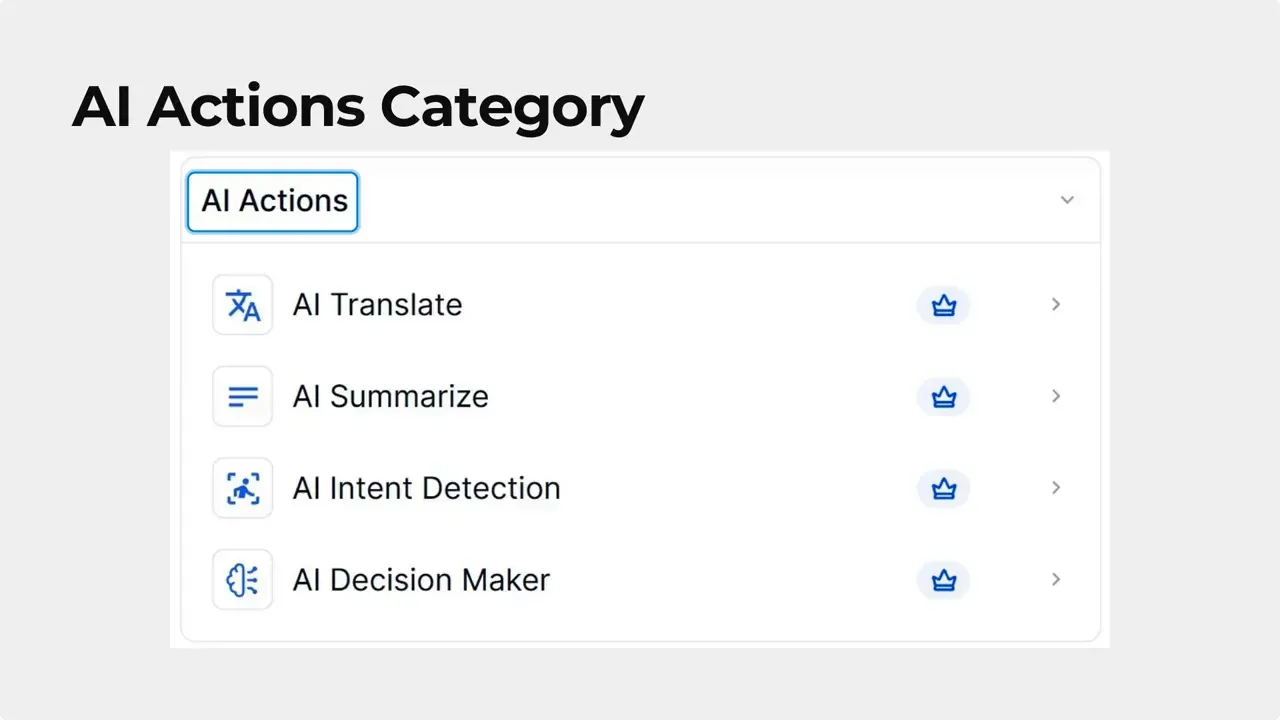
Clean, consistent organization
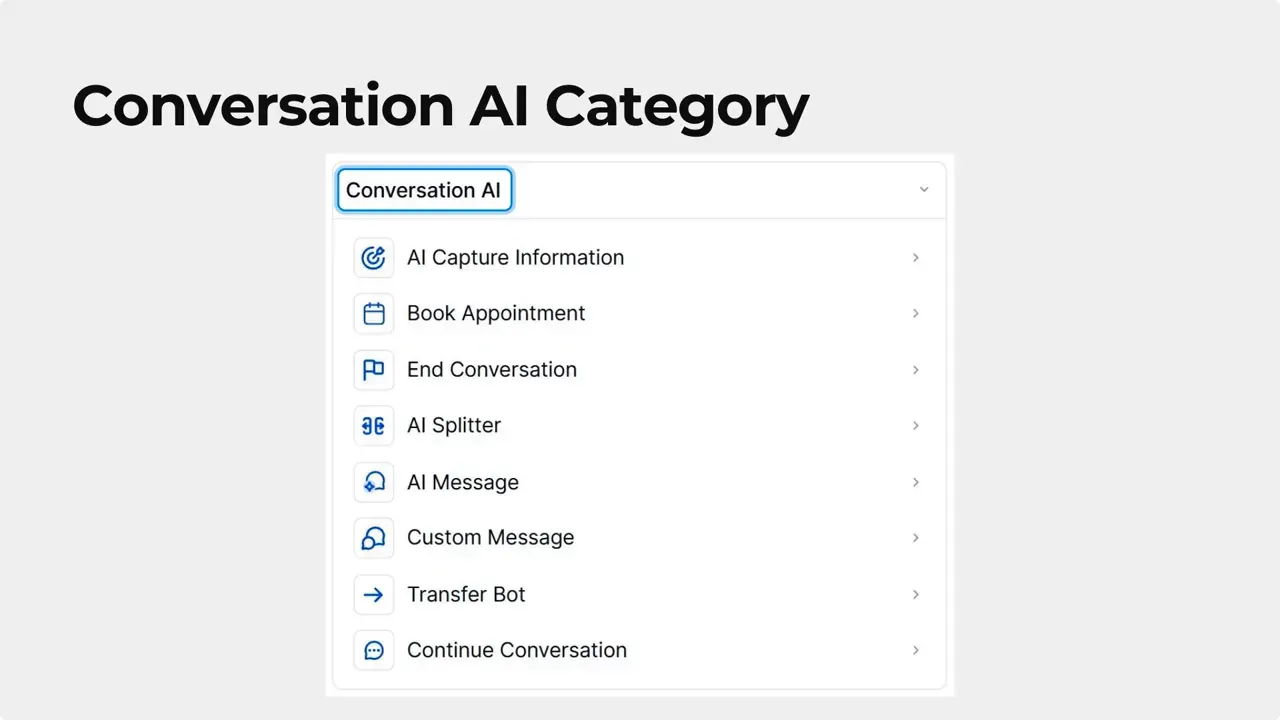
All AI-powered actions that used to sit under a single Workflow AI label are now grouped under a dedicated AI Actions category. Conversation-specific tools were moved out of that group and into their own Conversation AI category.
This simple separation makes it easier to find the right action when building or editing workflows. Actions that analyze or modify messages live in AI Actions. Tools that manage live conversation behavior live in Conversation AI. The names of actions were also clarified so their purpose is obvious at a glance.
Stronger AI under the hood
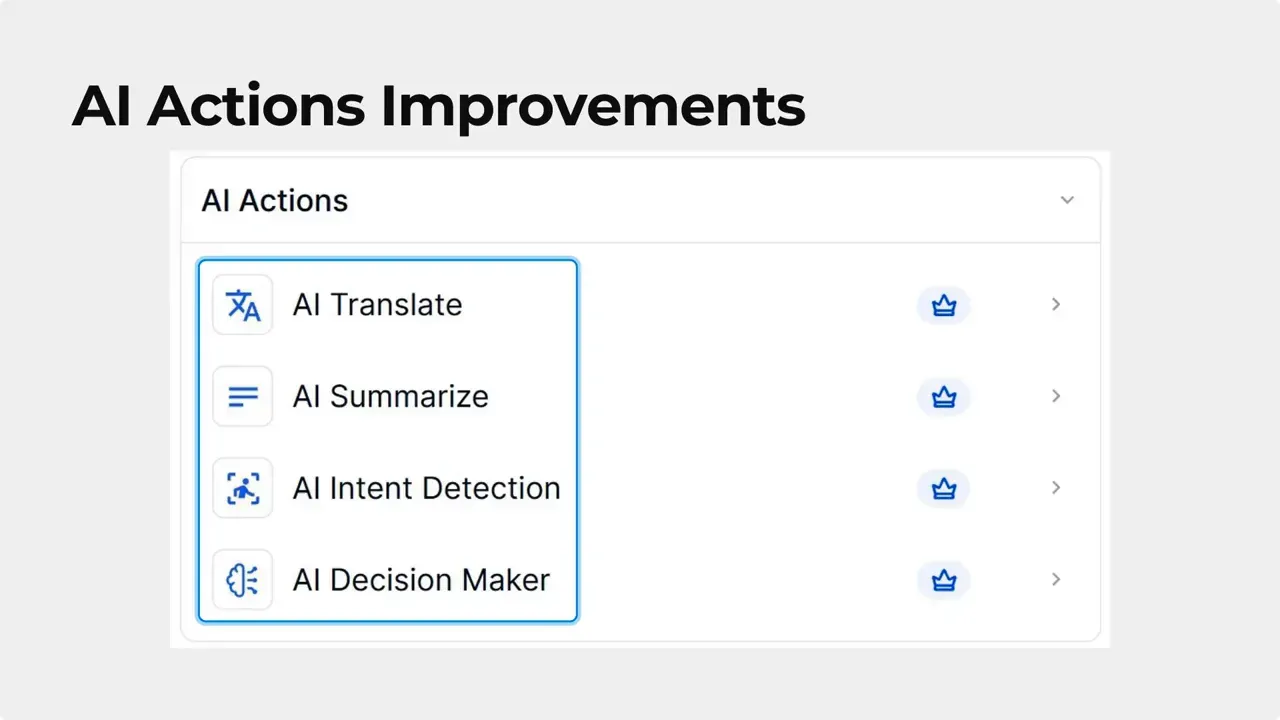
We upgraded the model that powers all workflow AI actions. This upgrade improves key features:
- AI Translate: cleaner, more accurate translations for messages and content.
- AI Summarize: tighter, more useful summaries that capture main points.
- AI Intent Detection: better classification of user intent for branching and routing.
- AI Decision Maker: more consistent, reliable decisions when automating responses.
What this means for your workflows
No setup changes are required. Existing workflows automatically benefit from the new model and the reorganization. After the update you should notice:
- Fewer errors and more reliable outputs across AI actions.
- Improved efficiency when managing responses and separating contacts.
- Smoother content work—shortening, analyzing, and translating messages takes less time and yields clearer results.
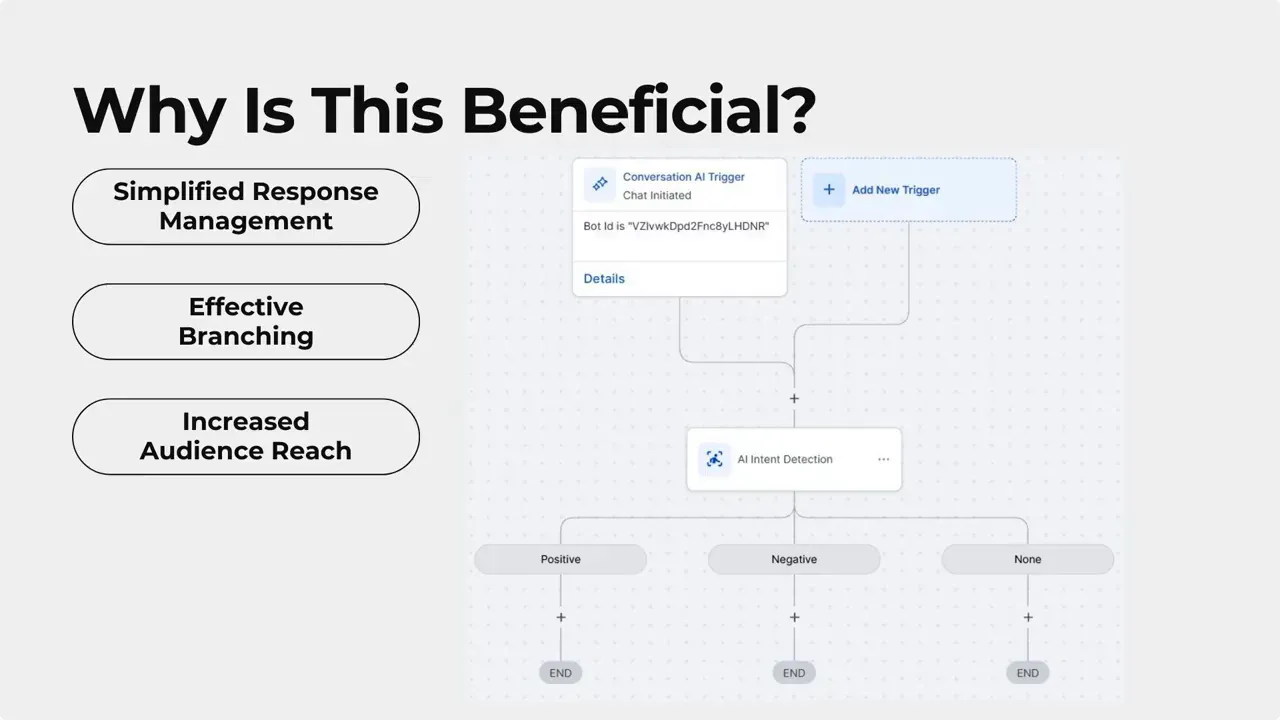
Practical examples of improvement
When a message arrives, AI Intent Detection now classifies intent with higher accuracy, which reduces misrouting and improves automation branching. Summaries created by AI Summarize require fewer edits. Translations are more natural and easier to read, increasing reach with minimal manual correction.
These improvements help teams respond faster and spend less time correcting AI outputs.
How to find the updated actions
Open the workflow menu. Look for the two categories:
- AI Actions — all general-purpose AI tools like Translate, Summarize, Intent Detection, and Decision Maker.
- Conversation AI — conversation-focused actions and settings previously mixed into the AI group.
Action names were updated to be more descriptive. If a workflow used an older AI action, it continues to work and now runs on the upgraded model.
Best practices after the update
- Review workflows that use AI actions to confirm they are in the expected category.
- Rely on AI Summarize to create quick overviews for long messages or ticket histories.
- Use AI Intent Detection to improve automated routing and audience separation.
- Test translations on a small batch before applying them broadly to verify tone and terminology.
FAQ
Will existing workflows stop working after the reorganization?
Existing workflows continue to run. No configuration changes are required. Workflows that used AI actions now run under AI Actions or Conversation AI and benefit automatically from the upgraded model.
Do we need to retrain or reconfigure the AI features?
No retraining or reconfiguration is necessary. The upgraded model applies behind the scenes and improves outputs without additional setup.
Which AI actions saw the biggest improvements?
The most noticeable improvements are in Translate, Summarize, Intent Detection, and Decision Maker. All AI-powered actions received enhancements for reliability and quality.
Where should we look for conversation-related settings now?
Conversation-specific tools and settings are in the new Conversation AI category, separate from general AI Actions. This makes it easier to find conversation behavior controls.
How do these changes affect response management and audience reach?
Improved intent detection and summarization speeds up response handling and helps separate contacts more accurately. Better translations expand reach with less manual editing.
Closing note
These updates simplify workflows and deliver higher-quality AI outputs across automation. The organized menu and upgraded model allow teams to work faster and with greater confidence. We will keep improving AI components so automation remains reliable, clear, and effective.
This article was created from the video Improved AI Actions in Workflows: New AI Actions and Conversation AI Categories



