Did You Know You Can Send Legally Binding E-Signatures Directly in HighLevel (No Extra DocuSign Fees)
Stop paying for external tools like DocuSign. Learn how to create, send, and automate legally binding e-signatures directly within HighLevel. Streamline your agency workflow by connecting contracts to your CRM and moving clients into onboarding faster without extra fees or manual back-and-forth.

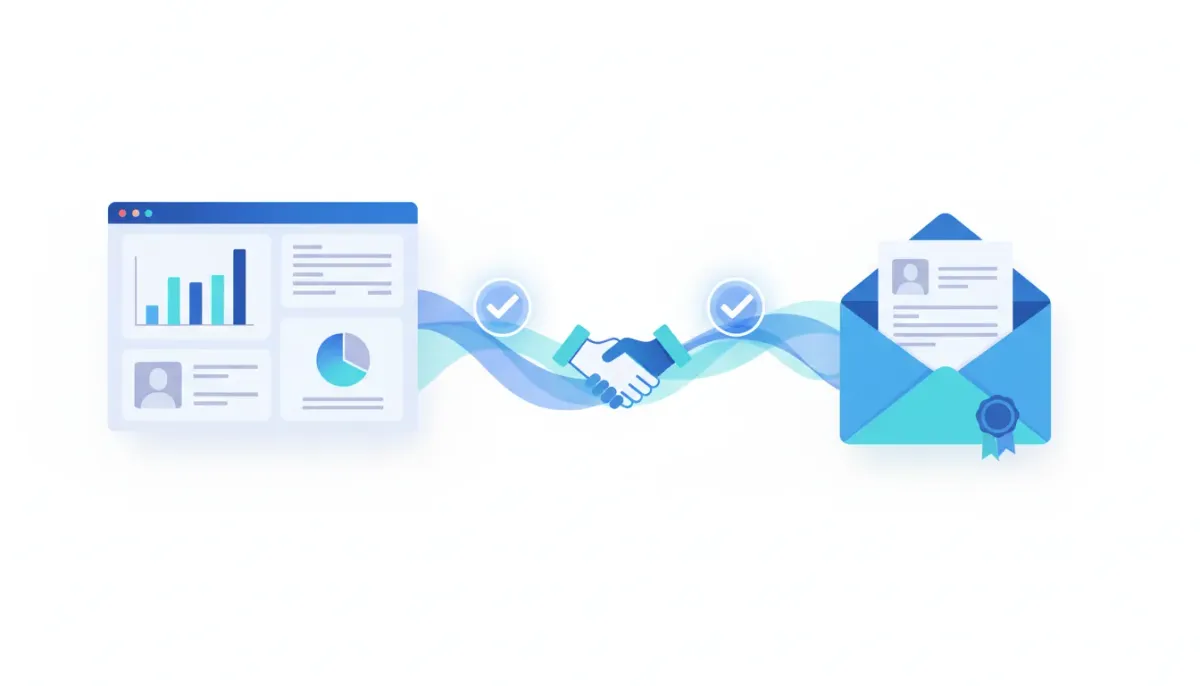
If you are still paying for separate e-signature tools, it is easy to feel like DocuSign is just part of doing business. But it does not have to be.
The Complete Operating System for Growth
Join over 60,000+ agencies and businesses using HighLevel to capture more leads and close more deals. Start your trial today and get instant access to the Nexus Hub resources.
Claim Your Free Trial & BonusesHighLevel lets you create proposals, send contracts, collect signatures, and move clients into onboarding from one place. Instead of bouncing between your CRM and an outside document signing platform, you can send a legally binding e-signature request directly inside HighLevel and keep everything tied to the same contacts and deals you are already managing.
That means fewer tools, less back-and-forth, and smoother approvals that help agreements turn into action faster.
Why pay extra for e-signatures when your CRM can handle it?
The typical sales flow looks like this:
- You build a proposal or agreement.
- You export or upload a document to a signing platform.
- You send it to the client.
- You wait, then you manually track whether it is completed.
- Only after that do you move the client into onboarding.
Every step that lives outside your CRM creates friction. Even if it takes only a minute or two, those minutes add up, and the process gets harder to scale.
When e-signatures are handled inside HighLevel, your workflow stays intact:
- Proposals and contracts stay connected to your pipeline
- Signatures happen without switching tools
- Clients move to onboarding with less delay
- You reduce admin work and tool sprawl
For agencies building HighLevel agency setup and scaling processes, this type of consolidation is exactly what you want. Less manual handling. More consistency. Faster cycle times.
Where to find HighLevel e-signature templates
Inside HighLevel, you can start building a reusable contract template that includes both the editable text fields and the signature field.
Here is the navigation path:
- Go to your HighLevel sub account
- In the left menu, open Payments
- Then go to Documents & Contracts
- Select Templates
From there, you can create a template once and reuse it for every client who needs the same agreement type.
Build a contract template with signature fields
The real power here is that you are not just uploading a PDF and hoping for the best. You are creating a structured template with fields that the contact fills in.
Create a new public document template
In the Templates area:
- Click New on the right side
- Choose Create public document
This opens the document editor.
Add contract text and a name field
In the editor, you can place content on the page. A simple workflow looks like this:
- Add a text element at the top left and label it as the contract type (for example, “Service Agreement”)
- Paste the contract text into that field
Then, at the bottom of the contract, add a section where the contact can enter their details.
For example:
- Click the plus button again
- Select another text field
- Align it with the name/signature area
On the right side of the editor, assign who will fill out that field. Set it up so the contact fills in the information, and use a clear placeholder such as name.
Add the e-signature field
Next, add the signature block where the contact will sign.
Steps:
- Click plus in the top left corner
- Choose the signature field
- Drag it to the right spot and align it with your name field
- Make sure the field is assigned to the contact
- Click save
This setup is what makes the contract feel guided and professional. The client sees exactly where to input details and where to sign, without hunting around or guessing.
Publish your document and generate a shareable link
Once your template looks right, it is time to publish it and share it with your customer.
In the editor:
- Click publish in the top right
- Select generate links
HighLevel will create a unique document link that you can copy and send to your client.
This is a small detail, but it is important for agency ops. Unique links help keep your sending process organized and reduce mistakes that happen when clients receive the wrong document or wrong version.
The Complete Operating System for Growth
Join over 60,000+ agencies and businesses using HighLevel to capture more leads and close more deals. Start your trial today and get instant access to the Nexus Hub resources.
Claim Your Free Trial & BonusesWhat the client experience looks like
Your customer experience should be simple enough that they finish the signature right away. When using HighLevel e-signatures, the signing page is built for that.
When a client opens the generated link, they see a page where they can provide their contact details (such as name, last name, and email) and submit.
After submission, they are taken to the contract with the fields you set up.
They can:
- Enter their name where you placed the name field
- Click on the signature area and sign
For the signature itself, they can choose a signature method:
- Type a signature in the signature box, or
- Draw their signature if they prefer
Then they click accept and sign, completing the legally binding e-signature flow.
How this fits into HighLevel workflows and automations
Collecting the signature is the moment you close the loop. But the best agency systems do more than “send documents.” They trigger next steps automatically so the client is not stuck waiting for manual follow-ups.
With HighLevel, you can connect this contract-and-signature step to your broader HighLevel workflows and automations:
- After a contract is signed, trigger a workflow to update the deal stage
- Move the client record forward in your pipeline
- Send a welcome email and onboarding checklist
- Schedule onboarding tasks for your team
Even if you start simple, reducing time between agreement and onboarding is one of the easiest ways to improve both customer experience and your team’s throughput.
Best practices for agencies using e-signatures at scale
If you are building an agency setup and scaling process, here are practical ways to make HighLevel contract templates work harder for you:
- Standardize your agreements: Build templates for the agreements you sell most often (for example, “Service Agreement” or “Monthly Management Agreement”).
- Use clear field placeholders: If the placeholder says “name,” the client knows what you want.
- Keep signatures near the signatory section: Place the signature field where you would naturally expect it on a paper contract.
- Publish links consistently: Generate and send the correct link for each client so there are no version mix-ups.
- Connect signing to onboarding: The real win is when e-signatures lead directly into your onboarding workflow, not just into your inbox.
These patterns reduce variability, which is essential when you scale HighLevel agency systems across multiple clients, offers, or team members.
Cutting costs without cutting quality
Switching away from an external e-signature tool is not about “cheap.” It is about streamlining your sales and onboarding process.
When your CRM and document signing live in the same place, you reduce:
- Tool subscriptions and admin overhead
- Manual tracking and duplicated information
- Delays caused by handoffs between systems
And you increase speed and clarity for the client, because they sign in a flow that matches your business process.
If you want to take this further, start by setting up your first contract template and sending it to a test contact. From there, you can refine the template, standardize it across offers, and plug it into HighLevel workflows and automations for a smoother path from agreement to onboarding.
Getting started
Want to build your first legally binding e-signature template in HighLevel? A 14-day free trial is a great way to test the workflow in a real agency setup.
For additional implementation resources and templates, consider joining the Nexus Hub community, where agencies can get practical support as they build and scale their systems.
If you want more detail on e-signatures and related features, you can also explore HighLevel’s knowledge base and resources under the e-signatures category.
FAQ
Is the e-signature collected in HighLevel legally binding?
HighLevel’s contract templates are designed to collect legally binding e-signatures as part of the documented signing flow. As with any contract system, ensure your use case follows applicable local legal requirements for your business.
Do I need to use a separate e-signature platform like DocuSign?
No. HighLevel supports creating contract templates and collecting signatures directly inside the CRM workflow, so you do not have to switch between systems.
Can I reuse the same contract template for multiple clients?
Yes. You can create a public document template in HighLevel, add your contract text and fields, and then generate shareable links for clients who need to sign.
What can clients do when they open the HighLevel document link?
Clients can enter required contact details, submit, then complete the contract. They can type or draw their signature in the signature field and finalize by accepting and signing.
How does this help with onboarding after the contract is signed?
Keeping contract signing inside HighLevel makes it easier to connect e-signatures to your HighLevel workflows and automations, so you can move clients into onboarding faster with fewer manual steps.
The Complete Operating System for Growth
Join over 60,000+ agencies and businesses using HighLevel to capture more leads and close more deals. Start your trial today and get instant access to the Nexus Hub resources.
Claim Your Free Trial & Bonuses