
How Response Persistence Boosts Survey and Quiz Completion in HighLevel, GHL, GoHighLevel


HighLevel, GHL, GoHighLevel users running multi-step surveys and quizzes often face drop-offs when respondents navigate between screens. Response persistence removes a common friction point by keeping answers intact as users move forward and backward. This guide explains what response persistence is, why it matters for conversion, how it behaves in HighLevel, GHL, GoHighLevel, practical implementation tips, test checklists, and common pitfalls to avoid.
What is response persistence and why it matters
Response persistence means that answers entered into a multi-step form are saved locally or server-side so they remain visible when a respondent returns to a previous screen. This prevents frustration from lost inputs and reduces abandonment caused by users re-entering data or losing progress.
On platforms like HighLevel, GHL, GoHighLevel, response persistence directly impacts completion rates by removing a small but decisive barrier: the fear that correcting an earlier answer will erase subsequent responses. That single improvement can yield better survey completion, cleaner data, and higher engagement in quizzes.
Who benefits from response persistence?
- Marketers running lead-gen quizzes on HighLevel, GHL, GoHighLevel that qualify prospects over multiple pages.
- Customer success teams using surveys to gather feedback across several steps.
- Course creators delivering assessments and knowledge checks inside funnels.
- Developers and agencies building multi-screen forms that require reliable state handling.
How response persistence works in practice
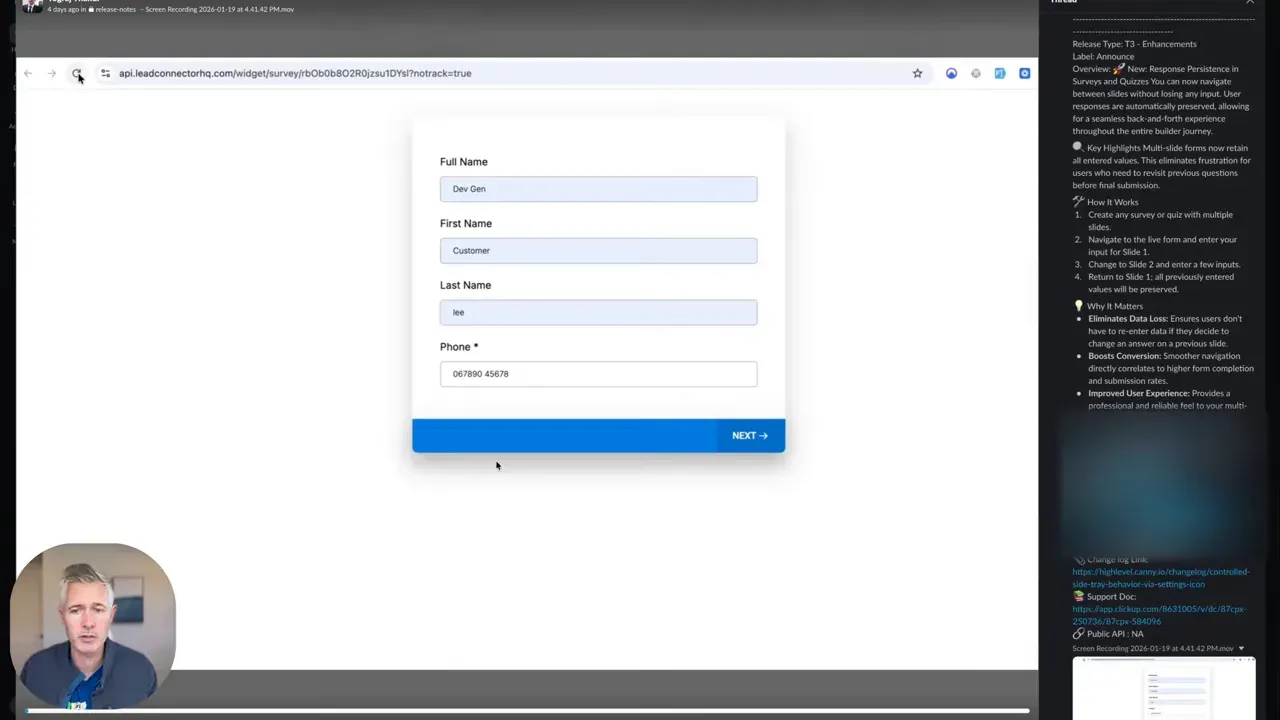
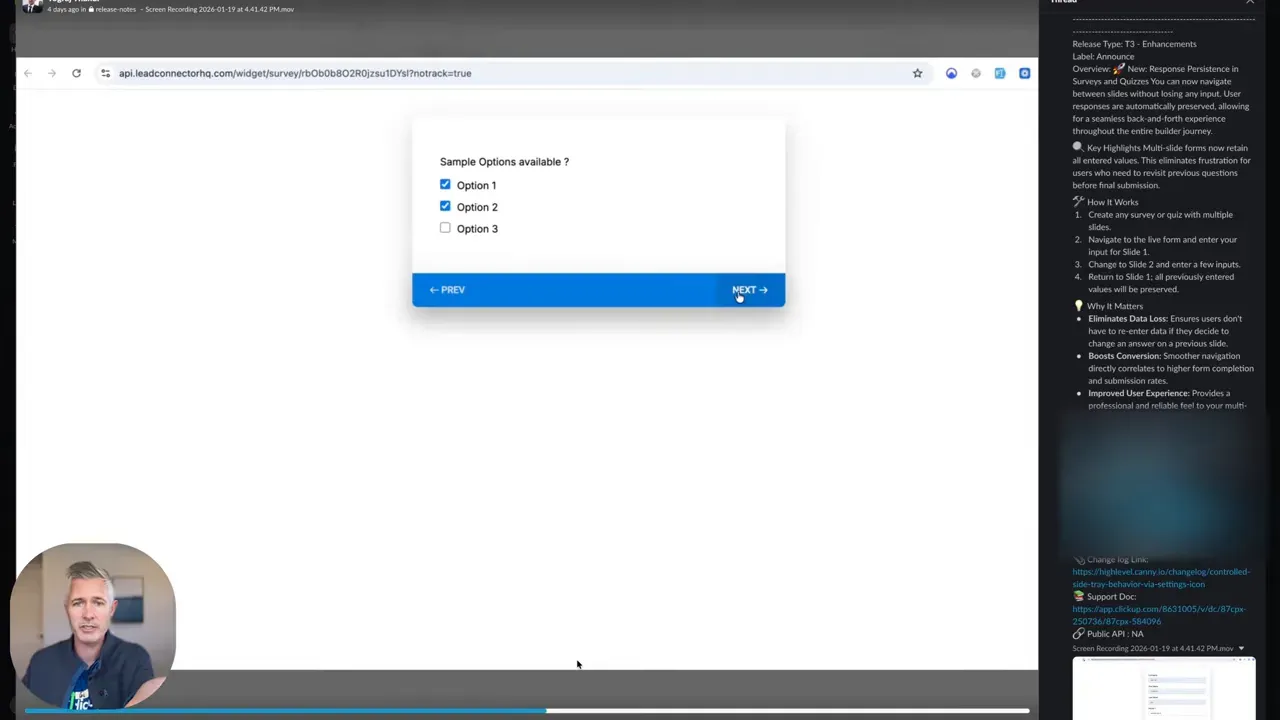
When a respondent fills fields on page one then moves to page two, the platform preserves the values. If the user navigates back, previously entered values remain populated. Persistence can be implemented through local storage, session storage, cookies, or server-side session data. On HighLevel, GHL, GoHighLevel, persistence is handled automatically for supported survey and quiz components, meaning no extra configuration is required.
Concrete benefits for completion and data quality
- Improved completion rates: Reduces abandonment when users need to change earlier answers.
- Higher data accuracy: Keeps intermediate answers intact, so users are more likely to review and correct entries instead of restarting.
- Smoother UX: A seamless back-and-forth flow increases trust and reduces cognitive load.
- Lower support overhead: Fewer complaints about lost progress mean less time spent troubleshooting form issues.
How to test response persistence on your funnels
- Open a multi-step form or quiz within your HighLevel, GHL, GoHighLevel funnel in a private or incognito window.
- Complete fields on the first screen, advance to the second, and change a value there.
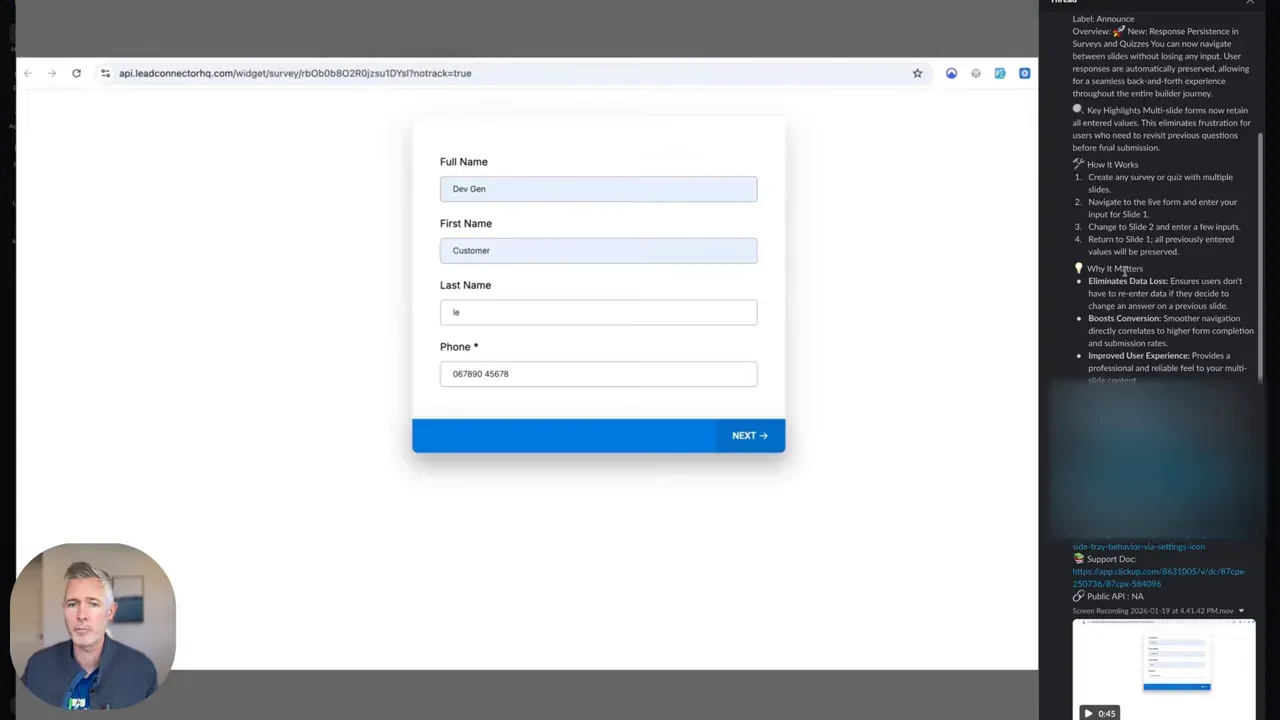
- Navigate back to the first screen and verify the first-screen values remain populated.
- Navigate forward again and verify values on all steps persist.
- Repeat the test across device types and browsers to verify client-side storage behavior.
Checklist before launching surveys and quizzes
- Verify persistence: Confirm answers remain when moving back and forth.
- Test branching logic: Ensure conditional questions retain state when respondents explore different paths.
- Mobile responsiveness: Validate persistence on phones and tablets.
- Session expiration: Determine how long responses are kept and communicate if respondents can return later.
- Privacy and compliance: If answers include personal data, verify storage complies with relevant regulations.
Best practices to maximize completion with persistence
Implement these practical steps to take full advantage of response persistence and raise conversion rates on HighLevel, GHL, GoHighLevel forms.
- Keep steps short: Short pages with few questions reduce friction and make persistence less critical but more effective when needed.
- Show progress: A progress bar reassures respondents they can move back without losing work.
- Use save/restoration messaging: Inform users that their answers are retained when they navigate between screens.
- Allow manual saves for long forms: For lengthy surveys consider an explicit save option in addition to passive persistence.
- Test conditional logic paths: Branching that hides and shows fields must preserve values when users return to a prior branch.
Troubleshooting common issues
If persistence appears inconsistent, run through this standard troubleshooting flow:
- Clear browser cache and retest to rule out stale client-side state.
- Try a second browser or private browsing mode to see if extensions interfere.
- Verify that required fields and validation messages don’t reset values when triggered.
- Confirm session length settings if users report losing data after delays.
- If embedding forms on external pages, ensure embedding code does not conflict with storage mechanisms.
Edge cases and pitfalls to watch
- Cross-device continuity: Local storage will not sync between devices. If respondents expect to switch from phone to desktop and resume, use server-side saves or explicit account-based saves.
- Browser privacy modes: Some private modes limit local storage. Test in these environments if your audience likely uses them.
- Third-party scripts: Analytics or ad blockers can occasionally interfere with persistence scripts. Validate forms with common extensions disabled.
- Hidden field collisions: If your funnel uses hidden fields prefilled from query strings, ensure these values are not overwritten unexpectedly when users navigate back.
- Data retention and privacy: Persistence mechanisms can store personally identifiable information temporarily. Confirm retention policy and display a privacy notice where appropriate.
When to use server-side saves versus client-side persistence
Choose the persistence model based on the survey complexity and expected user behavior.
- Client-side persistence (local/session storage) is fast, requires no server calls, and is ideal for short sessions or anonymous users. However it does not persist across devices.
- Server-side saves require an authenticated session or a unique identifier and are best when respondents may switch devices or return later. Server saves add complexity but improve continuity.
- On HighLevel, GHL, GoHighLevel, default persistence works well for typical use cases, but heavy-duty forms may benefit from explicit server saves if cross-device continuity is required.
Conversion optimization tips that complement persistence
- Limit required fields: Ask only what you need. Fewer required fields reduce abandonment risk, even with persistence enabled.
- Use micro-commitments: Small chunks of questions increase the likelihood users will keep going.
- Provide context: Short instructions or examples reduce input errors and need for backtracking.
- Offer review screens: A final review before submit encourages users to correct mistakes without fear of losing other answers.
- Measure the impact: Compare completion rates before and after enabling persistence to quantify improvements in your HighLevel, GHL, GoHighLevel funnels.
Quick implementation and launch checklist
- Verify response persistence across all form steps.
- Test on desktop, mobile, and major browsers.
- Check conditional logic and hidden field behavior.
- Confirm messaging: explain that answers are preserved.
- Ensure data retention policies and privacy notices are in place.
- Deploy and monitor completion and abandonment metrics.
Metrics to track after enabling persistence
- Completion rate: Percentage of respondents who finish the form.
- Drop-off points: Steps with highest abandonment, tracked before and after persistence.
- Average time to complete: Persistence may increase time spent as users review answers, which is acceptable if completion rises.
- Error rates: Frequency of validation errors per step, useful to identify confusing questions.
Does persistence require extra setup in HighLevel, GHL, GoHighLevel?
For standard surveys and quizzes, persistence is enabled automatically on the platform. No additional configuration is typically required. However, if you use custom code or embed forms externally, verify that the embedding does not interfere with the platform’s persistence mechanism.
Will answers persist across devices?
Local persistence usually stays within the same browser and device. To support cross-device continuity, implement server-side saves tied to a user account or unique session identifier.
What happens to persisted data if a respondent closes the browser?
Behavior depends on storage type. Session storage clears on browser close, while local storage may persist until explicitly cleared. Confirm retention behavior in your platform settings and add messaging if users must remain in the same session.
Can persistence interfere with conditional logic?
It can if conditional fields are hidden and later shown without synchronization. Test all branches to ensure values are preserved when toggling visibility. Use explicit field resets only when necessary.
Is persisted data stored securely and compliant?
Persistence mechanisms can store personal data temporarily. Ensure that any personal information complies with applicable laws such as GDPR or CCPA. When using server-side saves, confirm encryption and retention policies meet your compliance requirements.
Summary and next steps
Response persistence removes a small but powerful barrier in multi-step surveys and quizzes. For users of HighLevel, GHL, GoHighLevel, this feature increases completion rates, improves data quality, and enhances the overall respondent experience. Verify persistence through comprehensive testing, apply the best practices in this guide, and monitor your metrics to measure uplift. Use the checklist above to launch confidently and troubleshoot common edge cases if they arise.
Start by running simple back-and-forth tests on your live funnels, confirm conditional logic, and then roll changes out to major campaigns. With persistence enabled and optimized, expect fewer abandonments and clearer data from your surveys and quizzes on HighLevel, GHL, GoHighLevel.



