
Introducing Notes for Custom Objects: Capture Context Where It Matters
Learn how to use notes on custom objects in HighLevel to capture record-specific context without duplicating data. This guide covers searching, filtering, and associating notes to streamline agency operations and improve workflow automation.

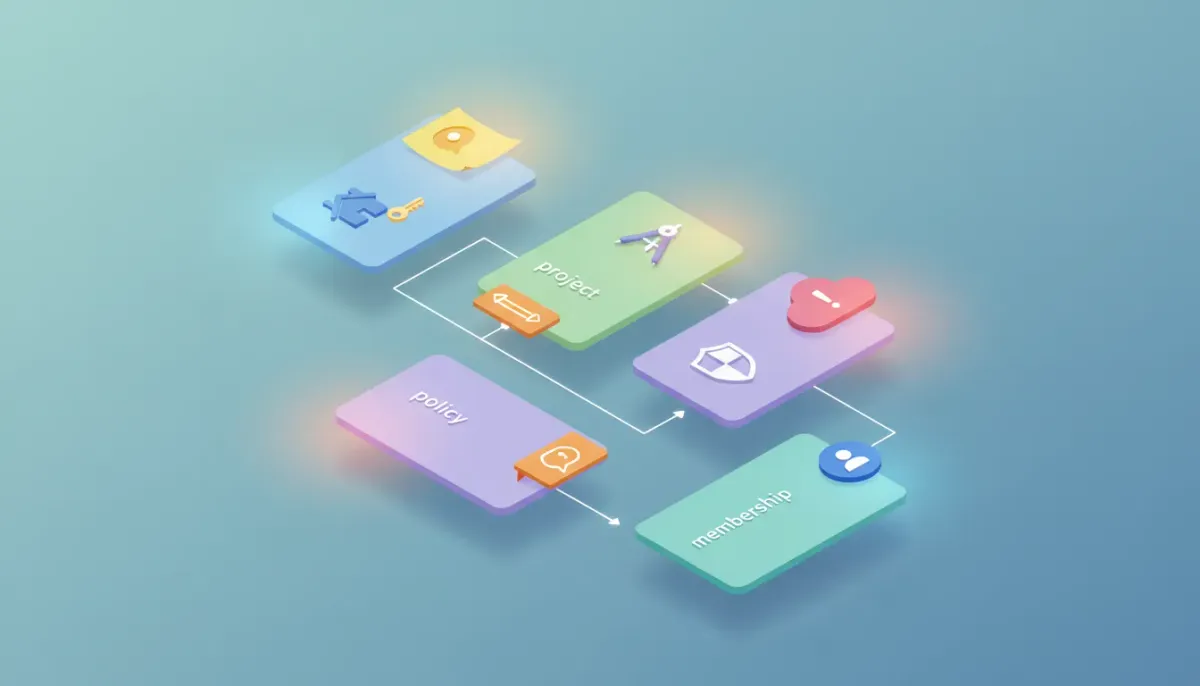
If you use HighLevel to run agency operations, client campaigns, or complex CRM workflows, you already know the value of keeping context attached to the right records. Notes are one of the simplest yet most powerful ways to add that context. Now notes are available directly on custom objects, which makes tracking conversation history, decisions, and handoffs easier than ever.
The Complete Operating System for Growth
Join over 60,000+ agencies and businesses using HighLevel to capture more leads and close more deals. Start your trial today and get instant access to the Nexus Hub resources.
Claim Your Free Trial & BonusesWhy notes on custom objects matter
Custom objects let you model your business data in a way that reflects your actual operations—think policies, properties, projects, memberships, or bespoke offerings. Previously, notes lived on standard records like contacts and opportunities. That made sense for many scenarios, but it often forced teams to duplicate context or hunt through related records for the details they needed.
With notes attached directly to custom objects, teams can:
- Capture record-specific context where it belongs, so information stays organized and accessible.
- Search, filter, and sort notes attached to a custom object to find what you need quickly.
- Associate contact or opportunity notes to a related custom object for shared visibility without creating duplicate notes.
What’s included in this update
This enhancement extends the existing notes experience into the custom objects domain. Core capabilities you can expect include:
- Create and edit notes directly on any custom object record.
- Search notes inside a custom object to quickly locate past conversations or decisions.
- Filter and sort notes by relevant criteria so teams can review the timeline in the most useful order.
- Associate existing contact or opportunity notes to a custom object so related teams see the same context without duplicating content.
How notes on custom objects work: a simple workflow
Here is a practical way to think about using notes on a custom object in daily operations. Use the example of a "Policy" custom object to make the steps concrete, but the same pattern applies to any custom object you design in HighLevel.
- Open the custom object record. On the right-hand side of the record, you’ll see a notes section similar to what exists on contacts or opportunities.
- Add a note. Type your summary, next steps, or detailed updates. Attach context that future readers will need.
- Associate related notes. If a note already exists on a contact or opportunity that applies to the policy, associate it to the policy object rather than copying the content. This creates shared visibility without duplication.
- Search and filter when needed. Use search to pull up a keyword or filter to see notes by date, author, or type. Sorting helps teams get the timeline in the right order for handoffs.
- Use notes in handoffs and automations. Notes can be used as a reference point during team handoffs or to trigger decisions inside workflows and automations where appropriate.
Use cases that benefit most
Attaching notes to custom objects unlocks cleaner processes across many agency workflows. Here are several scenarios where this feature will make an immediate difference:
- Insurance or compliance agencies: Keep all policy-specific notes on the policy record. Underwriting conversations, renewal conditions, and compliance flags live without cluttering the contact record.
- Real estate or property management: Store inspection notes, maintenance requests, and tenant communications on the property or lease object instead of scattering details across multiple contacts.
- Project-based agencies: Attach project updates, scope changes, and internal decisions to the project object, and associate client-facing notes as needed for consistent visibility.
- Memberships and subscriptions: Keep retention notes, special pricing decisions, and support interactions tied to the specific membership object.
- Complex sales cycles: When multiple stakeholders and products are involved, associating opportunity and contact notes to a product or custom deal object reduces confusion and duplication.
How this improves agency operations and scaling
For HighLevel agencies focused on scaling, the difference between scattered information and centralized context is huge. Notes on custom objects contribute to more predictable, repeatable processes in several ways:
- Faster onboarding for new team members because the context lives where they expect it.
- Reduced information overload on contact records, with record-specific decisions and details kept on the relevant object.
- Cleaner automations and workflows because triggers and checks can reference the precise object-level context instead of relying on workaround patterns.
- Lower risk of duplication by associating notes across records rather than copying them manually, preserving a single source of truth.
Best practices for using notes with HighLevel custom objects
To get the most value from notes attached to custom objects, adopt a few simple habits across your team.
- Be consistent with naming and tagging. Use a short prefix or tag system inside the note body to indicate type (for example, "DEV:", "CLIENT:", or "LEGAL:"). That makes search and filtering more predictable.
- Keep notes concise but actionable. A good note should summarize the outcome, the next step, and the owner. Avoid long narrative unless absolutely necessary.
- Associate rather than duplicate. When a note on a contact or opportunity applies to a custom object, associate it to maintain a single source of truth.
- Use filters and sorting during reviews. When preparing for a client call or internal handoff, filter notes by author or date range to surface the most relevant recent updates.
- Document your process. Add a short SOP inside your agency playbook explaining where to log which types of notes so everyone follows the same pattern.
Integrating notes with workflows and automations
HighLevel workflows and automations become more powerful when they can reference accurate, object-level context. Here are a few ways to incorporate notes into your automations:
- Trigger notifications based on new notes. When a critical note is added to a custom object—like a "contract signed" or "scope change"—automations can notify the team and update the relevant opportunity stage.
- Use notes as decision points. An automation can check for the existence of a certain tag or keyword in the most recent note on a custom object before proceeding with the next step.
- Automated summaries for meetings. Build a workflow to pull the latest notes from a custom object into a meeting agenda email for stakeholders.
- Handoff automation. When a note indicating "ready for fulfillment" is added to a project object, automatically create a task list and assign owners in your operations pipeline.
Troubleshooting and support
Notes on custom objects are designed to be intuitive, but if you run into issues or need to implement them within a complex environment, here are practical steps to resolve common questions:
- Cannot see the notes panel: Confirm that the custom object is configured with the appropriate permissions and that your user role has access. Check the object layout to ensure notes are enabled for display.
- Search returning incomplete results: Make sure you are searching within the custom object and that any filters are cleared. Review the note text for the exact keyword or try broader terms.
- Associations not appearing across records: Verify that the association was saved correctly. If a contact note was associated to a custom object, confirm that the association field is visible on both records and that your team has permission to view associated notes.
- Duplicated information: If duplication is occurring, update team SOPs to use the association feature instead of copy-pasting. Clean up duplicates by consolidating content into a single authoritative note and linking it to related records.
Where to find more details
Detailed release notes and support documentation are available if you want step-by-step instructions, screenshots, or troubleshooting guides. Check your platform's change log and support center to see examples, setup steps, and updates about further refinements to the notes experience.
Getting started quickly
If you already manage custom objects, try this quick checklist to start using notes effectively:
The Complete Operating System for Growth
Join over 60,000+ agencies and businesses using HighLevel to capture more leads and close more deals. Start your trial today and get instant access to the Nexus Hub resources.
Claim Your Free Trial & Bonuses- Identify a pilot object, such as Policy, Project, or Property.
- Open several records and add a few sample notes that reflect real team scenarios.
- Practice associating contact or opportunity notes to the custom object rather than duplicating content.
- Run a short training with your team to agree on naming conventions and when to associate vs. create new notes.
- Create a workflow that uses note-driven triggers to validate the automation concept.
Agency tips: making this feature part of your scale playbook
When scaling an agency with HighLevel, small systems choices compound quickly. Notes attached to custom objects help you create structured, repeatable processes that reduce friction when adding new clients or team members.
- Embed note usage in onboarding checklists so everyone logs the same kinds of information in the same place.
- Audit notes monthly to ensure compliance and clarity across client files and internal projects.
- Include a sample note template in your Nexus Hub templates or agency playbook to speed up adoption.
Next steps and resources
If you want to experiment with notes on custom objects, you can try the feature inside your HighLevel account. For agencies that want templates and implementation support, Nexus Hub is a good place to find community-shared templates and playbooks that integrate notes, workflows, and automation strategies.
Thinking about trying HighLevel? Consider starting a free trial to test notes, custom objects, and workflow integrations in a sandboxed environment. It’s a low-risk way to validate how object-level notes improve your internal processes and client deliverables.
FAQ
Can I add notes directly on any custom object record?
Yes. Notes can now be created, viewed, and edited directly on any custom object record. The notes panel appears on the object record layout, allowing teams to capture context at the record level.
Can I link a note from a contact to a custom object without duplicating it?
Absolutely. You can associate contact or opportunity notes to a related custom object so that both records share visibility into the same note without creating a duplicate entry.
Are notes searchable and filterable on custom objects?
Yes. Notes attached to custom objects support search, filtering, and sorting so teams can find the right context quickly during calls, handoffs, or audits.
How do notes interact with automations and workflows?
Notes can serve as a reference point for workflows. You can build automations that trigger notifications or tasks when certain notes are added or when the note content meets defined criteria. Use notes as decision points or triggers where appropriate in your automations.
Where can my team find setup instructions or help?
Check the platform change log and the support documentation for detailed setup steps, screenshots, and troubleshooting tips. If your agency needs templates or help implementing SOPs, Nexus Hub provides community resources and templates tailored for agencies.
What are some best practices for notes on custom objects?
Keep notes concise and actionable, use consistent naming or tagging conventions, associate instead of duplicating, and embed note usage into your onboarding and SOPs. Regular audits help maintain clarity as your operation scales.
Final thought
Notes on custom objects are a practical enhancement that reduces friction and improves clarity across CRM operations. By keeping context where it belongs and enabling association rather than duplication, teams can move faster, make better decisions, and scale processes with confidence. If your agency uses HighLevel, try attaching notes to a custom object this week and update your playbooks to reflect the new pattern.
The Complete Operating System for Growth
Join over 60,000+ agencies and businesses using HighLevel to capture more leads and close more deals. Start your trial today and get instant access to the Nexus Hub resources.
Claim Your Free Trial & Bonuses


