
Multilingual Call Transcription in HighLevel: Setup, Use Cases, and Best Practices
Learn how to set up multilingual call transcription in HighLevel to convert recordings into searchable text. This guide covers automatic language detection, keyword-triggered workflows, and best practices for routing leads and improving follow-up speed across global markets.

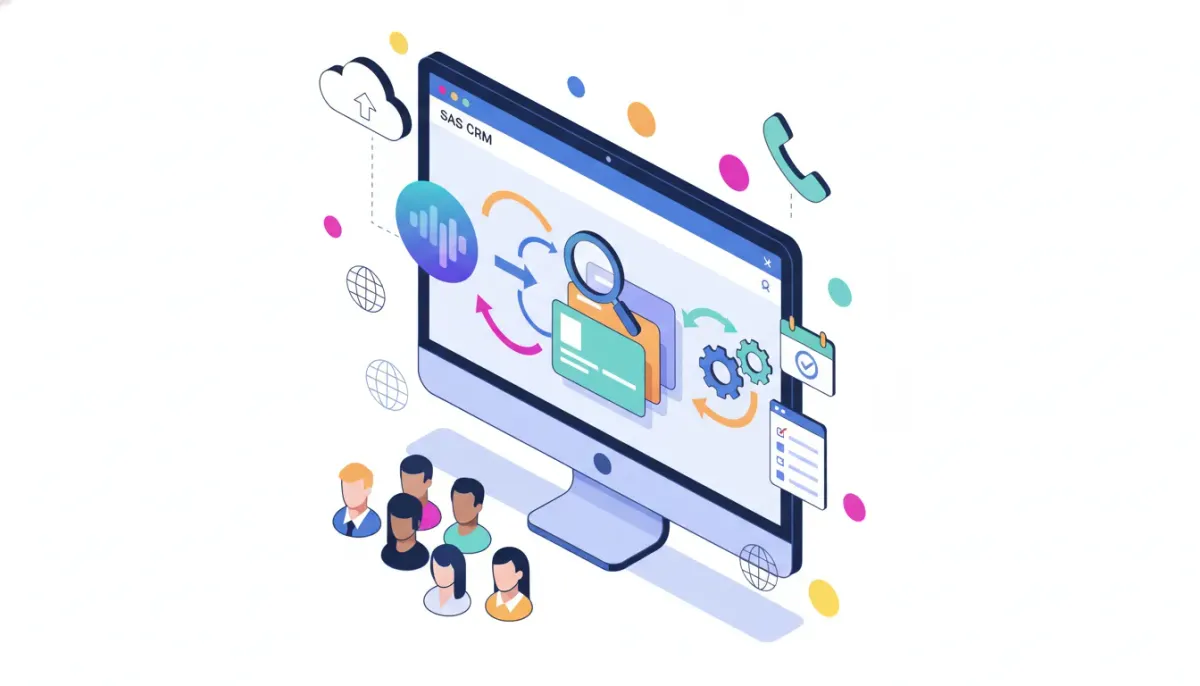
Multilingual call transcription turns recorded calls into searchable text in multiple languages, automatically detects language changes, and enables automation inside your CRM. For agencies and SaaS teams using HighLevel (GoHighLevel / GHL), this capability speeds follow-up, improves reporting, and powers language-aware workflows. This guide explains what multilingual call transcription is, why it matters for agencies, how to implement it in HighLevel, practical workflow examples, and what to watch out for.
The Complete Operating System for Growth
Join over 60,000+ agencies and businesses using HighLevel to capture more leads and close more deals. Start your trial today and get instant access to the Nexus Hub resources.
Claim Your Free Trial & BonusesWhat is multilingual call transcription and who should use it?
Multilingual call transcription converts voicemail messages and call recordings into text in several languages. Modern transcription tools automatically detect which language is being spoken, and some support switching between languages within the same call.
This feature is valuable for:
- Agencies managing multilingual markets or clients.
- Customer support teams that handle calls in more than one language.
- Sales teams that want searchable call records and automated follow-up triggers.
- Marketing teams measuring sentiment and topic trends across languages.
Why multilingual transcription matters for HighLevel users
HighLevel is built around CRM, marketing automation, and agency operations. Adding multilingual transcription directly into the platform provides several advantages:
- Faster follow-up: Transcripts allow agents to scan content and act faster than listening to entire calls.
- Automation-ready data: Transcribed text can be fed into HighLevel workflows to trigger tags, tasks, or SMS/emails based on keywords or phrases in any supported language.
- Better routing: Detect caller language to automatically route leads to agents who speak that language.
- Analytics across languages: Capture topics, objections, and sentiment from a broader audience without manual translation steps.
Languages supported and capabilities to expect
Contemporary multilingual transcription in HighLevel supports a wide range of languages, typically including major global languages such as English, Spanish, French, German, Portuguese, Italian, Japanese, Russian, Dutch, and Hindi. Key capabilities to expect:
- Automatic language detection: The system identifies the spoken language without manual selection.
- Mixed-language detection: Support for code-switching when callers switch languages mid-call.
- Improved accuracy: Ongoing model improvements lead to better word recognition across accents and dialects.
How to enable and configure multilingual call transcription in HighLevel
Exact menu names may vary with HighLevel updates, but the overall process is consistent. These steps describe a practical workflow to enable transcription, prepare your account, and wire transcripts into automations.
- Confirm plan and permissionsVerify that your HighLevel plan includes call recording and transcription capabilities. Check account-level settings and make sure administrators have permission to change phone and transcription settings.
- Enable call recordingIn the Telephony or Phone settings, enable recording for inbound and outbound calls. Recording is a prerequisite for transcription.
- Activate transcriptionTurn on call transcription in the same area where recording settings live. If there is an option for language detection or multilingual support, enable it. When available, select automatic detection rather than forcing a single language.
- Set privacy and consent promptsAdd or verify call-disclosure messages that inform callers they are being recorded and transcribed. Make sure consent requirements for your jurisdiction are met.
- Create transcript-driven triggersUse HighLevel workflows to act on transcribed text. Common triggers include matching keywords, tagging contacts based on language, routing to bilingual agents, and creating follow-up tasks.
- Log transcripts to contact timelinesConfigure the system to attach the transcript file or text to the contact record so agents can quickly review call content from the CRM.
- Test with mixed-language callsRun test calls that switch languages mid-conversation to confirm the detection behavior and transcript accuracy.
Practical workflow examples using transcriptions
Transcripts are only valuable when they feed useful automations. Below are concrete workflow examples that agencies can implement in HighLevel.
1. Language-based routing and tagging
- When a new call ends, check the transcript language tag.
- If the language is Spanish, add a "Spanish speaker" tag to the contact.
- Trigger an internal notification to the Spanish-speaking agent queue and create a follow-up task.
2. Keyword-triggered follow-up sequences
- Detect keywords such as "cancel," "pricing," or "support" in any supported language.
- Map keywords across languages (for example "cancelar" maps to "cancel").
- Start an automation: send an email addressing the keyword, create a high-priority task, or route to a retention specialist.
3. Auto-summarize and create meeting notes
- After a call completes, send the transcript to an AI action or third-party summarization tool.
- Store the summary on the contact timeline and create a checklist for the next steps (follow-up call, proposal, send contract).
4. Multilingual analytics and reporting
- Aggregate transcripts across languages and normalize topics using translation or topic extraction models.
- Report on frequently asked questions, objections, or product mentions by language segment.
Checklist: What to configure immediately
- Enable recording and transcription in Telephony settings.
- Set automatic language detection if available.
- Update call consent messaging to meet local laws.
- Create language tags and routing workflows.
- Map multilingual keyword lists for common follow-up triggers.
- Test with real calls including accents and code-switching.
How to improve transcription accuracy
Transcription quality varies based on audio quality, speaker accents, background noise, and domain-specific terms. Use these tips to maximize accuracy:
- Improve audio quality: Use high-quality phone lines and headsets for agents. Reduce background noise in call centers.
- Train agents: Ask agents to speak clearly, avoid talking over callers, and slow down when reading key details like names or addresses.
- Use custom vocabulary: If the platform supports it, add industry-specific terms, brand names, or proper nouns to a custom dictionary.
- Request caller confirmation: For critical details, include a step where the agent repeats or confirms names, numbers, and addresses.
- Monitor accents and dialects: Test the system with the most common accents you encounter to identify gaps.
- Post-process with AI: Use summarization or correction models to clean transcripts before automations use them.
Pitfalls, legal considerations, and things to watch out for
Recording and transcribing calls brings legal, technical, and operational concerns. Address these proactively.
The Complete Operating System for Growth
Join over 60,000+ agencies and businesses using HighLevel to capture more leads and close more deals. Start your trial today and get instant access to the Nexus Hub resources.
Claim Your Free Trial & BonusesPrivacy and consent
Many jurisdictions require informing callers and obtaining consent before recording. Implement explicit disclosure messages and honor "do not record" or opt-out requests. Store transcripts securely and control access in HighLevel using role-based permissions.
Data retention and compliance
Create a retention policy for transcripts that aligns with legal requirements (for example GDPR, CCPA, or sector-specific rules). Ensure you can delete or export transcripts to comply with data subject requests.
Accuracy-related risks
Do not rely on transcription as a verbatim legal record unless you have processes to verify and correct transcripts. For contracts or dispute-sensitive conversations, capture confirmations in writing or follow up with a signed agreement.
Costs and limits
Transcription may have rate limits or cost implications based on minutes processed. Check plan limits and consider routing long calls or non-essential recordings to a lower-cost storage policy.
Language coverage gaps
Even broad language support may not include rare dialects or languages relevant to niche markets. Test thoroughly and maintain manual fallback options, such as human transcription, where needed.
Measuring success and KPIs
To determine the impact of multilingual transcription on operations, track relevant metrics:
- Time to follow-up: Measure how quickly agents act after calls with transcripts vs without.
- Resolution rate: Check if issue resolution improves when transcripts are available.
- Lead conversion: Compare conversion rates for leads routed by detected language vs standard routing.
- Transcript accuracy: Sample and score transcripts for correctness across languages and accents.
- Automation success rate: Track how often transcript-driven automations complete without manual correction.
Implementation patterns for agencies scaling with HighLevel
Agencies can standardize multilingual transcription across client accounts with these patterns:
- Template workflows: Create reusable workflow templates for language-based routing, tagging, and follow-up. Share these templates across client accounts.
- Shared dictionaries: Maintain a central list of domain terms and localized keyword mappings to use in automations.
- Client onboarding checks: Include a call-transcription checklist in new client setups: recording enabled, consent message configured, and tags created.
- Reporting packages: Offer multilingual transcript analytics as part of regular reporting to clients, showing topic trends and sentiment by language.
- Nexus Hub and templates: Use community resources and templates from Nexus Hub to accelerate rollout and access prebuilt workflows for multilingual routing and automation.
Quick troubleshooting guide
- Transcripts missing: Verify recording is enabled and storage is not full. Confirm transcription toggle is active.
- Wrong language detected: Test with a controlled call; if persistent, set a preferred language where possible or add a language tag via workflow manual override.
- Poor accuracy: Check audio quality, background noise, and speaker overlap. Consider human review for high-value calls.
- Automation not triggering: Inspect workflow conditions for exact match issues. Use contains or regex matching for multilingual synonyms.
Next steps: how to get started with HighLevel transcription today
If you manage calls across languages, enable transcription and design a small pilot for a representative set of campaigns or clients. Use sample workflows from templates, tag contacts by language, and measure outcomes after two to four weeks. For agencies new to HighLevel, consider starting a free trial to test telephony features, then join the Nexus Hub community to access prebuilt workflows, transcription optimization tips, and agency-focused implementation guides.
Summary and key takeaways
- Multilingual call transcription makes recorded conversations searchable and automatable across languages.
- Automatic language detection and mixed-language support are crucial for accurate routing and follow-up.
- Combine transcripts with HighLevel workflows to tag contacts, route leads, and trigger follow-up sequences.
- Address privacy, consent, and retention policies before enabling transcription at scale.
- Measure time to follow-up, conversion, and transcript accuracy to prove ROI.
Frequently asked questions
Which languages does HighLevel transcription support?
Support covers major global languages such as English, Spanish, French, German, Portuguese, Italian, Japanese, Russian, Dutch, and Hindi. Exact language lists can change with product updates, so confirm available languages in your account telephony settings.
Can the system detect when callers switch languages during a call?
Yes. Modern multilingual transcription systems can detect code-switching and label segments in the appropriate language. Performance varies by audio quality and language pair, so test with representative calls.
Are transcripts automatically added to contact timelines?
Transcripts can be configured to attach to contact records so agents can review conversation text directly in the CRM. This enables search, tagging, and automation based on transcript content.
What privacy considerations should I be aware of?
Laws vary by location. Implement call-disclosure messages, obtain consent when required, and enforce role-based access to transcripts. Maintain a deletion and export process to comply with data subject requests.
How do I handle domain-specific words or brand names?
If the system supports custom vocabularies, add industry terms and brand names to improve recognition. If not, add a post-processing step that corrects common mis-transcriptions before automations run.
Can I route leads automatically based on detected language?
Yes. Use workflow rules that read the transcript language metadata and route or tag the contact accordingly. Combine language tags with agent availability to create intelligent routing.
The Complete Operating System for Growth
Join over 60,000+ agencies and businesses using HighLevel to capture more leads and close more deals. Start your trial today and get instant access to the Nexus Hub resources.
Claim Your Free Trial & BonusesResources and next actions
- Confirm transcription availability in your HighLevel account Telephony settings.
- Build a pilot workflow: record, transcribe, tag contact by language, and notify a language-specific queue.
- Explore Nexus Hub for templates and community best practices to accelerate setup.
- Consider starting a HighLevel free trial if you are not yet on the platform to test telephony and transcription features firsthand.



