
Enhanced Appointment Booking Experience in Opportunities (HighLevel)
Streamline your agency workflows with the enhanced appointment booking experience in HighLevel Opportunities. Learn how to manage meetings, service bookings, and rentals directly within the CRM to reduce friction, standardize processes, and keep your pipeline data clean.

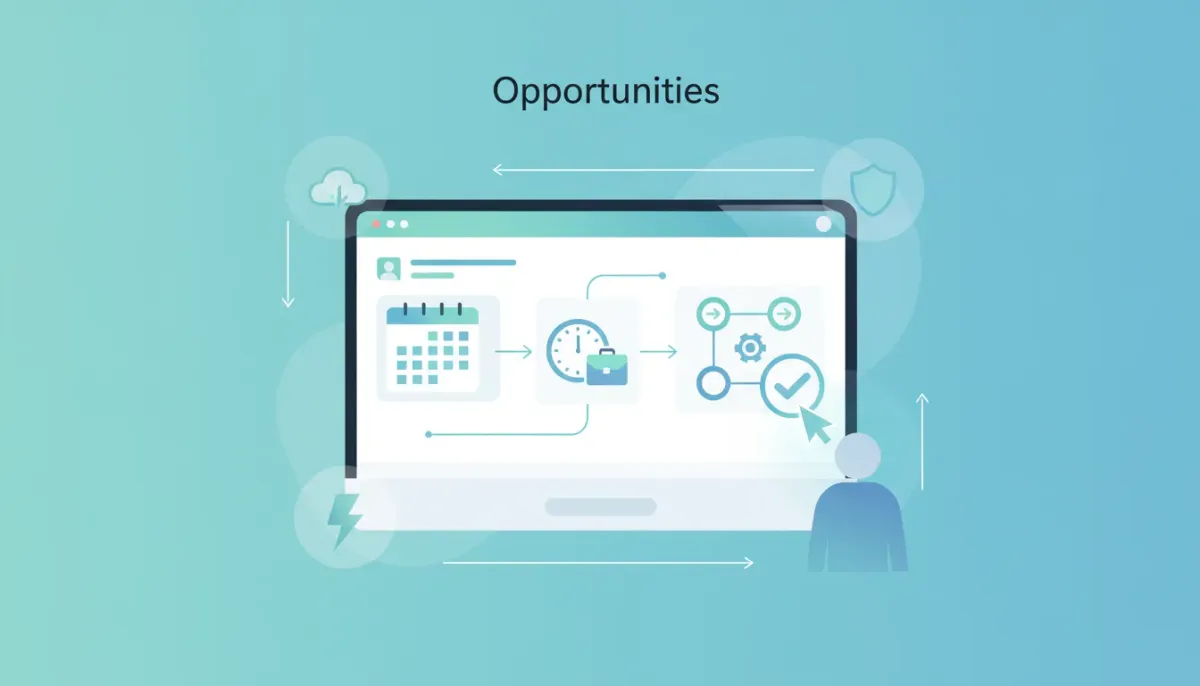
One of the biggest quality-of-life wins in day-to-day agency work is reducing the number of “little clicks” you have to make to get from idea to booked appointment. When you are running a HighLevel (GoHighLevel) setup at scale, those micro-frictions add up fast, especially when your team is creating flows for different booking scenarios.
The Complete Operating System for Growth
Join over 60,000+ agencies and businesses using HighLevel to capture more leads and close more deals. Start your trial today and get instant access to the Nexus Hub resources.
Claim Your Free Trial & BonusesThat is exactly what this update to Opportunities is designed to improve: the appointment booking experience is now enhanced directly inside Opportunities, so you can create appointment flows there just like you can elsewhere in the app.
Let’s break down what this means, why it matters, and how to use it effectively in your HighLevel agency setup.
What’s new in Opportunities: appointment flows inside the CRM
Previously, many teams thought of booking tools as something that lived in specific parts of HighLevel, separate from the CRM journey. Opportunities, on the other hand, is where leads turn into tracked deals, next steps, and outcomes. The new experience brings those two worlds closer together.
Now, when you go into Opportunities and create a new appointment, the flow includes booking options in a way that matches the rest of the HighLevel experience.
Meeting or service, rental, and more
The important part is that the booking flow supports multiple appointment types. In the updated setup, it prompts you for what you are booking and lets you choose from different options such as:
- Meetings
- Service booking
- Rental style bookings
In other words, you are not locked into a single “appointment format.” You get appointment creation that can support the way your business actually sells and schedules.
Why this matters for HighLevel agency teams
If you manage multiple clients or run multiple verticals, you already know that bookings are rarely one-size-fits-all. A single agency might handle:
- Sales calls for one client
- Service appointments for another
- Property or equipment rentals for a third
When booking options live in different places or require extra steps to set up, your implementation time increases, your team makes more mistakes, and your workflows get harder to standardize.
This update improves the experience by keeping the booking configuration aligned with the rest of HighLevel. It is a simplification, but it also preserves flexibility because the booking types you need are available directly in the Opportunity flow.
How to use the enhanced appointment booking in Opportunities
Even without getting overly technical, the flow is straightforward. Here’s the practical way to think about it:
- Go to Opportunities and choose to create a new appointment.
- Select the appointment type you want to create, such as meeting, service booking, or rental booking.
- Use the appointment flow setup that matches how booking works across the app. That consistency is the point.
The goal is not just to book, but to create a booking experience that fits into the CRM journey so follow-ups and next steps remain clean.
What this improves in real agency workflows
When you build HighLevel agency systems, you are usually optimizing for a few outcomes:
- Faster implementation for new clients
- More consistent processes across teams
- Cleaner CRM data so reporting is reliable
- Better lead-to-booking conversion because the scheduling path is intuitive
This enhanced appointment booking experience in Opportunities supports those outcomes by keeping the booking setup close to where deal work happens. Instead of treating scheduling as a separate system, it becomes part of the Opportunity lifecycle.
Less “context switching” for your team
One underrated challenge in SaaS operations and agency scaling is context switching. Your team should not need to jump between multiple areas just to configure how someone books.
By adding the enhanced booking experience directly in Opportunities, you reduce the cognitive load and the number of places someone has to look when creating appointment types.
Better alignment between CRM steps and customer scheduling
HighLevel’s power comes from connecting the CRM, marketing automation, and scheduling logic into one cohesive operation. When Opportunities support the same appointment flow patterns, it is easier to ensure that what sales and support teams see aligns with what leads actually experience.
That alignment matters for:
- Hand-offs
- Follow-up sequences
- Automations based on appointment status
- Pipeline clarity
Even if your primary focus is CRM and marketing automation, booking data is still a key event that should be tracked and acted on properly.
How to think about this update in the context of HighLevel automations
Most HighLevel agency builds are driven by workflows and automations. Appointment booking is rarely just “calendar time.” It is usually the trigger for something else.
The Complete Operating System for Growth
Join over 60,000+ agencies and businesses using HighLevel to capture more leads and close more deals. Start your trial today and get instant access to the Nexus Hub resources.
Claim Your Free Trial & BonusesFor example, your system might:
- Send confirmation and reminders
- Tag the lead based on the service or meeting type
- Create internal tasks for follow-up
- Route the opportunity to the right pipeline stage
- Notify a team member
When appointment flow configuration is more accessible and consistent inside Opportunities, it becomes easier to standardize how those automations are set up across different appointment types.
Change log and ongoing improvements
Updates like this are typically rolled out with an accompanying change log. If you are managing a production agency setup, it is a good habit to keep tabs on updates so you can spot workflow opportunities, new UI capabilities, and small improvements that reduce operational friction.
In HighLevel, those incremental enhancements often add up. The teams that scale best tend to treat these updates as part of continuous improvement, not one-off surprises.
Best practices: standardize appointment types across clients
If you want this to deliver maximum value in your agency setup and scaling efforts, focus on standardization.
Create a simple internal “appointment menu”
Instead of reinventing scheduling logic every time, define a small set of appointment types your team supports, such as:
- Discovery meeting
- Service booking (with duration and provider)
- Rental booking (with required details)
Then configure Opportunities to support those options consistently.
Pair booking with automation rules
Once appointments are set up, make sure your HighLevel workflows and automations respond appropriately. That means:
- Use tags or statuses to reflect booking type
- Ensure reminders and confirmations are triggered reliably
- Align Opportunity stage changes with appointment events
- Keep your CRM clean so reporting remains accurate
Document your setup once, reuse often
Agencies that scale typically build repeatable systems. If you document how your booking setup works inside Opportunities, you can reuse it for multiple clients and reduce onboarding time.
If you are looking for templates, resources, and implementation support, you may want to explore the Nexus Hub community. It is designed to help teams move faster by sharing practical assets and proven approaches for building and scaling in HighLevel.
Try it hands-on: free trial recommended
The fastest way to validate improvements like this is to test them inside your own HighLevel environment. If you are building client systems, testing appointment flow configuration in Opportunities can help you understand how quickly your team can standardize setup, reduce clicks, and align CRM data with booking behavior.
If you are not already in a sandbox account, consider starting a HighLevel free trial to explore the enhanced appointment booking experience and see how it fits into your existing agency workflows.
FAQ
Where do I configure appointment booking now?
You can create appointment flows directly inside Opportunities, including booking options like meetings, service bookings, and rental-style bookings. The experience is designed to match the appointment flow patterns used elsewhere in HighLevel.
Does this support multiple appointment types or just one?
It supports multiple booking types. The flow prompts for appointment type options such as meeting, service booking, and rental when you create a new appointment in Opportunities.
How does this help with agency scaling?
It reduces setup friction by bringing scheduling creation into the CRM workflow. That makes it easier to standardize lead-to-booking processes, reduce context switching, and keep CRM stages aligned with appointment events, all of which supports faster implementation across clients.
Will I still be able to use HighLevel workflows and automations with appointments?
Yes. Appointment booking events are typically used as triggers or data points within HighLevel workflows and automations. The improved Opportunities booking experience simply makes configuring booking types more consistent and accessible.
Where can I find templates or implementation help?
The Nexus Hub community is a good place to look for templates, resources, and implementation support related to building and scaling in HighLevel.
How do I stay updated on changes like this?
Check the HighLevel change log regularly. Small UI and workflow enhancements often appear there, and keeping up can help you take advantage of improvements before your clients feel them.
Final thought: small UX upgrades can create big operational wins
This enhanced appointment booking experience in Opportunities might look like a simple UI update at first. But when you run HighLevel systems day after day, you know how much value comes from reducing friction and keeping related tools in the same place.
By making appointment flows for meetings, service bookings, and rentals available directly in Opportunities, HighLevel helps agencies maintain clean CRM pipelines while making scheduling easier for both teams and leads. It is the kind of quality-of-life upgrade that supports better workflows, faster setups, and smoother scaling.
If you are building or refining your next client system, this is one of those updates worth trying immediately in your HighLevel free trial environment.
The Complete Operating System for Growth
Join over 60,000+ agencies and businesses using HighLevel to capture more leads and close more deals. Start your trial today and get instant access to the Nexus Hub resources.
Claim Your Free Trial & Bonuses


