
Product Price & Variant Level Coupons Live in HighLevel: Target Discounts by Size, Color, and Style
HighLevel has introduced five new image layout options and advanced styling controls for forms and surveys. Enhance your lead capture designs with improved corner radiuses, field spacing, and a new focal point selector to ensure your visuals stay perfectly framed on every device.

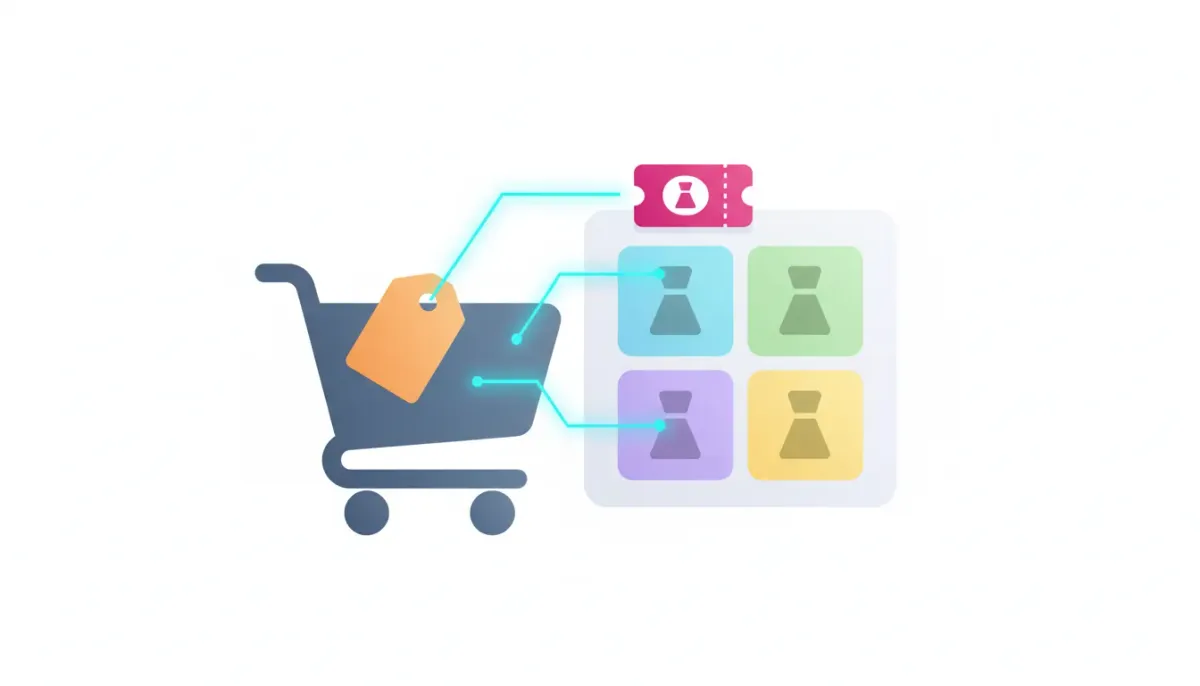
Happy Thursday if you are in the middle of building out offers, packages, and checkout flows. Here is a meaningful update for anyone using HighLevel coupons to drive conversions: you can now apply discounts at a much more granular level. Instead of limiting coupon logic to entire products, you can target specific prices and variants within a product, down to details like color and style.
The Complete Operating System for Growth
Join over 60,000+ agencies and businesses using HighLevel to capture more leads and close more deals. Start your trial today and get instant access to the Nexus Hub resources.
Claim Your Free Trial & BonusesThis is one of those improvements that sounds small until you build real-world promotions. Then you realize it is exactly what you need to support bundles, seasonal drops, size-specific clearance, or “only this variant is on sale” offers.
What changed: coupons now work at the variant level
Previously, coupons in HighLevel were generally applied at the broader product level. That worked for simple stores and straightforward promotions, but it gets limiting fast when you sell multiple options under one product.
With the new enhancement, the coupon system supports a deeper selection. When you configure a coupon, you can target the exact product variant that should be discounted.
- Discount a specific variant (for example, “Black” or “Large” only)
- Discount a specific price point (for example, the premium tier)
- Apply offers by style, size, or color depending on how your product variants are set up
In other words, coupons can now be configured so they only trigger when a customer purchases the specific variant you selected.
Why this matters for HighLevel agency setups and scaling
If you run an agency or manage multiple client accounts, you know the goal is repeatable systems. You want to ship offers quickly, adapt promotions without rebuilding workflows every time, and keep pricing logic clean.
Variant-level coupons help because they support the types of promotions that clients actually request:
- Seasonal sales that apply to certain styles or colors only
- Clearance promotions aimed at specific sizes or SKUs
- Tiered pricing offers where only certain price levels are discounted
- SKU-based marketing where you advertise one thing as discounted but protect margin on other options
This also reduces “coupon exceptions” that can clutter your processes. Instead of creating separate products just to make the discount work, you can keep the product organized and use coupons to apply targeted logic.
How variant-level selection works in coupon creation
HighLevel keeps the configuration process straightforward. When you create or edit a coupon, you will notice a more detailed selection method. The key idea is a nested selection that lets you go deeper into the product options.
Here is the practical flow:
- Create or open a coupon in the coupon section
- Select the product you want the coupon to apply to
- Use the nested selection to target a specific variant or price within that product
- Save the coupon and test that it applies only when the selected variant is purchased
So when a customer buys the exact variant you targeted, that is when the coupon applies. If they buy a different variant, the coupon will not apply to that purchase.
Real-world examples: where this becomes a conversion advantage
This feature is especially useful when you need precision. Here are a few scenarios that match how offers are commonly structured.
1) “Only the Black color is 20% off”
Imagine you sell a branded product with multiple colors. You want to promote the Black version without discounting the entire line. With variant-level coupons, you select the Black variant and apply your discount to that specific choice.
2) “Large sizes are discounted, but not Medium or Small”
Maybe you have inventory pressure on one size. Instead of affecting every purchase, you target just the Large variant. That keeps your margin healthier and makes the promotion feel more intentional.
3) “Only the premium price tier qualifies”
Some products offer multiple price levels, like different service packages or editions. Coupon rules can be aligned to those specific price variants so only the intended tier receives the discount.
4) “A marketing campaign that matches one specific option”
When you run ads, emails, or SMS campaigns, you often advertise one discounted option. Previously, misalignment between the ad promise and checkout behavior could create confusion. Variant-level coupons help you ensure the offer applies exactly where you intend.
Backwards compatible, so rollout is low risk
One of the best parts about this update is that it is backwards compatible. That means you can adopt the new variant-level features without breaking existing coupon setups.
If you already have coupons configured at the product level, they should continue functioning as expected. And if a new offer needs deeper targeting, you can configure it accordingly.
The Complete Operating System for Growth
Join over 60,000+ agencies and businesses using HighLevel to capture more leads and close more deals. Start your trial today and get instant access to the Nexus Hub resources.
Claim Your Free Trial & BonusesWhere to find it in HighLevel
This update is located within the coupon tools. The path is:
- Payments and coupons
If you are looking for official documentation and examples, you can also find more details through HighLevel help resources:
- Help docs: help.gohighlevel.com/coupons
- Change log: accessible from the top-right corner speaker icon in the HighLevel interface
And for teams building deeper integrations, there is also an API for this functionality.
Using variant-level coupons with HighLevel workflows and automations
Coupons are not an isolated tool. In HighLevel, they often live inside a broader system of CRM, marketing automation, and SaaS operations.
Here are a few ways variant-level coupons can fit into an agency workflow strategy:
- Automate offer timing: trigger coupon generation or enablement based on lead status, booking events, or campaign launches
- Segment offers: send customers to different checkout flows where only the relevant variant coupon is active
- Reduce manual support: fewer “coupon didn’t apply” situations when you are matching the offer to the exact SKU or option
Because this update targets specific variants at the checkout layer, your automation logic can stay cleaner. You do not need complicated workaround logic to replicate what the coupon system can now do natively.
Best practices when designing coupon offers at the variant level
To get the most out of variant-level coupons, keep these practices in mind:
- Be explicit with your targeting: select the variant(s) and price points that match your promotion exactly.
- Test the checkout path: confirm the coupon applies only when the customer buys the intended variant.
- Align messaging with the offer: if your email or ad says “Black only,” your coupon should reflect that.
- Keep naming consistent: use coupon titles/descriptions that make it easy to understand what variants qualify.
These small habits make it much easier to scale offers across clients without creating confusion or extra admin overhead.
Try it out: start a HighLevel free trial
If you are building a checkout and offer system in HighLevel, this is the kind of update that can immediately improve how promotions work. Take advantage of the additional coupon precision by setting up one targeted promotion and running a quick test.
To get hands-on, consider starting a HighLevel free trial and exploring coupons under Payments and coupons. Then extend it with your existing HighLevel workflows and automations once the coupon behavior is confirmed.
And if you want implementation support, templates, and resources, you can also explore the Nexus Hub community for ideas on scaling agency systems and productionizing common workflows.
FAQ
Can I still use coupons the old way (at the entire product level)?
Yes. The update is backwards compatible, so existing product-level coupon setups should continue working as expected.
Do variant-level coupons apply automatically when a customer buys the product?
Variant-level coupons apply only when the customer purchases the specific variant (or price) you targeted during coupon creation.
Where do I configure variant-level targeting in HighLevel?
You configure this under Payments and coupons during coupon creation or editing, where you can use nested selection to choose specific variants or price points.
Does HighLevel provide documentation and an API for this feature?
Yes. There are help docs available (including a coupons section) and an API for this functionality as well.
How can agency teams use this to scale offer creation?
Variant-level coupons reduce the need for duplicate products or manual workarounds. Agencies can build cleaner, reusable promotion systems that align discounts with specific SKUs, sizes, colors, and price tiers.
Targeted promotions are one of the fastest ways to improve offer relevance without sacrificing margin. With Product Price & Variant Level Coupons now live in HighLevel, you can build discounts that feel precise, perform better, and stay easier to manage as your agency setup and client catalog grows.
The Complete Operating System for Growth
Join over 60,000+ agencies and businesses using HighLevel to capture more leads and close more deals. Start your trial today and get instant access to the Nexus Hub resources.
Claim Your Free Trial & Bonuses


