
Funnels, Websites & Site Speed Optimization: A Practical HighLevel Guide to Faster Pages
Boost your conversions and Core Web Vitals with this practical guide to HighLevel site speed optimization. Learn how to audit your funnels, compress assets, and reduce render-blocking code to create faster, higher-performing landing pages for your agency and clients.

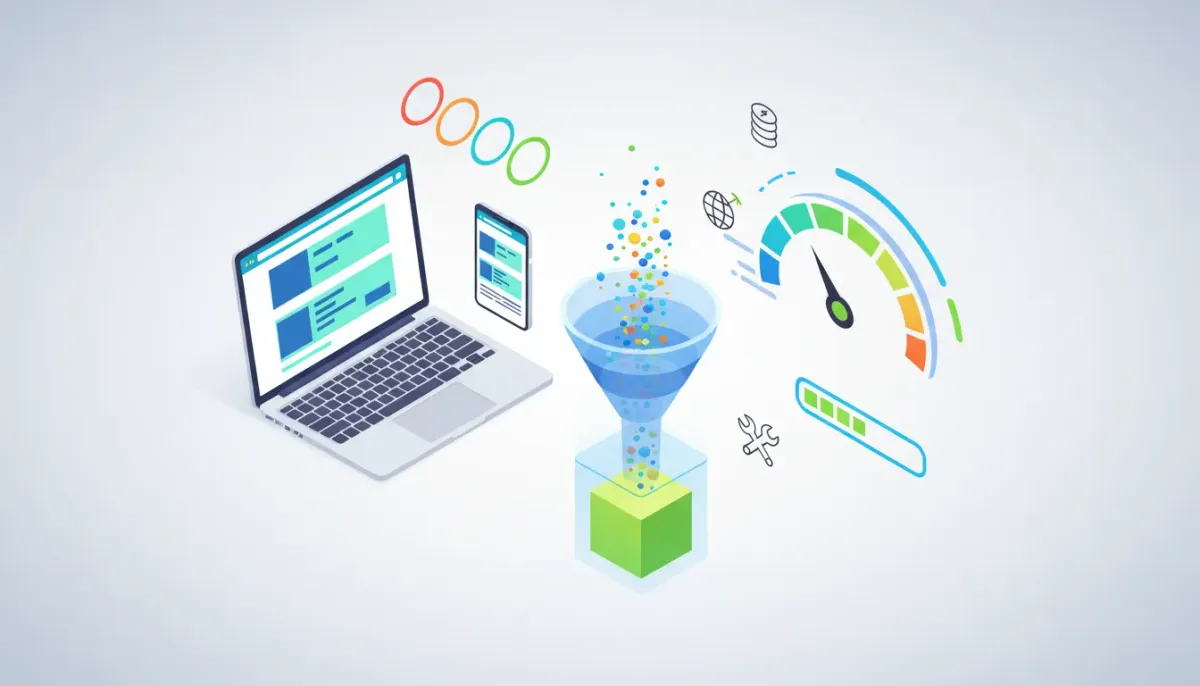
Page speed still matters. Faster funnels and websites not only improve user experience but also boost Core Web Vitals scores and increase conversions. This guide explains what matters for site speed, how to prioritize fixes for HighLevel (GoHighLevel) funnels and websites, and provides a step-by-step optimization checklist you can apply right away.
Why site speed matters for funnels and websites
Speed affects three outcomes that matter most to businesses:
- User experience: visitors expect fast pages on both mobile and desktop.
- Search performance: Core Web Vitals are part of ranking algorithms and influence visibility.
- Conversion rates: faster landing pages typically convert better—reducing friction increases leads and sales.
When you optimize the file size of assets, defer nonessential code, and reduce blocking time, the most visible improvements are First Contentful Paint (FCP) and Largest Contentful Paint (LCP). Those two metrics are frequently used in audits and directly affect perceived speed.
Core Web Vitals and other key metrics simplified
Focus on these measurements first:
- Largest Contentful Paint (LCP): how long it takes for the main content block to appear. Aim for under 2.5s.
- First Contentful Paint (FCP): time to the first visible content. Reduces perceived waiting time.
- Total Blocking Time (TBT): how long the main thread is blocked by JavaScript. Lower is better.
- Cumulative Layout Shift (CLS): visual stability — avoid content jumping during load.
Common performance bottlenecks on funnels and landing pages
Typical issues that slow down funnels and landing pages:
- Large, unoptimized images and background hero images.
- Render-blocking CSS and JavaScript loaded in the document head.
- Third-party scripts and tags (tracking pixels, chat widgets, A/B testing tools).
- Heavy fonts or too many webfont variants.
- Excessive page builder elements or unused plugins/components.
- Missing caching headers or lack of a content delivery network (CDN).
High-level optimization approach (audit → fix → measure)
Use a repeatable process to avoid breaking pages and to measure impact.
- Audit: run PageSpeed Insights, Lighthouse, or WebPageTest to get baseline LCP, FCP, TBT and a prioritized list of issues.
- Prioritize: fix items that improve LCP and FCP first (images, hero banners, render-blocking resources).
- Implement: apply changes incrementally and test pages after each major change.
- Measure: compare Core Web Vitals and conversion metrics before and after changes.
- Iterate: repeat for top landing pages and funnels, then scale changes to templates and site-level settings.
Practical optimizations you can implement today
Below are specific, actionable steps that typically yield the largest improvements for HighLevel funnels and websites.
1. Compress and serve optimized images
- Use modern formats such as WebP or AVIF where supported.
- Resize images to the exact display size instead of using very large images scaled down by the browser.
- Apply lossless or perceptual compression to reduce file size. Even a 10 percent reduction can meaningfully improve LCP on many pages.
- Enable browser-level caching for images so repeat visits are faster.
2. Enable lazy loading for offscreen images and videos
Lazy loading defers images below the fold until they are needed. For HTML pages use the native attribute:
<img src="hero.jpg" alt="" loading="lazy">3. Reduce render-blocking CSS and JavaScript
- Defer noncritical scripts using the defer attribute or load them asynchronously when possible.
- Inline critical CSS for above-the-fold content to reduce the time to first render.
- Minify and combine CSS and JS files where appropriate to reduce requests and file size.
4. Audit and limit third-party scripts
Third-party tags (analytics, chat, remarketing pixels, widgets) are often the largest contributors to TBT. Prioritize which tags are essential on a given funnel and load nonessential tags after the main content.
5. Optimize webfonts
- Limit font families and weights to what is necessary.
- Use font-display: swap to avoid invisible text during font loading.
- Preload key fonts used in the hero or primary headings.
6. Use caching and CDN wherever possible
Caching and a content delivery network reduce latency for assets. If your platform provides global edge caching, leverage it. For assets hosted externally, ensure proper cache-control headers are set.
7. Trim unused page-builder elements and scripts
Landing pages often accumulate elements and scripts during iterative design. Remove unused blocks, hidden sections, or legacy widgets that still load assets.
8. Prioritize LCP elements
Identify the element measured as LCP (hero image, main heading, hero block). Make sure that element loads quickly by optimizing its asset size, preloading critical resources, and deferring everything else.
HighLevel-specific notes and best practices
If you run funnels and websites on HighLevel, apply these platform-aware tips:
- Templates and global assets: optimize templates so all pages inherit best practices—smaller images, fewer scripts, optimized fonts.
- Forms and tracking: keep only the tracking pixels and scripts you use. Where possible, load optional tracking after page load or trigger it via workflows.
- Workflows and automation: workflows do not directly change page load, but events triggered by page visits can load scripts. Ensure those triggers are lean and use server-side workflows when possible.
- Testing in staging: clone templates before changing global assets so you can test and revert without affecting live funnels.
- Platform updates: platform-level improvements can benefit all pages automatically. Combine platform updates with page-level optimizations for best results.
Optimization checklist for a HighLevel page
Use this checklist when optimizing a funnel or site page.
- Run PageSpeed Insights or Lighthouse and record baseline LCP, FCP, TBT, CLS.
- Compress hero and above-the-fold images and convert to WebP when supported.
- Set loading="lazy" for noncritical images and videos.
- Minify CSS and JS. Defer noncritical JS with defer or async.
- Remove or defer third-party scripts that block rendering.
- Preload the primary hero image and key fonts used in the hero area.
- Verify cache-control headers and CDN usage for static assets.
- Check mobile and low-bandwidth performance specifically; mobile often reveals the biggest problems.
- Verify every change on multiple devices and network conditions.
- Measure conversion metrics after speed improvements to validate ROI.
Code snippets that help performance
These small HTML tags can be added to the head to assist speed. Use them carefully—preload too many resources and you can harm performance.
<!-- Preconnect to required origins -->
<link rel="preconnect" href="https://fonts.gstatic.com" crossorigin>

<!-- Preload hero image used as LCP -->
<link rel="preload" as="image" href="/images/hero.webp">

<!-- Preload key font -->
<link rel="preload" as="font" href="/fonts/heading.woff2" type="font/woff2" crossorigin>
How a small file-size reduction changes performance
Even modest reductions in total asset size can shift metrics like FCP and LCP. When the browser receives fewer bytes for above-the-fold assets, it can render the main content faster and unblock scripts sooner. That is why trimming 10 percent of page weight—through image compression or removing unused code—can yield visible improvements to perceived speed and measured Core Web Vitals.
Start Your HighLevel Trial + Get Instant Nexus Hub Access
Build, scale, and optimize your business with HighLevel. Start a free trial using this link to get automatic access to the Nexus Hub community, templates, and implementation resources.
Start Free TrialCommon pitfalls and how to avoid them
- Over-minification breaking functionality: test interactive elements after minifying scripts. Automated minifiers can change execution order or strip needed comments.
- Images too small or too compressed: aggressive compression can cause poor design and hurt conversions. Use perceptual compression and test visual quality.
- Preloading everything: preloading noncritical assets can create contention and delay main content. Only preload the true LCP assets and critical fonts.
- Ignoring mobile: a page that performs well on desktop can be slow on 3G mobile. Test under throttled network conditions.
- Cache misconfiguration: aggressive caching without versioning can serve stale assets. Use cache-busting filenames or query strings for updates.
Measuring impact and tying speed to conversions
Speed improvements should be validated with both technical metrics and business KPIs:
- Track Core Web Vitals (LCP, FCP, TBT, CLS) from lab and field data.
- Use analytics to compare bounce rate, time on page, and conversion rate before and after changes.
- Run A/B tests for pages where speed improvements could affect design or interaction to ensure conversion lift.
When to involve developers or the platform team
Certain fixes—such as customizing how assets are bundled, inlining critical CSS, or changing server-level caching—may require developer involvement or platform support. If you see persistent high TBT or cannot control how third-party scripts load, escalate to engineering or request platform-level performance updates.
Scaling optimizations across an agency
Agencies running dozens or hundreds of landing pages should standardize speed best practices:
- Create optimized page templates with compressed hero images and minimal scripts.
- Document mandatory rules for third-party tools and where to place tracking scripts.
- Automate audits with scheduled Lighthouse reports and a triage process for pages falling below thresholds.
- Train designers on performance-friendly practices: fewer heavy animations, smaller font stacks, and sensible image usage.
Getting help and resources
If you use HighLevel, you can apply platform-level improvements and page-level best practices together. For ready-to-use templates, community-driven optimizations, and implementation support, consider joining the Nexus Hub community, where agencies share templates and performance tips.
New to HighLevel? Try a free trial to test building and optimizing funnels and sites within the platform. Use the trial to experiment with templates and measure the impact of page-level changes.
Summary and next steps
Improving funnel and website speed is a high-impact, measurable activity. Start by auditing your most important landing pages, optimize the assets and scripts that affect LCP and FCP, and measure both technical metrics and conversion outcomes. Apply template-level fixes in HighLevel to scale improvements across pages and use tools like PageSpeed Insights and Lighthouse to track progress.
Use the checklist in this guide as your operational playbook: compress images, lazy load noncritical media, reduce render-blocking resources, limit third-party tags, optimize fonts, and use CDN and caching. These practices will improve user experience and help pages perform better in search and conversion tests.
FAQ
How do I find which element is causing my LCP to be slow?
Run a Lighthouse or PageSpeed Insights report and inspect the filmstrip or the Performance tab in DevTools. The report will show which element is evaluated as the LCP. Usually it is a hero image, a large background, or a main heading. Once identified, optimize that asset first by compressing, preloading, or deferring competing resources.
Will reducing file size by 10 percent make a real difference?
Yes. A 10 percent reduction in critical assets can reduce download time for primary resources, improving FCP and LCP. The exact impact depends on the original page weight and network conditions, but even modest savings compound across assets and can noticeably speed up rendering.
Should I remove all third-party scripts?
Not necessarily. Keep essential tracking and tools that drive business value. For others, consider loading them after the main content or only on pages where they are required. Use tag managers or server-side tracking when possible to reduce front-end overhead.
How do I optimize fonts without losing brand consistency?
Limit the number of font families and weights. Use WOFF2 formats, preload only the most important font files, and apply font-display: swap to keep text visible during font load. If a custom font includes many weights, consider subsetting or using variable fonts.
Can platform updates help my HighLevel pages automatically?
Platform-wide improvements can benefit hosted pages by improving caching strategies, asset delivery, or server performance. Combine platform enhancements with page-level optimizations for maximum effect. When in doubt, check platform release notes or support channels for performance-related updates.
What tools should I use to monitor site speed in production?
Use a mix of lab and field data: Lighthouse and WebPageTest for controlled lab tests, and PageSpeed Insights field data or real user monitoring (RUM) tools for production metrics. Monitor trends over time and set alerts for pages that fall below your performance targets.
Start Your HighLevel Trial + Get Instant Nexus Hub Access
Build, scale, and optimize your business with HighLevel. Start a free trial using this link to get automatic access to the Nexus Hub community, templates, and implementation resources.
Start Free Trial


