
HighLevel for Agencies: Replace Your Disjointed Tech Stack and Scale with One Business Operating System
Stop juggling fragmented tools and expensive integrations. Learn how HighLevel consolidates your CRM, funnels, billing, and automation into a single operating system to simplify your operations, speed up delivery, and improve agency margins.

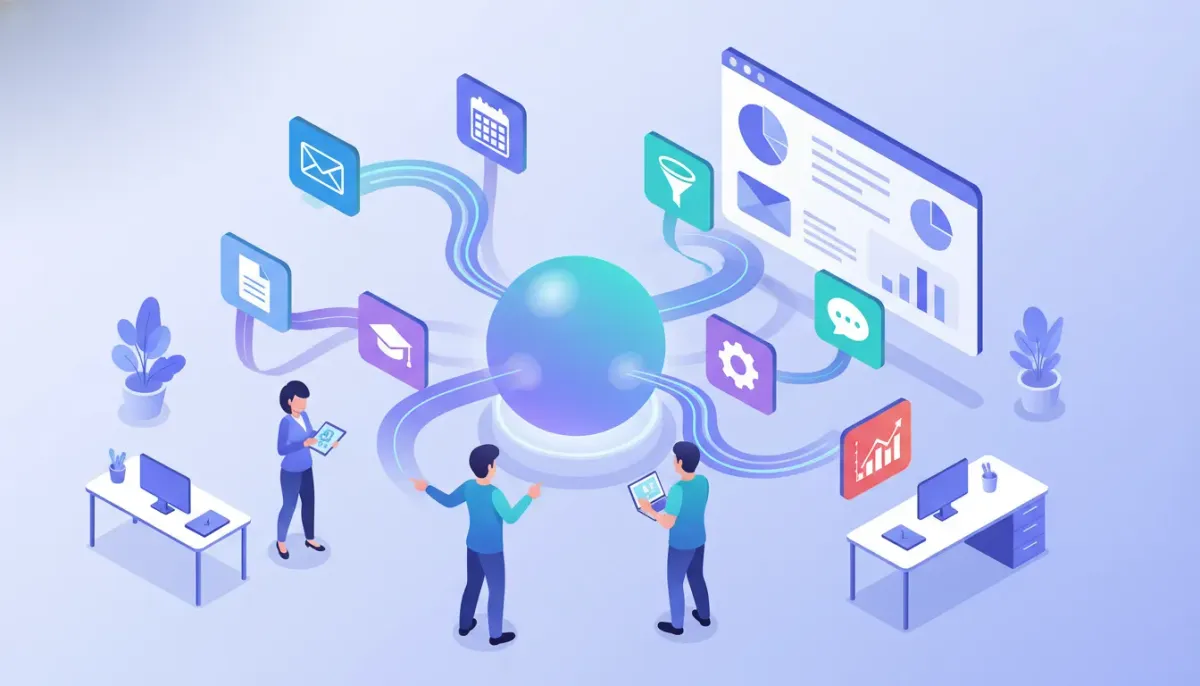
Agencies and small SaaS operations that juggle multiple tools often face fragmented data, manual processes, and expensive integrations. HighLevel (also known as GoHighLevel or GHL) is a unified platform built to consolidate CRM, marketing automation, funnels, billing, courses, and client management into a single business operating system. This guide explains what HighLevel does, who should use it, how to implement it for an agency, practical workflow examples, common pitfalls, and next steps to get started.
What is HighLevel and why it matters for agencies
HighLevel is an all-in-one platform that combines customer relationship management (CRM), marketing automation, funnel and website builders, appointment scheduling, invoicing, course delivery, and community features. For agencies, the main benefit is replacing multiple point solutions with one platform that shares data, automations, and user management across client accounts.
Agencies that adopt HighLevel typically seek three outcomes:
- Simplified operations — fewer integrations, one login per team, and a single data model for leads and customers.
- Faster delivery — reusable templates and workflows speed up campaign launches and onboarding.
- Better margins — lower software overhead and fewer manual tasks reduce cost and time per client.
Core HighLevel features agencies use
Understanding the feature set helps match replacing legacy tools with HighLevel modules.
- CRM and pipeline management — contact records, custom fields, deal stages, and activity timelines.
- Workflows and automations — event-based triggers, conditional logic, SMS/email sequences, and integrations.
- Funnel and website builder — landing pages, forms, and multi-step funnels with conversion tracking.
- Booking and calendar — appointment scheduling, reminders, and calendar integrations.
- Invoicing and payments — send invoices, accept online payments, and automate billing reminders.
- Course and membership delivery — host online courses, drip content, and manage community access.
- White-label and agency management — sub-accounts for clients, role-based access, and agency reporting.
How HighLevel replaces common marketing and operations tools
Below is a practical mapping of common tools agencies typically replace when consolidating on HighLevel.
- CRM (HubSpot, Pipedrive, Salesforce) — use HighLevel for contact management, custom fields, and pipelines.
- Email and SMS platforms (Mailchimp, ActiveCampaign, Twilio) — manage multi-channel sequences within HighLevel workflows.
- Funnels and landing pages (ClickFunnels, Leadpages) — build and host funnels and landing pages natively.
- Appointment tools (Calendly, Acuity) — HighLevel calendars and booking reduce scatter across scheduling tools.
- Payment and invoicing (Stripe + QuickBooks) — invoices and payment links can be created and tracked directly.
- Course platforms (Teachable, Kajabi) — host and gate courses and deliver drip content.
- Community tools (Circle, Facebook groups) — create gated community spaces and membership access inside the platform.
Step-by-step agency implementation checklist
Moving to a single platform requires planning. Use this checklist to reduce downtime and preserve data integrity.
- Audit existing tech and every tool in use, the data each stores, integrations between them, and the manual processes staff executes daily.
- Map HighLevel modules to existing capabilities: Decide where CRM fields, email templates, booking pages, funnels, and invoices will live inside HighLevel.
- Plan a phased migration: Migrate one function at a time (for example, CRM first, then email automations, then funnels) to limit disruption.
- Create reusable templates: Build page, funnel, email, and workflow templates you can clone across client sub-accounts.
- Import and deduplicate data: Export contacts from legacy systems, clean duplicates and stale records, then import into HighLevel with consistent field mapping.
- Train the team with role-based access: Set permissions for account admins, campaign managers, and support to prevent accidental changes.
- Set monitoring and fallback plans: Keep legacy systems active but read-only for 30–60 days while confirming automations and billing flows work as expected.
Practical HighLevel workflow examples for agencies
Below are practical automations agencies can implement immediately. They illustrate how workflows replace manual handoffs and reduce time to value.
1. Lead capture to booked appointment workflow
- Trigger: New form submission or funnel lead.
- Action: Add contact to CRM and tag with lead source.
- Action: Send immediate SMS confirmation and email with booking link.
- Action: If no booking after 48 hours, send a follow-up SMS and a reminder email.
- Action: When appointment booked, move deal to "Appointment Scheduled" stage and notify the assigned rep via internal notification.
2. New client onboarding and billing
- Trigger: Deal marked "Won" or "Client Onboarded".
- Action: Auto-generate welcome email with onboarding tasks and shared calendar link.
- Action: Create initial invoice and set automated payment reminders if unpaid after X days.
- Action: Enroll client in a client-only course or community space and assign onboarding tasks to the project manager.
3. Winback and re-engagement sequence
- Trigger: Contact marked inactive for 90 days.
- Action: Send a re-engagement email sequence with special offer and track clicks.
- Action: If engaged, create a task for an account manager to follow up within 24 hours.
These workflows reduce repetitive tasks and centralize customer activity logs so the whole team sees the same timeline and context.
Agency setup and scaling strategies on HighLevel
Running an agency on a consolidated platform like HighLevel is different from running one on point solutions. Successful scaling depends on systems and pricing design.
- Productize services — offer fixed-scope packages (e.g., starter funnel + 3-email sequence + 1 month of management) that map to reusable HighLevel templates.
- Use sub-accounts strategically — maintain a clean separation for each client while sharing templates and automations from a parent agency account.
- Automate reporting — schedule weekly or monthly performance reports generated from HighLevel data and delivered automatically to clients.
- Implement onboarding SOPs — create step-by-step checklists inside workflows so no onboarding tasks get missed.
- Price for value and automation — charge for managed automations and built-in efficiencies that reduce hourly work over time.
Pitfalls and mistakes to avoid
Consolidating to a single platform introduces risks if handled poorly. Watch out for these common mistakes.
- Over-customization — building extremely bespoke workflows for each client defeats the purpose of reusable templates. Standardize where possible.
- Poor data hygiene — migrating contacts without cleaning duplicates and stale records leads to cluttered CRM and poor deliverability.
- Neglecting team training — failing to train staff on new workflows causes bottlenecks and reversion to old tools.
- Skipping backup and fallback — do not retire legacy tools immediately. Keep backups and a rollback plan until processes are validated.
- Not monitoring automation side effects — incorrectly configured automations can spam contacts or trigger duplicate invoices; always test workflows end to end.
Measuring success: KPIs to track after migration
After moving to HighLevel, monitor a small set of KPIs that indicate operational efficiency and client impact.
- Time to launch — average days from client sign-up to first campaign live.
- Campaign setup time — hours to configure funnels and automations using templates vs manual build.
- Client churn rate — track whether consolidation improves retention due to better service delivery.
- Revenue per client — monitor upsells for managed automations, funnels, and courses.
- Automation uptime and error rate — number of failed or misfired automations per month.
Cost considerations and trialing HighLevel
HighLevel pricing models usually include agency-focused plans that allow multiple sub-accounts and white-label options. When evaluating cost, consider total cost of ownership:
Start Your HighLevel Trial + Get Instant Nexus Hub Access
Build, scale, and optimize your business with HighLevel. Start a free trial using this link to get automatic access to the Nexus Hub community, templates, and implementation resources.
Start Free Trial- Consolidated subscription fees vs multiple tool subscriptions.
- Time savings from automation and template reuse.
- Reduced integration and maintenance costs.
A risk-free way to evaluate the platform is to start with a short trial and use it to build one representative client workflow end to end. If the trial is available, use it to test CRM migration, a basic funnel, and one automation sequence.
Templates, community support, and resources
A major advantage of platform consolidation is access to a community and template libraries that speed up implementation. Look for:
- Prebuilt funnels and workflow templates you can import and customize.
- Onboarding guides and checklists specific to agencies for client transfer and launch day.
- Community hubs and template marketplaces that share proven automations and page designs.
If available, joining an ecosystem community reduces the learning curve and provides tested templates for rapid scaling.
Is HighLevel suitable for small agencies or only large ones?
HighLevel is designed to scale with agencies of all sizes. Small agencies benefit from reduced tool costs and faster client onboarding, while larger agencies gain centralized control, white-labeling, and reusable systems. The platform's sub-account model supports both single-account use and multi-client agency operations.
Can HighLevel replace my email marketing and SMS provider?
Yes. HighLevel supports multi-channel communications including email and SMS with sequence builders and conditional automations. For advanced deliverability needs or very high sending volumes, some agencies retain specialized ESPs and connect them, but many standard email and SMS marketing needs are handled natively.
How difficult is data migration into HighLevel?
Data migration difficulty depends on source systems and data quality. Export contacts, clean duplicates, standardize fields, and map them to HighLevel CRM fields. Small datasets can be imported directly; complex migrations may require CSV transformations or third-party ETL tools. Always test imports on a subset before full migration.
What is a good first workflow to build during a trial?
Build a "lead to appointment" workflow: capture leads via a funnel or form, add them to the CRM, send immediate confirmation via SMS and email, and set up an automated follow-up if no booking occurs. This sequence validates form integration, messaging, calendar functionality, and notifications.
Does HighLevel support white-labeling and client reporting?
Yes. HighLevel offers white-label options for agencies and tools for automated client reporting. Use templates and scheduled reports to provide clients with consistent performance updates without manual compilation.
Quick implementation blueprint for the first 30 days
- Days 1–3: Account setup and access: Configure agency account, create a sub-account for one pilot client, and set roles.
- Days 4–10: Build core assets: Create a landing page, contact form, and a single automation sequence for lead capture and booking.
- Days 11–20: Migrate contacts and test: Import cleaned contacts, test automations end to end, and verify email/SMS sending and calendar syncing.
- Days 21–30: Launch and iterate: Launch the campaign, monitor KPIs, gather team feedback, and refine templates for reuse.
When to involve implementation support or consultants
Consider professional implementation if any of the following apply:
- Complex legacy CRM with custom fields and integrations.
- Large volume data migration with strict deliverability requirements.
- Need for custom API integrations or advanced reporting beyond native capabilities.
- Limited internal capacity to build templates and workflows while servicing clients.
Implementation partners and communities often provide prebuilt Nexus-style templates, onboarding playbooks, and hands-on setup support if you want to accelerate time to value.
Summary and next steps
Consolidating agency technology onto a single platform like HighLevel can meaningfully simplify operations, speed up client delivery, and improve margins. The migration should be planned and phased: audit your stack, map features, migrate data carefully, and build reusable templates that allow you to scale services without linear increases in labor.
Practical next steps:
- Run a short trial to build one end-to-end workflow (lead capture to appointment or onboarding).
- Create a small set of standardized templates for pages, emails, and automations.
- Join a platform community or template hub to accelerate implementation and fill knowledge gaps.
If a free trial is available, use it to validate the core capabilities that matter most to your agency: CRM migration, workflow automation, booking, and billing. That test will show whether consolidation improves your operations and client outcomes.
Start Your HighLevel Trial + Get Instant Nexus Hub Access
Build, scale, and optimize your business with HighLevel. Start a free trial using this link to get automatic access to the Nexus Hub community, templates, and implementation resources.
Start Free Trial


